
04
Aug
2026
How Does Boomerang Track My Child’s Phone?
August 4, 2026
Learn how does boomerang track my child’s phone using real-time GPS, geofencing alerts, and location history – a complete guide for parents managing child device safety in 2026.
Table of Contents
- How Does Boomerang Track My Child’s Phone?
- What Is Geofencing and How Does It Work?
- Location Accuracy and Refresh Rates Explained
- What Else Does Boomerang Monitor Beyond Location?
- Frequently Asked Questions
- Comparing Location Tracking Approaches
- How Boomerang Parental Control Helps Your Family
- How to Set Up Child Location Tracking in 5 Steps
- The Bottom Line
- Sources & Citations
Quick Summary
How does boomerang track my child’s phone is a question answered simply: Boomerang uses real-time GPS updates on the child’s device to report location to the parent app, supported by geofencing alerts that fire automatically when a child enters or leaves a defined area. Tracking works on both Android and iOS devices.
Quick Stats: how does boomerang track my child’s phone
- Boomerang location tracking refreshes in as little as 30 seconds when the child’s device has a good network connection and strong GPS signal (Boomerang Community Support, 2026).[1]
- Location history is stored for the last 30 days, giving parents a rolling record of their child’s movements (PCMag, 2026).[2]
- Boomerang’s default device location reporting frequency is every 3 hours under standard conditions (YouTube, 2026).[3]
- Location tracking and geofencing are available on both Android and iOS platforms (TechRadar, 2026).[4]
How Does Boomerang Track My Child’s Phone?
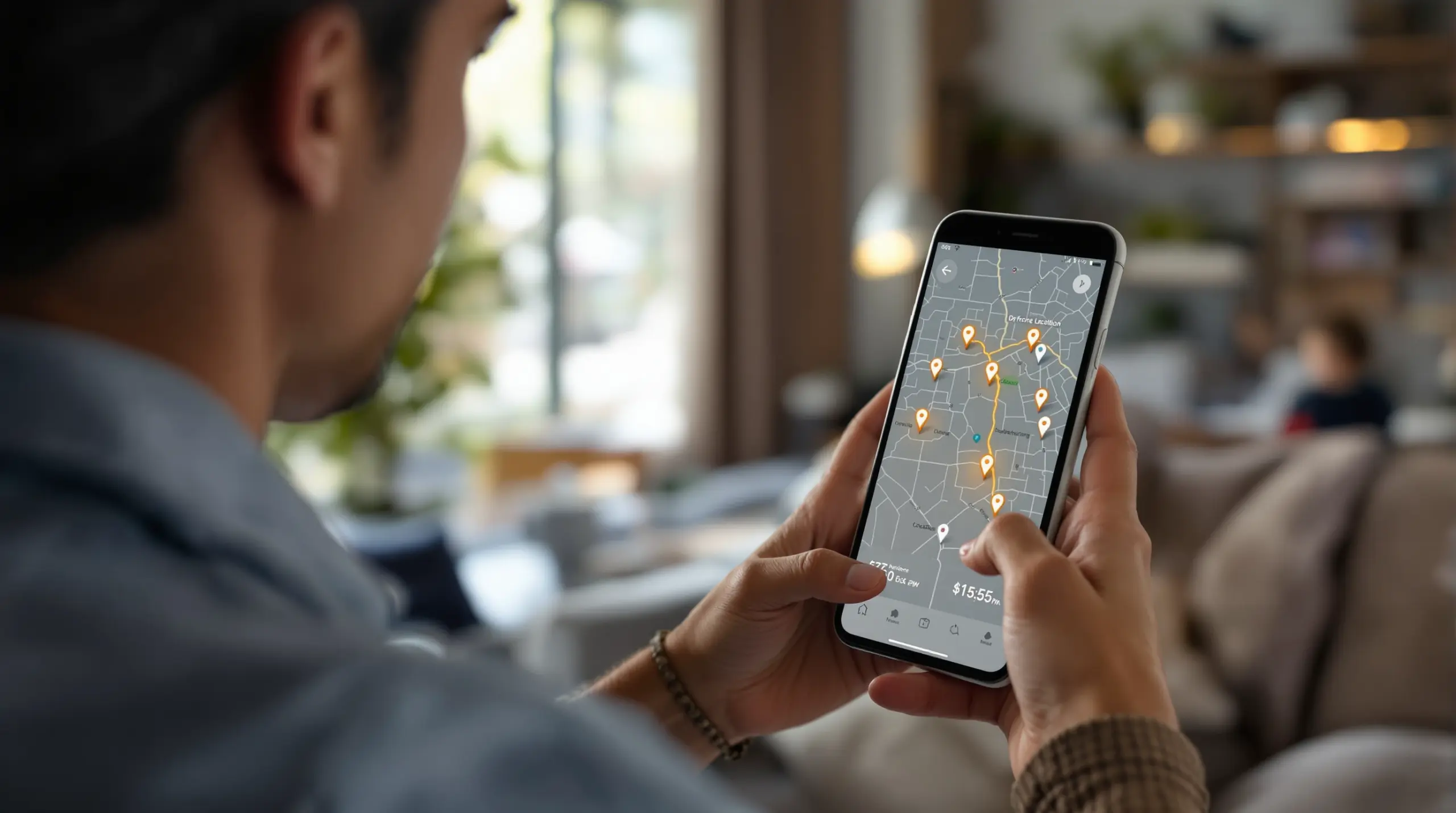
How does boomerang track my child’s phone comes down to real-time GPS updates sent from your child’s device directly to your parent app. Boomerang Parental Control installs on your child’s Android or iOS device and uses the device’s built-in GPS hardware to report location at regular intervals. Parents open the Boomerang app on their own phone and see their child’s current position on a map at any time (PCMag, 2026).[2]
The Boomerang Parental Control team describes the system this way: “Our Boomerang Parental Control app for Android and iOS handles location tracking through real-time GPS updates and geofencing alerts that notify you automatically when your child arrives at or leaves a defined boundary.” – Boomerang Parental Control, Product team (Boomerang Parental Control, 2026).[5]
START YOUR FREE TRIAL
Take control of screen time—free for 14 days, cancel anytime.




Child location monitoring through Boomerang works passively in the background – you do not need to open the app or send your child a message to find out where they are. The app continuously captures GPS coordinates on the child’s device and syncs them to the parent dashboard. This passive location reporting makes Boomerang useful for busy parents who want safety assurance without constant interruption to their day.
For families using Android devices, the sideload download for Android devices unlocks the fullest set of tracking and monitoring features. iOS support is available, though some advanced features are exclusive to Android. Location tracking and geofencing are available on both platforms (TechRadar, 2026).[4]
Parents view their child’s real-time map position at any moment through the parent app interface (PCMag, 2026).[2] Beyond the live view, Boomerang stores up to 30 days of location history, so you can review where your child has been over the past month – useful for spotting patterns or following up on a concern after the fact.
What Is Geofencing and How Does It Work?
Geofencing in Boomerang lets parents draw a digital boundary around a specific location – like school, home, or a sports field – and receive an automatic alert whenever the child’s device enters or exits that zone. Parents set up these boundaries once inside the Boomerang parent app by selecting a location on the map and defining the radius of the fence. From that point on, alerts fire automatically without any manual checking required.
This automatic alert system means you get notified the moment your child arrives at school in the morning or leaves a friend’s house in the afternoon – no reminder texts needed, no wondering if they made it. Boomerang’s geofence alerts notify parents automatically when a child arrives at or leaves a defined boundary (Boomerang Parental Control, 2026).[5]
PCMag confirms this capability: “Apart from the basics, Boomerang also lets you construct geofences; monitor YouTube app activity; log calls and SMS texts; and set up always-allowed actions for emergencies.” – PCMag (PCMag, 2026).[2]
Geofencing works on both Android and iOS child devices. You can set up multiple geofences for different locations your child visits regularly – school, a grandparent’s house, the local park, or an after-school activity venue. Each fence operates independently, so you receive a separate alert for each location, giving you a clear picture of your child’s movements throughout the day.
TechRadar notes that “location tracking works across both platforms, you can access location histories and automatic location reporting, and parents can set up impressive geofenced radii on both, too.” – TechRadar (TechRadar, 2026).[4]
For parents who have already handed their child a first smartphone, combining geofencing with Boomerang’s screen time features creates a layered approach: you know where your child is physically and how much time they are spending on their device at the same time.
Location Accuracy and Refresh Rates Explained
Boomerang location tracking accuracy depends on the child’s device having a solid GPS signal and a reliable cellular or Wi-Fi data connection. When both are strong, location refreshes in as little as 30 seconds (Boomerang Community Support, 2026).[1] This near-real-time update rate gives parents a highly current picture of their child’s whereabouts when it matters most.
Under normal conditions, the default reporting frequency is every 3 hours (YouTube, 2026).[3] Boomerang also gives parents two options for getting more frequent updates: you can adjust the location reporting settings to a faster interval, or request a manual refresh at any time through the parent app (Boomerang Parental Control, 2026).[6] This flexibility means you are not stuck waiting for the next scheduled update if you need to check in urgently.
On Android devices, location refresh is designed to happen automatically as the child’s device moves. Boomerang Community Support explains: “Location refresh for Android child devices should occur automatically as the device moves as long as it has a strong cellular connection.” – Boomerang Community Support (Boomerang Community Support, 2026).[1]
Several factors affect how current the location data is. Indoor locations with poor GPS reception, areas with weak cellular coverage, or a low-battery device running in power-saving mode all slow down refresh intervals. If you notice the location hasn’t updated recently, using the manual refresh option in the parent app is the quickest way to request a new reading.
Parents can also review TechRadar’s independent review of Boomerang Parental Control for a detailed look at how location tracking performs across device types and network conditions in real-world use.
What Else Does Boomerang Monitor Beyond Location?
Boomerang monitors five primary categories of data beyond just location, giving parents a comprehensive view of their child’s digital life: application usage, web browsing, communication activity, location history, and device access patterns (Boomerang Parental Control, 2026).[7] Each category adds a different layer of insight and protection, working together to give parents a full picture rather than a single data point.
On Android devices, Boomerang’s monitoring capabilities go significantly deeper than what is available on iOS. YouTube App History Monitoring lets parents see what their child has been searching for and watching inside the main YouTube app – a feature not available on iOS. Call and Text Safety (Android only) logs call and SMS history, sends alerts when messages contain inappropriate keywords, and blocks calls from numbers not saved in the child’s contacts. These Android-only features are designed for families who want visibility into communication risks like cyberbullying or contact from unknown adults.
Web filtering and safe browsing protection are available on both platforms through the SPIN Safe Browser, which blocks millions of inappropriate websites automatically without requiring a VPN or router configuration. SPIN Safe Browser works on any network – home Wi-Fi, school networks, or mobile data – so protection travels with the child wherever they go.
App Approval and Control adds another layer of proactive protection. Boomerang notifies you whenever your child attempts to install a new app and requires your approval before the app is used. This gives parents a gate on every new download, preventing risky apps from reaching the device in the first place.
For a broader independent assessment, SafeWise’s Boomerang Parental Control review covers how these monitoring features work together in everyday family use.
Your Most Common Questions
Does Boomerang track my child’s phone location without them knowing?
Boomerang tracks your child’s phone location continuously in the background, but the app is installed visibly on the child’s device and is not designed as a hidden spy tool. The tracking runs passively without requiring the child to take any action – location data syncs to the parent app automatically as the child moves around. Most child safety experts recommend being transparent with your child about the fact that monitoring is in place, framing it as a safety tool rather than covert surveillance. Boomerang supports this approach: the app is present on the device and uninstall protection (strong on Android, notification-only on iOS) ensures it stays in place. Parents can review location history covering the past 30 days (PCMag, 2026)[2] at any time, giving them a record of movements without needing to ask their child directly.
How accurate is Boomerang’s location tracking in real time?
Boomerang’s location tracking refreshes in as little as 30 seconds when the child’s device has a strong GPS signal and a reliable network connection (Boomerang Community Support, 2026).[1] Accuracy depends on GPS signal strength and data connectivity at the child’s location. In open outdoor areas with clear sky access and strong cellular coverage, the GPS reading will be highly precise and update frequently. In indoor environments, underground parking, or areas with poor cellular reception, the refresh interval will be longer and the position less precise. The default reporting frequency under standard conditions is every 3 hours (YouTube, 2026)[3], but parents can request a manual refresh or adjust settings to get more frequent updates when needed. On Android, location refresh happens automatically as the device moves, provided the cellular connection is strong (Boomerang Community Support, 2026).[1]
Does Boomerang location tracking work on both Android and iOS?
Yes, Boomerang location tracking and geofencing are available on both Android and iOS child devices (TechRadar, 2026).[4] Parents view real-time location, access location history, and set up geofence alerts regardless of which platform their child uses. Android and iOS are not equal in overall feature depth: Android offers the fullest experience, including YouTube App History Monitoring, Call and Text Safety, per-app time limits, and stronger uninstall protection through Samsung Knox integration on supported devices. iOS support is available with a meaningful subset of features – scheduled screen time, location tracking, geofencing, and SPIN Safe Browser – but the advanced monitoring and communication safety features are Android-only. For families choosing between platforms, Boomerang’s Android-first design means Android child devices deliver significantly more comprehensive oversight alongside location tracking.
Can Boomerang alert me when my child leaves school or arrives home?
Yes, Boomerang’s geofencing feature sends automatic alerts to the parent app whenever a child’s device enters or exits a boundary you have defined, such as school or home (Boomerang Parental Control, 2026).[5] You set up a geofence by selecting a location on the map inside the parent app and setting the radius for the boundary. Once configured, you receive a push notification the moment your child arrives at or departs from that location – no manual checking required. You can create multiple geofences for different places your child visits regularly: school, a grandparent’s house, a sports field, or a friend’s neighborhood. Geofencing works on both Android and iOS child devices. This feature replaces the need for constant check-in texts, giving you passive safety confirmation throughout the day without interrupting your child’s routine or your own.
Comparing Child Location Tracking Approaches
Parents choosing a location tracking solution for their child have several options, ranging from built-in platform tools to dedicated parental control apps. The approach you choose affects how much detail you receive, how tamper-resistant the tracking is, and whether location monitoring integrates with broader safety and screen time controls.
| Approach | Real-Time GPS Tracking | Geofencing Alerts | Location History | Tamper Resistance | Integrated Safety Features |
|---|---|---|---|---|---|
| Boomerang Parental Control | Yes – refreshes up to every 30 seconds (Boomerang Community Support, 2026)[1] | Yes – automatic boundary alerts on Android and iOS | 30 days (PCMag, 2026)[2] | Strong on Android (Samsung Knox); notification-only on iOS | Yes – screen time, app control, web filtering, call/text monitoring (Android) |
| Google Family Link | Yes – periodic updates | No native geofencing | Limited | Can be bypassed by tech-savvy children | Partial – basic app and screen time controls |
| Apple Screen Time (iOS only) | No dedicated GPS tracking | No geofencing | Not available | Can be disabled by child in some scenarios | Screen time and content restrictions only |
| Standalone location app (e.g., Life360) | Yes – real-time location | Yes – geofencing available | Yes | Can be deleted without parental control integration | No screen time or content filtering |
How Boomerang Parental Control Helps Your Family
Boomerang Parental Control combines real-time child location tracking with a full suite of digital safety tools, giving parents both physical awareness and online protection from a single app. Location tracking, geofencing, screen time management, web filtering, and app controls all work together in one platform – so you are not juggling multiple separate tools or wondering if your different apps are talking to each other.
For Android families, Boomerang Parental Control – Taking the battle out of screen time for Android and iOS delivers the deepest level of oversight available at a consumer price point. Features like YouTube App History Monitoring, Call and Text Safety, and Samsung Knox-backed uninstall protection go well beyond what free built-in tools offer. Boomerang is the only parental control app to use Samsung’s Knox, an enterprise mobile security solution pre-installed in most Samsung smartphones and tablets – making it exceptionally difficult for even tech-savvy teens to remove the app or bypass its rules.
Our users say it best. “Hey fellow parents, so far this is the best parental control app – hands down. So far the only app my 11 year old was not able to bypass. Big shout out to developers for making such a great app.” – Jason H, Google Play review
“This is a great application! I have control back over my child’s phone and applications because she managed to circumvent Family Link. I have no idea how she did that but she managed to find a way, as did other kids. That was a major frustration for us. But now with Boomerang, I can manage her time, what applications she uses and what sites she visits.” – Joe Eagles, Google Play review
Subscriptions are available annually for a single device or as a Family Pack covering up to 10 child devices – making Boomerang an affordable option whether you have one child or a whole household to manage. Setup is straightforward, and daily emailed activity reports keep you informed without requiring you to log in to the app every day. Technical support is available through our help portal, and our knowledge base includes detailed guides for every feature.
How to Set Up Child Location Tracking in 5 Steps
Step 1: Install Boomerang on Both Devices
Download the Boomerang Parental Control app on your own phone (the parent device) from the App Store or Google Play. Then install the Boomerang child app on your child’s Android or iOS device. Android users who want the fullest feature set – including Call and Text Safety and stronger uninstall protection – should use the dedicated sideload package available from the Boomerang website.
Step 2: Link the Parent and Child Accounts
Create your Boomerang parent account during setup and follow the in-app pairing process to connect your child’s device to your account. The guided setup wizard walks you through each step in plain language – no technical knowledge is required. Once linked, your child’s device appears in your parent dashboard immediately.
Step 3: Enable Location Tracking Permissions
On your child’s device, grant the Boomerang app location permissions when prompted during setup. For the most accurate and frequent GPS updates, select “Always Allow” for location access so the app reports position in the background even when your child is not actively using their phone. Skipping this step is the most common reason location data appears delayed or missing.
Step 4: Set Up Geofences for Key Locations
Open the Location section in your parent app and tap the option to create a new geofence. Select your child’s school on the map, set the boundary radius to cover the school grounds, and save it. Repeat for other locations your child visits regularly – home, a grandparent’s house, after-school activity venues. Each saved geofence automatically sends you an alert whenever your child’s device enters or exits that area.
Step 5: Adjust Location Reporting Frequency as Needed
Review the location reporting settings in your parent app. The default frequency is every 3 hours under normal conditions (YouTube, 2026)[3], which works well for routine monitoring. If you need more frequent updates – for example, when your child is traveling to a new location – increase the reporting interval or use the manual refresh option to pull a current location reading on demand.
The Bottom Line
How does boomerang track my child’s phone is answered clearly: Boomerang uses real-time GPS on your child’s device, syncing location to your parent app continuously, with geofencing alerts that fire automatically when boundaries are crossed. Location history covers the last 30 days (PCMag, 2026)[2], and tracking works on both Android and iOS – though Android delivers the fullest monitoring experience overall.
For families who want location tracking that is genuinely tamper-resistant and integrated with screen time, web filtering, and app controls, Boomerang offers a practical and affordable solution. The Boomerang team puts it directly: “24/7 location tracking. Your child’s device travels with them. You depend on it for communication. So why not use it to get alerts and updates on your child’s whereabouts via their mobile device.” – Boomerang Parental Control, Product team (Boomerang Parental Control, 2026).[6]
Ready to get started? Visit useboomerang.com to set up your account, or contact the team at [email protected] with any questions. For technical help, the support portal at community.useboomerang.com is available any time.
Sources & Citations
- Troubleshooting location tracking. Boomerang Community Support.
https://community.useboomerang.com/hc/en-us/articles/360026158832-Troubleshooting-location-tracking - Boomerang Preview. PCMag.
https://www.pcmag.com/reviews/boomerang - Boomerang location reporting frequency. YouTube.
https://www.youtube.com/watch?v=6shLpbyNyXI - Boomerang Parental Control software review. TechRadar.
https://www.techradar.com/reviews/boomerang-parental-control-software - How to Track My Child’s Phone: A Parent’s Guide. Boomerang Parental Control.
https://useboomerang.com/article/how-to-track-my-childs-phone/ - Boomerang Parental Control. Boomerang Parental Control.
https://useboomerang.com/ - Boomerang phone app monitoring categories. Boomerang Parental Control.
https://useboomerang.com/article/boomerang-phone-app/
START YOUR FREE TRIAL
Take control of screen time—free for 14 days, cancel anytime.
