
24
Sep
2026
Best Application Parental Control for Families
September 24, 2026
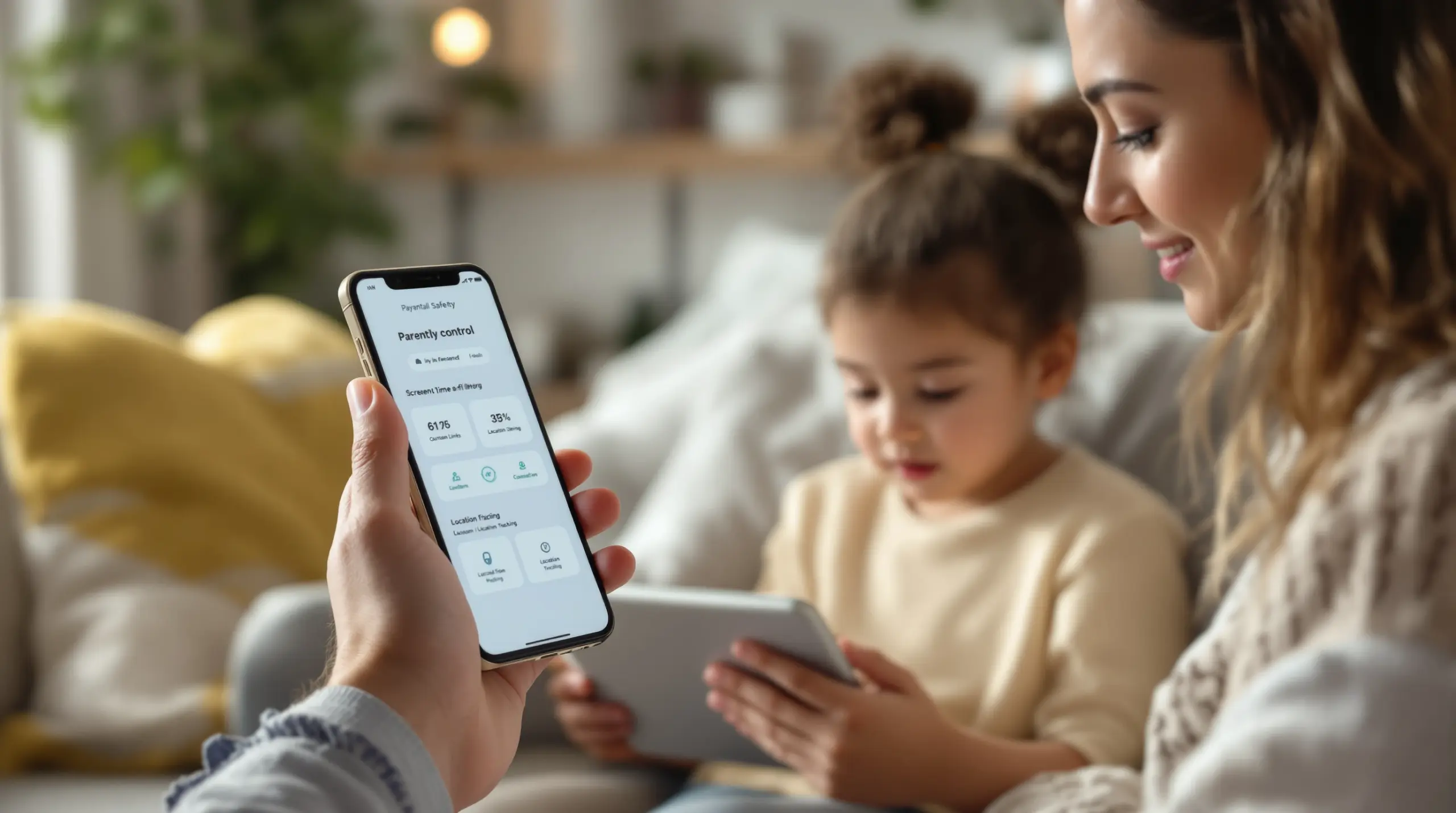
An application parental control manages screen time, blocks harmful content, and tracks location. Learn which features keep your child safe and balanced online.
Table of Contents
- What Is an Application Parental Control?
- Why Do Families Need Mobile Parental Controls?
- How Does a Parent Control App Protect Online Safety?
- Can Teenagers Bypass Child Monitoring Applications?
- What People Are Asking
- Comparing Top Family Safety Tools
- Boomerang Parental Control Solutions
- Practical Tips for Digital Wellness
- Key Takeaways
- Sources & Citations
Article Snapshot
Application parental control is a software tool that allows parents to manage screen time, filter web content, and monitor digital activity on a child’s mobile device. These tools enforce daily limits, block inappropriate websites, and track physical location to promote healthy digital habits and ensure online safety.
Application Parental Control in Context
- 50.4 percent of U.S. teenagers ages 12 to 17 had 4 hours or more of daily leisure screen time between 2021 and 2023 (National Center for Health Statistics, 2024) [1] .
- Daily screen time increased by 1.75 hours per day during the early pandemic and remained 1.11 hours higher than prepandemic levels (JAMA Network Open, 2023) [2] .
- 53 percent of U.S. parents reported using family monitoring apps to track their children’s location as of 2024 (Statista, 2024) [3] .
What Is an Application Parental Control?
Application parental control software provides caregivers with a centralized dashboard to manage, restrict, and monitor a child’s mobile device usage. At its core, this technology acts as a digital gatekeeper, allowing adults to set firm boundaries around when and how a smartphone or tablet is used. Rather than relying on constant verbal reminders or physically confiscating devices, parents use these tools to automate rules that align with their family values and daily routines.
The foundational feature of any strong parent control app is comprehensive screen time management. This includes setting overall daily time limits, establishing scheduled downtime for homework or sleep, and creating per-app restrictions. For instance, a child is allowed two hours of total entertainment screen time, while educational apps remain accessible throughout the day. By automating these limits, the software removes the emotional friction from the enforcement process. The device simply locks when time expires, positioning the app as the neutral rule enforcer rather than the parent acting as the bad guy.
START YOUR FREE TRIAL
Take control of screen time—free for 14 days, cancel anytime.




Beyond time management, mobile parental control solutions provide important content filtering and web safety. The internet is vast and largely unregulated, making it easy for children to stumble upon adult content, violent media, or malicious websites. A dedicated child monitoring application blocks millions of known harmful URLs and enforces strict SafeSearch settings across major search engines. This proactive shielding ensures that a child’s web browsing remains age-appropriate, whether they are connected to the home wifi network or using mobile data at a friend’s house.
Also, these platforms offer necessary location tracking and geofencing capabilities. Parents view their child’s real-time physical location on a map and set up virtual boundaries around schools, parks, or neighborhoods. If the child enters or leaves a designated safe zone, the system sends an instant alert to the parent’s device. This combination of digital oversight and physical safety tracking makes an application parental control an indispensable tool for modern families handling the complexities of raising connected children.
Why Do Families Need Mobile Parental Controls?
The rapid proliferation of smartphones has fundamentally altered childhood development, making mobile parental controls a necessity rather than a luxury. Recent public health data highlights a dramatic shift in how children spend their waking hours, underscoring the urgent need for structured digital boundaries. According to the National Center for Health Statistics, 50.4 percent of U.S. teenagers ages 12 to 17 had 4 hours or more of daily leisure screen time between 2021 and 2023 (National Center for Health Statistics, 2024) [1] . This staggering figure does not even include the time spent on screens for schoolwork, meaning total daily exposure is significantly higher.
The pandemic accelerated this trend significantly, creating habits that have persisted long after lockdowns ended. A longitudinal cohort study found that overall daily screen time increased by 1.75 hours per day during the early pandemic and remained 1.11 hours per day higher than prepandemic levels as the crisis progressed (JAMA Network Open, 2023) [2] . Hugh LeCaine Agnew, a statistician at the Centers for Disease Control and Prevention, noted that during this period, one-half of teenagers ages 12-17 had 4 hours or more of daily screen time in addition to educational use. This excessive consumption directly impacts physical health, sleep quality, and overall well-being.
Research clearly links excessive device usage to sedentary lifestyles and reduced physical fitness. Physical activity decreased with increasing hours of screen time use, dropping from 70.4 percent among those with two hours or less of screen time to just 54.4 percent among those with four or more hours (Morbidity and Mortality Weekly Report, 2024) [4] . Sarah M. Jones, an epidemiologist at the CDC, emphasized this inverse relationship between leisure screen time and meeting physical activity guidelines. When children spend their afternoons glued to social media or video games, they miss out on important outdoor play, face-to-face social interactions, and adequate sleep.
Also, the U.S. parental control software market reflects this growing parental concern, having been valued at 227.5 million U.S. dollars in 2024 with projections to reach 474.8 million by 2032 (Fortune Business Insights, 2024) [5] . Families are actively seeking ways to reclaim their evenings and protect their children’s mental health. Implementing a reliable application parental control helps reverse these troubling trends by enforcing mandatory device-free periods, ensuring that technology serves as a helpful tool rather than a disruptive addiction.
How Does a Parent Control App Protect Online Safety?
Protecting children from inappropriate content and predatory behavior is the primary driver for adopting online safety solutions. A comprehensive parent control app achieves this through multiple layers of defense, starting with strong web filtering. Traditional browsers like Chrome or Safari offer minimal built-in protection for minors. In contrast, specialized tools like the SPIN Safe Browser provide a fully contained browsing environment that automatically blocks millions of inappropriate websites across categories like pornography, violence, and hate speech. Crucially, this filtering technology works on any network without requiring complex VPN configurations or router adjustments.
Visibility into a child’s media consumption is equally important, particularly regarding video platforms. YouTube remains one of the most popular applications among youth, yet its algorithmic recommendations quickly lead viewers down inappropriate rabbit holes. Advanced application parental control platforms offer YouTube App History Monitoring on Android devices, giving parents clear insight into exactly what their child is searching for and watching within the main application. This visibility enables caregivers to spot concerning trends early and initiate proactive, educational conversations about media literacy and online risks.
App discovery and approval represent another important security layer. Children frequently download new games or social media platforms without understanding the associated privacy risks or data collection practices. A strong child monitoring application intercepts these installation attempts, sending a notification to the parent who must explicitly approve or block the download before the app is opened. This gatekeeping function prevents exposure to unmoderated chat rooms, malicious software, and age-inappropriate content.
Communication safety is also paramount, especially for younger teens handling text messaging and social interactions. On supported Android devices, premium mobile parental control suites include Call and Text Safety features. These tools log communication history, alert parents to inappropriate keywords that indicate cyberbullying or contact from unknown adults, and optionally block calls from unsaved numbers. By combining web filtering, app approval, media monitoring, and communication oversight, families create a secure digital environment that allows children to explore the internet safely while developing responsible online habits.
Can Teenagers Bypass Child Monitoring Applications?
One of the most frustrating experiences for caregivers is discovering that a tech-savvy teenager has circumvented their digital rules. Free, built-in tools like Google Family Link or Apple Screen Time are notoriously easy for determined teens to bypass, by simply changing device settings, exploiting software glitches, or creating secondary user profiles. When a child easily defeats a parent control app, it not only compromises their safety but also undermines parental authority and trust. Overcoming this circumvention requires enterprise-grade security features adapted for consumer use.
The most effective defense against tampering is strong uninstall protection. A high-quality application parental control prevents the child from deleting the software, force-stopping its background processes, or altering system permissions. On supported Android devices, industry-leading solutions integrate directly with Samsung Knox, an enterprise mobile security platform pre-installed on most Samsung smartphones and tablets. This deep hardware-level integration makes it virtually impossible for a user to remove the monitoring software or bypass screen time locks without the parent’s secure PIN. This non-bypassable control ensures that the rules established at the kitchen table remain firmly in place, regardless of the child’s technical ingenuity.
Technical enforcement of digital rules must be paired with psychological strategy. Clinical psychologist Lisa Damour advises that parental control tools work best when they are part of an ongoing conversation about technology, not a replacement for it (The New York Times, 2024) [6] . The ultimate goal is to help kids learn to manage their own screen time, not to monitor every click forever. When teens feel that rules are arbitrary or purely punitive, they are highly motivated to find workarounds. Conversely, when boundaries are explained as matters of health, sleep, and safety, resistance decreases.
To build trust, many families use a tiered approach to digital freedom. They start with strict mobile parental control settings when a child first receives a smartphone, gradually granting privileges and relaxing restrictions as the teen demonstrates responsibility and good judgment. Features like “Encouraged Apps” allow educational or fitness applications to bypass daily time limits, rewarding productive behavior. By combining unbreakable technical safeguards with open communication and positive reinforcement, parents guide their teenagers toward genuine digital wellness and self-regulation.
What People Are Asking
What is the best application parental control for Android devices?
The best application parental control for Android devices offers deep system integration, automated screen time scheduling, and un-bypassable uninstall protection. Top-tier solutions provide exclusive Android features like YouTube App History Monitoring, per-app time limits, and Call and Text Safety alerts. These advanced capabilities allow parents to manage specific applications, monitor media consumption, and enforce bedtime schedules without requiring constant manual intervention, making them vastly superior to basic free alternatives for comprehensive family safety.
How do I stop my child from deleting the parent control app?
You stop your child from deleting the parent control app by enabling advanced uninstall protection and device administrator privileges within the software settings. Premium applications use enterprise-grade security frameworks, such as Samsung Knox integration on compatible devices, to lock the software at the hardware level. This prevents tech-savvy children from force-stopping the application, revoking permissions, or removing the program entirely, ensuring your established digital boundaries and safety rules remain consistently enforced.
Does an app for parental control work on both iOS and Android?
An app for parental control works on both iOS and Android, but the feature availability differs significantly due to operating system restrictions. Android devices allow deep system integration, enabling per-app time limits, text message monitoring, and YouTube history tracking. Apple’s iOS environment limits third-party developers primarily to scheduled screen time, basic web filtering, and location tracking. Parents managing mixed-device households must select a cross-platform solution that clearly outlines these OS-specific limitations to maintain realistic safety expectations.
Can mobile parental control apps monitor YouTube viewing history?
Mobile parental control apps monitor YouTube viewing history exclusively on Android devices due to the open nature of the operating system. Specialized software tracks search queries and video playback within the main YouTube application, providing parents with a detailed log of their child’s media consumption. This important visibility is unavailable on iOS devices or through basic free tools, allowing caregivers to identify inappropriate content trends and guide their children toward safer, more educational viewing habits.
Comparing Top Family Safety Tools
Choosing the right family safety platform requires understanding how different approaches handle enforcement and monitoring. Free, built-in operating system tools offer basic convenience but lack the strong security and granular controls needed for modern digital parenting. Third-party applications fill these gaps by providing cross-platform management, advanced content filtering, and tamper-proof enforcement mechanisms that prevent tech-savvy children from circumventing established rules.
| Feature Category | Boomerang Parental Control | Google Family Link | Apple Screen Time | Bark |
|---|---|---|---|---|
| Automated Scheduling | Yes (Firm Bedtime & Daily Limits) | Yes (Basic) | Yes (Basic) | No (Monitoring Only) |
| Uninstall Protection | Advanced (Samsung Knox) | Basic (Easily Bypassed) | Native (Easily Bypassed) | N/A |
| YouTube History (Android) | Yes (Detailed Log) | No | No | Yes (Alerts Only) |
| App Approval Workflow | Yes (Parent Sign-off) | Yes | Yes (Ask to Buy) | No |
| Call & Text Safety | Yes (Android Alerts) | No | No | Yes (Alerts Only) |
While native tools like Google Family Link and Apple Screen Time provide a baseline for setting simple daily limits, they are frequently defeated by teenagers who know how to exploit system loopholes. Dedicated solutions prioritize non-bypassable enforcement and deep visibility into specific applications, ensuring that safety rules survive the child’s attempts to regain unrestricted access.
Boomerang Parental Control Solutions
Boomerang Parental Control is specifically engineered to help families handle the challenges of raising connected children, offering a comprehensive suite of tools designed primarily for Android devices with necessary iOS support. Our platform acts as a remote control for your child’s smartphone, eliminating the daily friction over device usage by automating screen time boundaries. With Boomerang Parental Control – screen time features , you set firm scheduled downtime for bedtime and homework, establish overall daily allowances, and designate educational tools as “Encouraged Apps” that remain accessible even when entertainment limits are reached.
We understand that online safety extends far beyond simply limiting hours. Our integrated web filtering and app approval workflows ensure that children cannot download risky software or access inappropriate websites without explicit parental consent. For families using Samsung hardware, our Boomerang Parental Control is the only parental control app to use Samsung’s Knox , an enterprise mobile security solution pre-installed in most of Samsung’s smartphones and tablets. This deep integration guarantees that your rules cannot be deleted or bypassed by tech-savvy teens.
Setting up a new device is straightforward and accessible for non-technical parents. Caregivers access our Sideload download page for Android devices to access advanced capabilities like Call and Text Safety monitoring, which alerts you to potential cyberbullying or contact from unknown numbers. By providing total visibility into YouTube viewing habits and real-time location tracking with geofencing, we enable parents to guide their children toward responsible digital citizenship. Visit our homepage to explore how Boomerang Parental Control – Taking the battle out of screen time for Android and iOS brings peace and balance back to your household.
Practical Tips for Digital Wellness
Implementing digital boundaries successfully requires more than just installing software; it demands a strategic approach to family communication and habit formation. Start by establishing clear, non-negotiable device-free zones and times, such as during family meals or after 8:00 PM. Automating these rules through scheduled downtime removes the burden of enforcement from the parent, allowing the application to act as the neutral enforcer. When the device locks automatically, the argument shifts from a personal power struggle to a simple matter of following the system’s schedule, drastically reducing household tension.
Parents use the concept of positive reinforcement rather than relying solely on restriction. Identify applications that support your child’s education, physical health, or creative development, and mark them as “Encouraged” or “Always Allowed.” This teaches children that technology is a versatile tool with different categories of use, encouraging them to engage with beneficial content even when their recreational gaming or social media time has expired. It supports a mindset of digital balance rather than pure deprivation, helping kids understand the value of productive screen time.
Families use the data provided by monitoring tools to initiate regular, low-pressure conversations. If you notice a spike in late-night usage or concerning YouTube search queries, approach the topic with curiosity rather than immediate punishment. Ask open-ended questions about what they are watching or who they are interacting with online. Clinical psychologists consistently emphasize that supervision tools are most effective when paired with ongoing dialogue. By combining unbreakable technical safeguards with empathetic guidance, you help your child develop the internal self-regulation skills they will eventually need as independent adults handling a complex digital world.
Key Takeaways
Handling the digital environment requires reliable tools and proactive parenting strategies. An application parental control provides the necessary framework for managing screen time, filtering harmful content, and ensuring physical safety without constant conflict. By automating daily limits, enforcing bedtime schedules, and using advanced uninstall protection, families protect their children from online risks while promoting healthy, balanced lifestyles. The data clearly shows that excessive, unmonitored device usage negatively impacts physical activity and well-being, making strong digital boundaries a modern necessity. Take control of your family’s digital wellness today by evaluating your current setup and upgrading to a solution that offers deep Android integration and tamper-proof enforcement. Contact our support team or download the app to start building a safer, more harmonious digital environment for your children.
Sources & Citations
- Daily Screen Time Among Teenagers: United States, 2021-2023. National Center for Health Statistics, U.S. Centers for Disease Control and Prevention.
https://www.cdc.gov/nchs/products/databriefs/db513.htm - Trends in Screen Time Use Among Children During the COVID-19 Pandemic, a Longitudinal Study. JAMA Network Open.
https://www.ncbi.nlm.nih.gov/pmc/articles/PMC9932850/ - Parents in the United States: Tools used to track kids. Statista.
https://www.statista.com/statistics/1536170/parents-united-states-tools-used-to-track-kids/ - Percentage of Children and Adolescents Aged 12-17 Years Who Met Physical Activity Guidelines. Morbidity and Mortality Weekly Report, U.S. Centers for Disease Control and Prevention.
https://www.cdc.gov/mmwr/volumes/73/wr/mm7344a5.htm - U.S. Parental Control Software Market. Fortune Business Insights.
https://www.fortunebusinessinsights.com/u-s-parental-control-software-market-106782 - How Parents Can Use Tech Boundaries to Support Teens’ Mental Health. The New York Times.
https://www.nytimes.com/2024/03/10/well/family/teens-phones-parents-boundaries.html
START YOUR FREE TRIAL
Take control of screen time—free for 14 days, cancel anytime.
