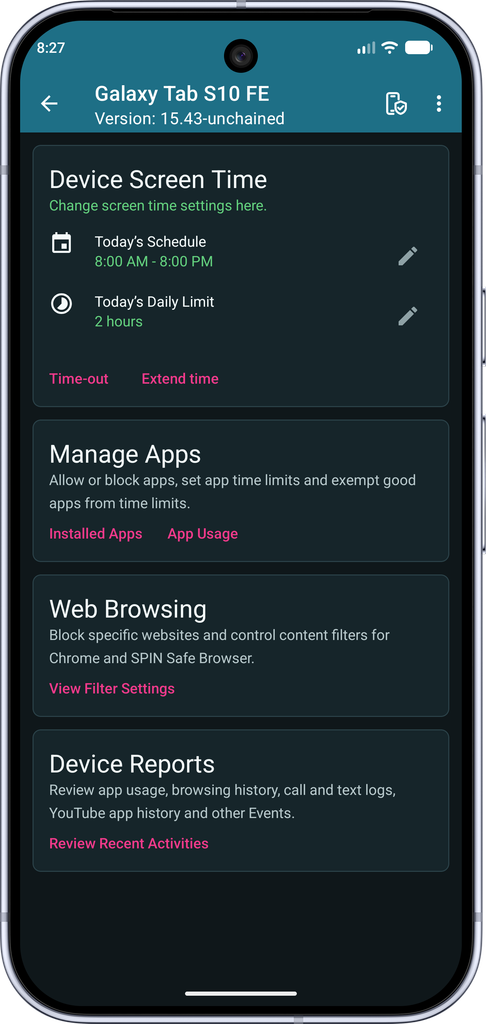
Unified School & Parent Control
Seamlessly bridge digital boundaries from the classroom to the living room. By integrating Boomerang Parental Control with Samsung Knox Manage, schools and families gain unified, intelligent screen time management: keeping students focused during the school day and balanced at home.
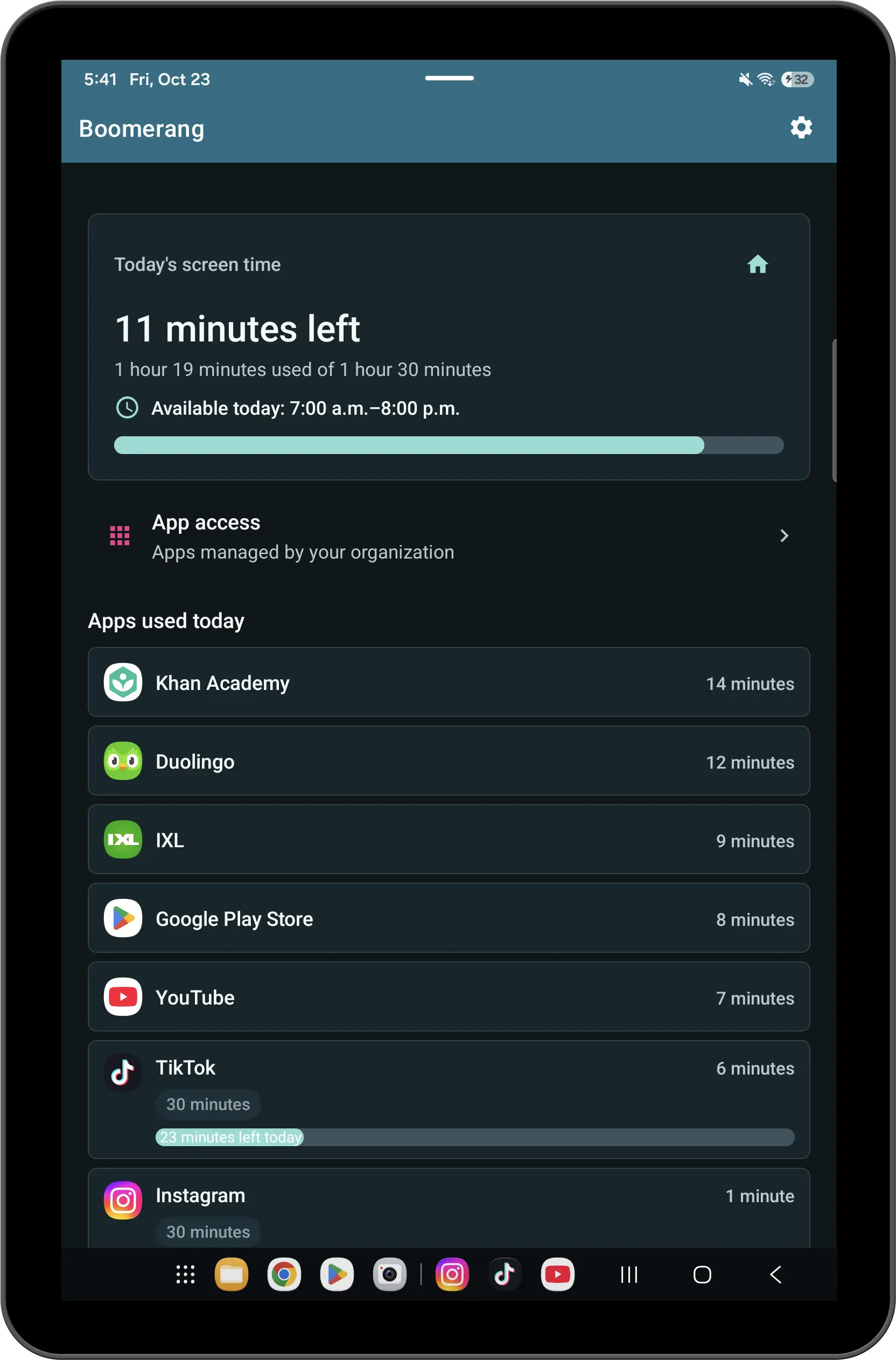
The Cost of Unmanaged School Screen Time
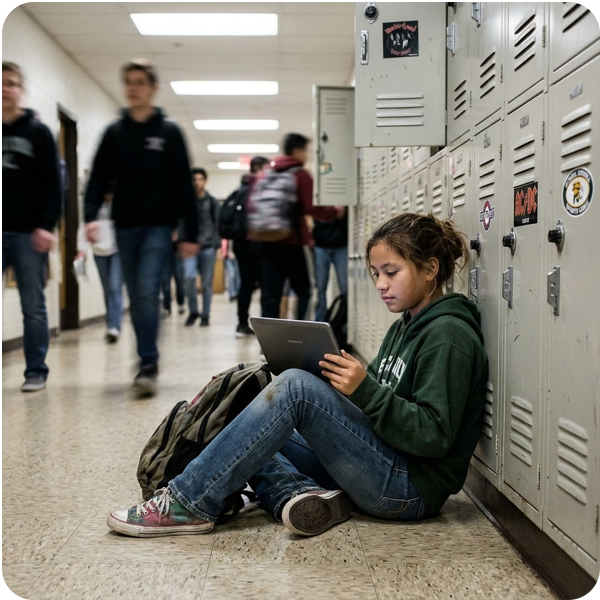
Classroom Distractions
Non-educational apps, social media, and gaming fragment student focus and disrupt learning potential.
Overuse & Sleep Loss
Unrestricted home device use leads to late-night screen time, causing daytime fatigue that impacts class engagement.
Online Safety Risks
Without web filtering, students risk exposure to inappropriate content and web safety blindspots on mobile devices.
Manual Monitoring Burden
Educators lose valuable teaching time attempting to manually police digital behavior rather than teaching.
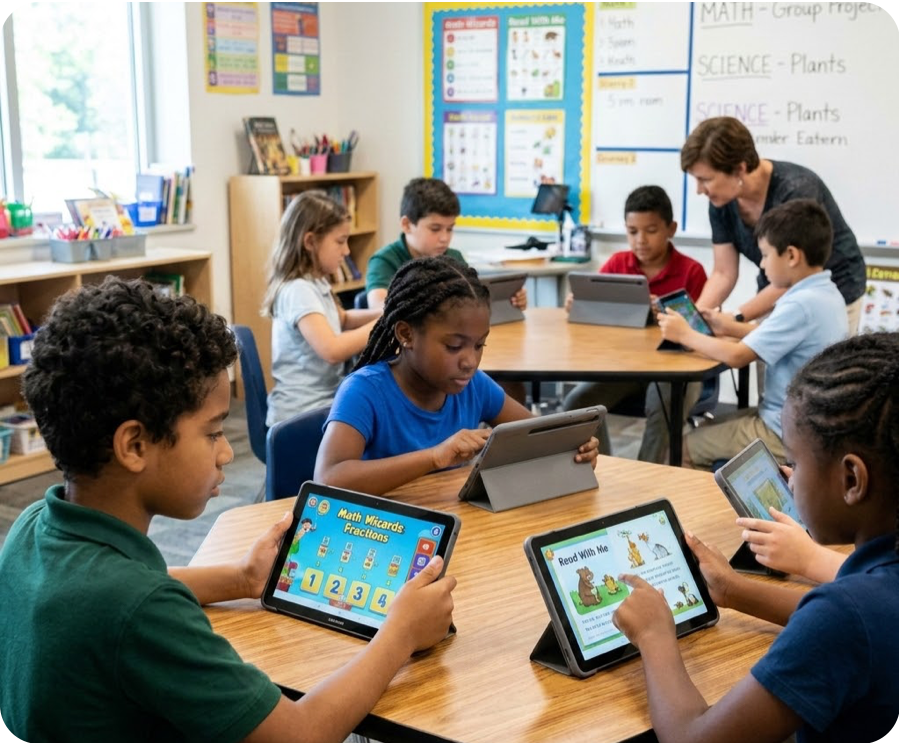
Better Classroom Focus
Eliminating in-school digital distractions drives higher student engagement and improved learning outcomes.
- Encourage Educational Apps
- Block Distractions – Games, Social Media, Streaming
- Use Technology for its Educational Purpose

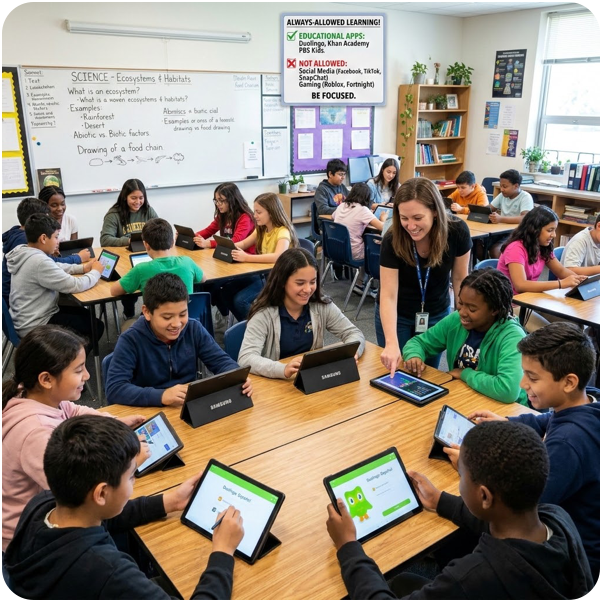
Always-Allowed and Encouraged Learning
Set essential educational apps like language & literacy and STEM & maths remain accessible 24/7.
- Time Limits on Social Media
- Curfews on Games
- App Approvals for Parents
Healthy Bedtime Routines
Automatic evening device lockouts prevent late-night screen time and foster healthy sleep habits at home.
- Managed Hours at School
- Scheduled Screen Time at Home
- Allocated Time Limits on any Apps

Safe Web Browsing
Web filtering enforces online safety and blocks harmful content anywhere devices are used. Supports Chrome and SPIN Safe Browser.
- Allow Safe Websites
- Enforce Safe Search Results
- Block Inappropriate Content Anywhere
Balanced Screen Time for School & Home

At School
Educational Screen Time
Keeps school-provided tablets dedicated strictly to learning tools and classroom activities.
Zero Classroom Distractions
Completely blocks games, social media, and non-educational apps on school devices.
Automated Focus Support
Supports healthy digital habits on school devices.
At Home
Healthy Screen Balance
Assists parents with flexible time budgets and downtime controls on school tablets.
Multi-Device Consistency
Extends unified rules across school tablets and personal family devices seamlessly.
Parental Approvals & Curfews
Instant bonus time requests and evening shutoffs for family time.
Manage Knox – Key Features for Samsung Tablets
Boomerang Parental Control is the only solution built directly on Samsung Knox, an enterprise-grade mobile security platform pre-installed on Samsung smartphones and tablets. On consumer Samsung devices, this built-in integration delivers deeper device-level security and tamper resistance out of the box. Now, through integration with Samsung Knox Manage, we enable a seamless handoff: schools can enforce learning policies during the school day, while parents take over to manage screen time, apps, and schedules after hours. As always, these deep controls protect child devices exclusively, leaving parent devices in “Parent Mode” entirely unaffected.
Managed School Hours
Intelligent screen time controls: focused in class, balanced at home.
Daily Device Limits
Set maximum screen time allowance in minutes per day.
Screen Time Schedules
Schedule screen time for school and set home use to educational apps.
App Policies
Set app-specific time limits, exemptions and block unwanted apps.
At Home Parental Controls
At Home Pairing
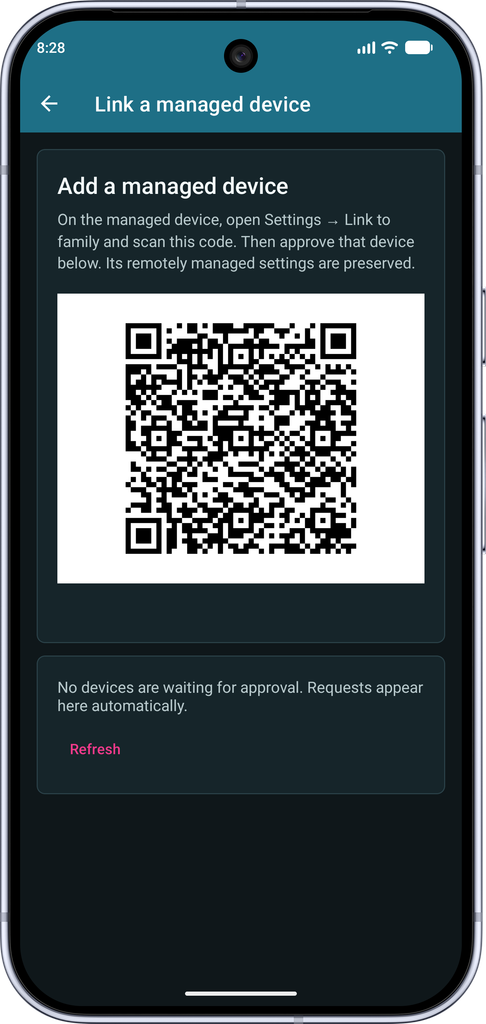
Parents can link their child’s school tablet to an existing Boomerang family group to manage screen time after hours.
Parent Controls
Set daily screen time schedules, approve or block apps, and track daily activity with detailed usage reports.