
29
Dec
2025
Android Phone Parental Control App: Complete Guide for Parents
December 29, 2025
Discover the best android phone parental control app solutions to protect your children online while managing screen time effectively. Learn essential features, top apps, and expert tips for safer digital parenting in 2026.
Table of Contents
- Quick Summary
- Market Snapshot
- Introduction
- Essential Features Every Parent Needs
- Why Android Offers Superior Parental Control
- Selecting the Right App for Your Family
- Implementation and Setup Guide
- Your Most Common Questions
- App Comparison Table
- Boomerang Parental Control Solution
- Practical Tips for Success
- Final Thoughts
Quick Summary
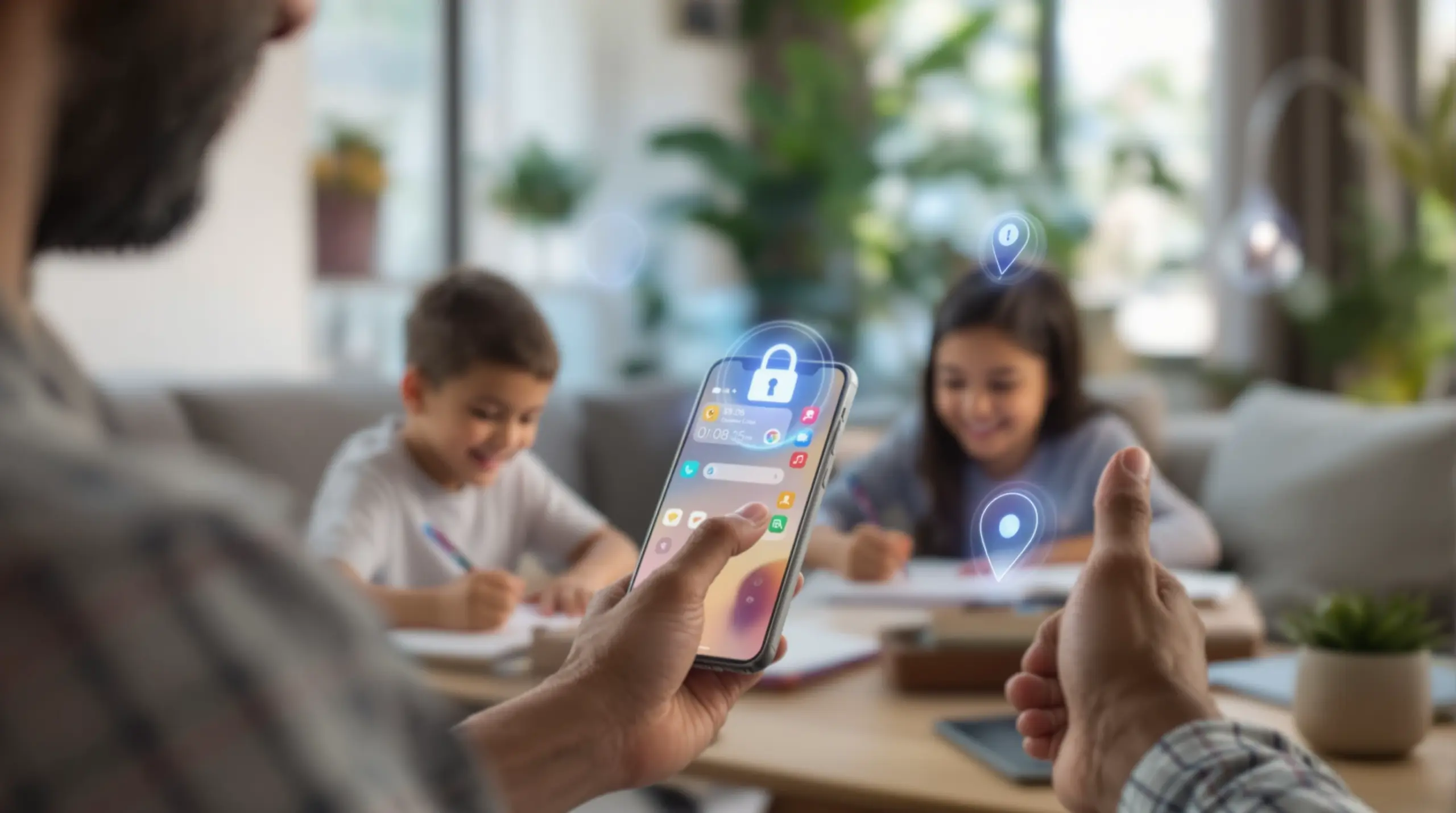
An android phone parental control app provides comprehensive digital safety through automated screen time limits, content filtering, and location tracking. These solutions eliminate daily conflicts while ensuring children develop healthy digital habits safely.
Market Snapshot
Introduction
The android phone parental control app has become an essential tool for modern families navigating the digital landscape. With children receiving smartphones at increasingly younger ages, parents face unprecedented challenges in managing screen time, preventing access to inappropriate content, and ensuring their child’s online safety. Unlike basic built-in controls, dedicated parental control applications offer comprehensive monitoring, automated restrictions, and peace of mind that busy parents desperately need.
The parental control and monitoring app market is experiencing robust growth, driven by increasing concerns among parents regarding their children’s online safety and well-being[2]. This surge reflects the reality that traditional parenting methods must evolve to address digital-age challenges. From cyberbullying detection to location tracking, these applications have transformed from simple website blockers into sophisticated family safety platforms.
START YOUR FREE TRIAL
Take control of screen time—free for 14 days, cancel anytime.




Companies like Boomerang Parental Control have recognized that effective digital parenting requires more than restriction—it demands intelligent automation that reduces family conflict while promoting healthy technology habits. The most successful solutions eliminate the daily battles over screen time by becoming the neutral enforcer, allowing parents to focus on guidance rather than policing. This comprehensive guide explores how to select, implement, and maximize the benefits of parental control technology for Android devices.
Essential Features Every Parent Needs
Modern android phone parental control app solutions must address the core challenges parents face daily. The most critical feature is automated screen time management, which eliminates constant negotiations and arguments. Advanced applications automatically enforce daily usage limits and scheduled downtime, ensuring bedtime routines and homework periods remain protected without requiring parental intervention.
Content filtering represents another fundamental requirement. Parents need robust web filtering that blocks inappropriate websites across multiple categories, combined with safe search enforcement on popular search engines. The most effective solutions work seamlessly across any network connection, providing consistent protection whether children are at home, school, or friends’ houses.
App management capabilities prove equally essential for maintaining control over the digital environment. Parents require real-time notifications when children attempt to install new applications, with the ability to approve or block installations before access is granted. This proactive approach prevents risky applications from reaching the device rather than detecting problems after they occur.
Location tracking with geofencing provides crucial peace of mind for physical safety. Parents can view real-time location updates and receive automatic alerts when children arrive at or leave designated areas like school or home. This feature eliminates the need for constant check-in calls while ensuring parents stay informed about their child’s whereabouts.
Communication monitoring, particularly call and text safety features, helps detect early signs of cyberbullying or contact from strangers. Advanced solutions analyze message content for inappropriate keywords and can optionally block calls from unknown numbers, providing an additional layer of protection for vulnerable children.
Uninstall Protection: The Game Changer
Perhaps the most crucial feature that separates professional solutions from basic alternatives is uninstall protection. Tech-savvy children quickly learn to delete or bypass simple parental controls, rendering them ineffective. Advanced applications use sophisticated security measures, including integration with enterprise-grade systems like Samsung Knox on supported devices, making it virtually impossible for children to circumvent established rules.
Why Android Offers Superior Parental Control
Android’s open architecture provides significant advantages for android phone parental control app functionality compared to iOS restrictions. The platform allows deeper system integration, enabling features that Apple’s closed ecosystem simply cannot support. This technical superiority translates into more comprehensive monitoring and control capabilities for parents.
YouTube app history monitoring exemplifies Android’s advantages. While iOS parental controls can limit YouTube access, they cannot provide visibility into actual viewing habits within the application. Android-focused solutions can track search queries, viewed videos, and watch time within the YouTube app itself, giving parents crucial insight into their child’s interests and potential exposure to inappropriate content.
Call and text monitoring represents another Android exclusive capability. The platform’s architecture allows parental control applications to access communication logs, analyze message content for concerning keywords, and provide alerts when potentially dangerous conversations occur. This level of communication oversight proves impossible on iOS devices due to Apple’s privacy restrictions.
Device administration capabilities on Android enable more robust enforcement mechanisms. Advanced applications can prevent children from accessing system settings, uninstalling the parental control software, or using factory reset options to bypass restrictions. Samsung devices offer additional security through Knox integration, providing enterprise-grade protection that ensures parental controls remain active.
The flexibility extends to app management as well. Android allows real-time monitoring of app installation attempts, with the ability to block downloads before they complete. Parents receive immediate notifications and can make instant approval decisions, maintaining tight control over the digital environment without requiring physical device access.
Customization and Flexibility
Android’s customization capabilities allow parental control solutions to adapt to diverse family needs. Parents can create detailed schedules for different days of the week, set varying limits for educational versus entertainment applications, and establish exceptions for emergency situations. This granular control ensures the android phone parental control app serves the family rather than restricting it unnecessarily.
Selecting the Right App for Your Family
Choosing the optimal android phone parental control app requires careful consideration of your family’s specific needs, technical requirements, and budget constraints. The selection process should begin with identifying the primary challenges you face, whether they involve screen time conflicts, content safety concerns, or physical location monitoring.
Age-appropriate functionality plays a crucial role in the selection process. Younger children (ages 6-10) typically require comprehensive content filtering, basic time limits, and simple app blocking. Pre-teens and early teenagers (ages 11-14) need more sophisticated monitoring including social media oversight, communication safety, and location tracking. Older teenagers may benefit from graduated controls that promote responsibility while maintaining essential safety features.
Technical compatibility represents another critical factor. Ensure the chosen solution supports your specific Android device models, operating system versions, and any additional devices in your household. Some applications work optimally with particular manufacturers, such as Samsung Knox integration for enhanced security on Galaxy devices.
Feature depth versus simplicity creates an important balance consideration. While comprehensive solutions offer maximum control and monitoring capabilities, they may overwhelm parents who prefer straightforward functionality. Evaluate whether you need advanced features like detailed usage analytics, custom restriction schedules, and granular app category controls, or if basic time limits and content filtering will suffice.
Cost structure varies significantly across parental control solutions. Free options like Google Family Link provide basic functionality but lack advanced features and robust security. Premium applications typically charge annual subscriptions ranging from budget-friendly single-device plans to comprehensive family packages covering multiple children. Consider the long-term value proposition rather than focusing solely on initial costs.
Trial and Evaluation Process
Most reputable android phone parental control app providers offer trial periods or money-back guarantees. Use these opportunities to test functionality, evaluate user interface design, and assess customer support quality. Pay particular attention to how well the application integrates with your family’s daily routines and whether it reduces or increases household technology conflicts during the evaluation period.
Implementation and Setup Guide
Successful android phone parental control app implementation requires strategic planning and clear communication with your children. Begin the process by explaining the reasons for implementing parental controls, emphasizing safety and healthy habits rather than punishment or lack of trust. This approach encourages cooperation and reduces resistance during the setup phase.
The technical installation process varies by application but generally follows similar steps. Download the parental control application from the Google Play Store or the manufacturer’s website, depending on the solution you’ve chosen. Some advanced applications require sideloading for enhanced features, which involves enabling unknown sources in Android settings and following detailed installation instructions provided by the vendor.
Device administrator permissions represent a critical setup component. The android phone parental control app must receive appropriate system-level access to function effectively. Grant all requested permissions during installation, as incomplete permission sets often result in bypassed restrictions or non-functional features. Review the permission requirements carefully and understand why each access level is necessary for proper operation.
Initial configuration should start with basic settings before progressing to advanced features. Establish daily time limits, bedtime schedules, and essential content filtering categories first. Once these fundamental controls are working correctly, gradually add features like app-specific limits, location tracking, and communication monitoring. This incremental approach prevents overwhelming both parents and children while ensuring each feature functions properly.
Profile customization allows the application to adapt to your child’s specific needs and maturity level. Configure age-appropriate content filters, establish educational app exceptions, and create reasonable time allowances that promote balance rather than complete restriction. Remember that effective parental controls should enable positive digital experiences while preventing harmful ones.
Testing and Verification
After initial setup, thoroughly test all configured features to ensure they work as expected. Verify that time limits activate correctly, content filtering blocks inappropriate sites, and location tracking provides accurate updates. Test the uninstall protection by attempting to remove the application using standard methods—you should be unable to delete or disable the android phone parental control app without proper authorization.
Your Most Common Questions
Can children bypass or disable parental control apps on Android devices?
Advanced android phone parental control app solutions use sophisticated security measures to prevent circumvention attempts. While basic free applications can often be disabled or uninstalled, professional solutions employ device administrator privileges, Samsung Knox integration, and other enterprise-grade security features. These protections make it extremely difficult for children to bypass restrictions through standard methods like app deletion, factory resets, or system setting modifications. However, parents should choose reputable applications with proven uninstall protection and regularly verify the software remains active and configured correctly.
How do parental control apps affect Android device performance and battery life?
Modern parental control applications are designed to minimize system impact through efficient background operations and optimized resource usage. Most reputable solutions consume less than 2-3% additional battery power and have negligible effects on device speed or responsiveness. The applications use intelligent monitoring techniques that activate only when necessary, rather than continuously scanning all device activity. However, extensive location tracking or real-time content analysis may slightly increase battery consumption. Parents can optimize performance by disabling unnecessary features and ensuring the chosen application receives regular updates for efficiency improvements.
What happens to parental controls when children travel or visit friends with different WiFi networks?
Quality android phone parental control app solutions provide consistent protection regardless of network connectivity. Content filtering, app restrictions, and time limits continue functioning on any WiFi network or cellular connection without requiring special configuration. Cloud-based management ensures restrictions remain active even when the device connects to unfamiliar networks at friends’ houses, schools, or public locations. Location tracking continues providing updates as long as the device has internet connectivity or cellular signal. Parents maintain full control and visibility through the parent dashboard regardless of where their child accesses the internet.
Are parental control apps compatible with school devices or educational technology requirements?
Most android phone parental control app solutions can coexist with school-managed device policies and educational applications. Parents can configure educational apps as “always allowed” or “encouraged apps” that bypass time restrictions, ensuring homework and school-related activities remain unimpacted. However, some school districts use mobile device management (MDM) solutions that may conflict with third-party parental controls. Before implementation, verify compatibility with your school’s technology policies and consider discussing the parental control application with IT administrators if your child uses school-issued devices. Many applications offer education-friendly settings that prioritize learning while maintaining safety protections.
App Comparison Table
| Feature | Qustodio | Boomerang | Google Family Link |
|---|---|---|---|
| Market Rating | 5.0 stars[3] | Excellent reviews | Basic functionality |
| YouTube Monitoring | Limited | Full history tracking | Time limits only |
| Uninstall Protection | Standard | Samsung Knox integration | Basic |
| Call/Text Monitoring | Available | Android exclusive | Not available |
| Pricing | Premium | Affordable annual | Free |
This comparison highlights key differences between leading android phone parental control app solutions. While Qustodio earned recognition with comprehensive monitoring features, each application serves different family needs and budgets. The selection should align with your specific requirements for control depth, security level, and desired feature set.
Boomerang Parental Control Solution
Boomerang Parental Control stands out in the android phone parental control app marketplace through its Android-first approach and comprehensive family safety features. We designed our platform specifically to address the core challenges parents face when managing children’s smartphone usage, eliminating daily conflicts while ensuring robust protection.
Our automated screen time scheduling removes parents from the role of \”screen time police\” by enforcing consistent daily limits and bedtime restrictions without requiring constant intervention. The system automatically locks devices when time limits are reached or scheduled downtime begins, promoting healthy routines while reducing household arguments.
The exclusive YouTube App History Monitoring feature provides parents with unprecedented visibility into their children’s viewing habits within the standard YouTube application. This Android-only capability allows families to understand content interests, identify potential risks, and facilitate informed discussions about appropriate online entertainment.
Samsung Knox integration on supported devices delivers enterprise-grade security that prevents children from bypassing established restrictions. This advanced uninstall protection ensures parental controls remain active and effective, even when children attempt sophisticated circumvention methods.
Location tracking with geofencing capabilities offers real-time peace of mind through instant notifications when children arrive at or leave designated areas. Parents can quickly verify their child’s whereabouts without constant phone calls, while children maintain appropriate independence within safe boundaries.
Our comprehensive approach combines prevention with monitoring, offering features like app approval workflows that stop risky installations before they occur. The SPIN Safe Browser provides robust content filtering across any network connection, ensuring consistent protection regardless of WiFi environment.
For families seeking an effective android phone parental control app that promotes healthy digital habits while maintaining strong safety protections, Boomerang Parental Control offers the comprehensive solution you need. Contact us at [email protected] to learn how our platform can bring peace and safety to your family’s digital experience.
Practical Tips for Success
Implementing an android phone parental control app successfully requires more than technical setup—it demands thoughtful family communication and consistent application. Begin by having honest conversations with your children about digital safety, explaining that parental controls exist to protect them rather than restrict their freedom unnecessarily.
Establish clear expectations and consequences before activating the parental control features. Children should understand what behaviors are acceptable, why certain websites or apps are blocked, and what happens if they attempt to bypass the established rules. This proactive communication reduces confusion and resistance while promoting cooperation.
Start with moderate restrictions and gradually adjust based on your child’s demonstrated responsibility. Overly strict initial settings often create resentment and encourage circumvention attempts. Instead, begin with reasonable time limits and basic content filtering, then tighten controls only when necessary based on observed behavior or safety concerns.
Regularly review and update your parental control settings as children mature and demonstrate increasing responsibility. What works for a 10-year-old may be unnecessarily restrictive for a 14-year-old. Adjust time limits, content categories, and monitoring levels to match your child’s developmental stage and earned trust level.
Use the android phone parental control app data as a conversation starter rather than a punishment tool. When monitoring reveals concerning activity, approach the situation as a learning opportunity. Discuss why certain content is inappropriate or dangerous, and work together to establish better digital habits.
Create technology-free zones and times that apply to the entire family, not just children. Model healthy device usage by following similar boundaries for adult devices during meals, family time, and before bedtime. Children are more likely to accept restrictions when they see parents practicing balanced technology use.
Stay informed about new applications, social media platforms, and online trends that might affect your children. The digital landscape evolves rapidly, and effective parenting requires understanding the technologies and platforms that capture your child’s attention. Regular research helps you make informed decisions about appropriate restrictions and safety measures.
Consider involving older children in the rule-setting process, allowing them to propose reasonable usage schedules and explaining their reasoning. This collaborative approach builds trust and encourages self-regulation skills that will serve them well as they gain more independence.
Final Thoughts on Android Phone Parental Control App
The android phone parental control app represents an essential tool for modern families navigating the complexities of digital parenting. With mobile-based solutions commanding 61 percent market share[1] and the overall market projected to reach 4.2 billion USD by 2036[1], these applications have become integral to family safety strategies.
Success with parental control technology depends on selecting the right solution for your family’s needs, implementing it thoughtfully, and maintaining open communication with your children. The most effective android phone parental control app solutions eliminate daily conflicts while promoting healthy digital habits and ensuring comprehensive safety protection.
As you explore options for your family, remember that the goal is not to restrict technology entirely but to guide children toward responsible, balanced, and safe digital citizenship. The right parental control application becomes a valuable partner in this ongoing process, providing the tools and insights necessary for effective modern parenting.
Sources & Citations
- Parental Control Software Market Demand & Outlook 2026-2036. Future Market Insights.
https://www.futuremarketinsights.com/reports/parental-control-software-market - Strategic Insights for Parental Control and Monitoring App Market. Data Insights Market.
https://www.datainsightsmarket.com/reports/parental-control-and-monitoring-app-1961503 - The Best Parental Control Apps For 2026 (Independently Tested). AllAboutCookies.
https://allaboutcookies.org/best-parental-control-apps
START YOUR FREE TRIAL
Take control of screen time—free for 14 days, cancel anytime.
