
03
Aug
2026
Bark vs Aura for iPhone: Which App Wins?
August 3, 2026
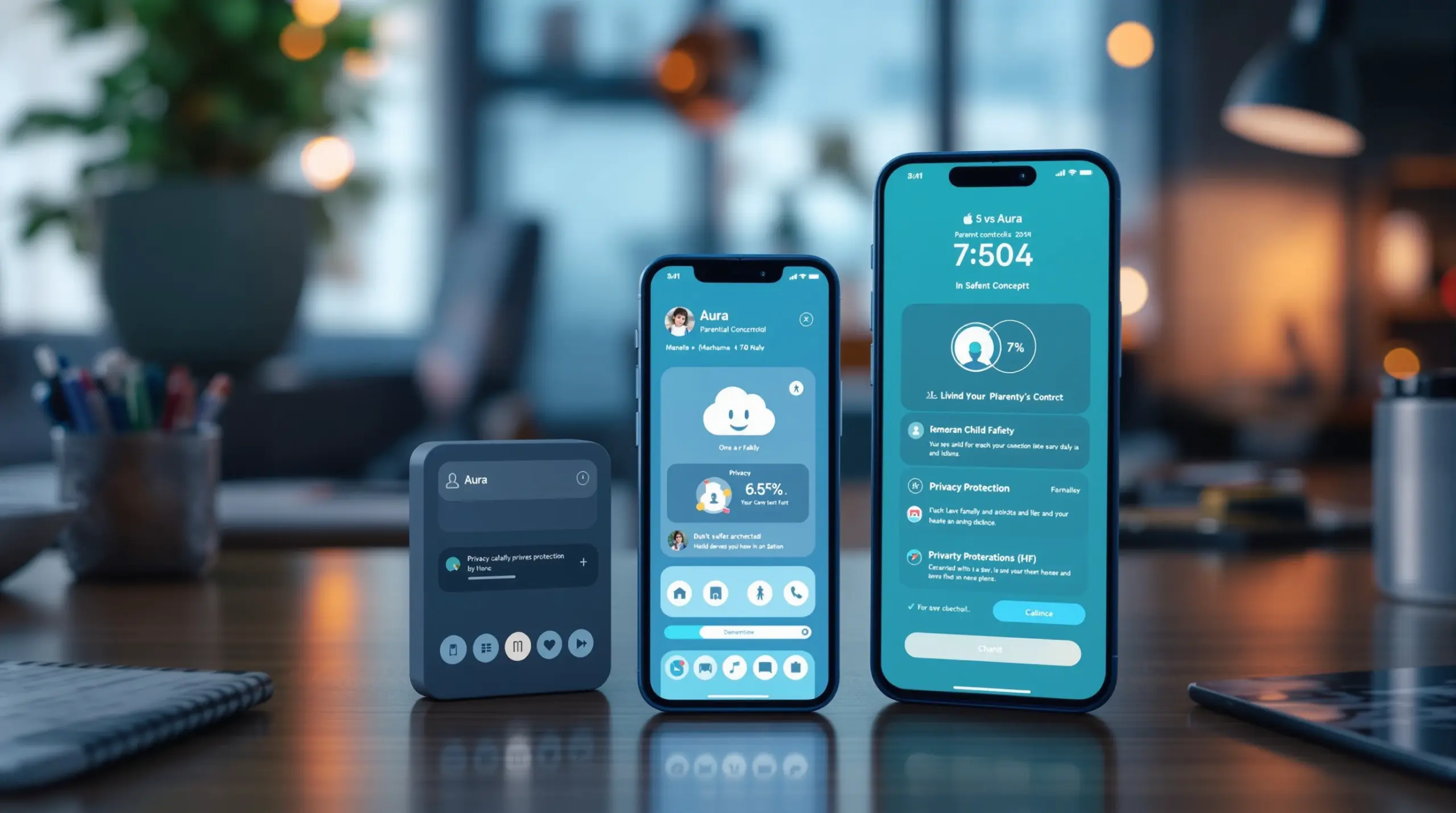
Bark vs Aura for iPhone: which parental control app is better for your family? This guide compares features, pricing, iOS limitations, and a stronger alternative.
Table of Contents
- Quick Summary
- Market Snapshot
- What Is the Bark vs Aura for iPhone Debate Really About?
- How Do Bark and Aura Compare on Core iPhone Features?
- Why iPhone Limits What Every Parental Control App Can Do
- Which App Is Better for Your Family’s Needs?
- Frequently Asked Questions
- Comparison: Bark vs Aura vs Boomerang on iPhone
- How Boomerang Parental Control Fits In
- How to Choose the Right Parental Control App for iPhone in 5 Steps
- The Bottom Line
- Sources & Citations
Quick Summary
Bark vs Aura for iPhone: which parental control app is better is a comparison between two monitoring-focused apps with meaningful iOS restrictions. Bark prioritizes social media and message monitoring with location tracking; Aura bundles family digital security into one subscription. Both face the same iPhone platform limits that cap what any third-party app can enforce.
Market Snapshot
- Aura’s Kids plan starts at $13 per month; Bark Premium starts at $14 per month as of 2026 (Cybernews, 2026).[1]
- Aura offers a 14-day free trial; Bark offers a 7-day free trial as of 2026 (All About Cookies, 2026).[2]
- Bark includes location tracking on iPhone; Aura does not, as of 2026 (Cybernews, 2026).[1]
- SecurityHero’s testing found Aura sets up in about 5 minutes on iPhone, compared with 30-plus minutes for Bark, as of 2026 (SecurityHero, 2026).[3]
What Is the Bark vs Aura for iPhone Debate Really About?
Bark vs Aura for iPhone is a comparison between two fundamentally different philosophies of online child safety, and understanding that difference is the first step to making the right choice for your family. Bark is built around AI-driven monitoring – it scans messages, emails, and social media activity and alerts parents only when it detects something concerning. Aura takes a wider lens, bundling parental controls with identity protection, VPN, and antivirus tools for the whole family under one subscription.
At Boomerang Parental Control, we believe every parent deserves to understand exactly what they’re buying before they commit to a monthly plan. With that in mind, here’s what actually separates these two apps – and what they share in common more than the marketing suggests.
START YOUR FREE TRIAL
Take control of screen time—free for 14 days, cancel anytime.




Both Bark and Aura are designed for parents who want insight without being the constant enforcer. Neither app is primarily built around hard locks, timed device shutdowns, or per-app limits the way Android-first solutions are. Instead, they aim to surface risks and give parents information to start conversations. That’s a legitimate approach for many families, particularly those with teenagers who have earned some level of independence.
The real question in the Bark vs Aura for iPhone debate isn’t which app has a longer feature list – it’s which philosophy fits your child’s age, your family’s communication style, and how much active control you actually need on an iPhone right now. The platform itself plays a major role in what either app delivers, as the sections below explain.
How Do Bark and Aura Compare on Core iPhone Features?
Bark and Aura deliver meaningfully different iPhone feature sets, and the gaps between them matter when you’re managing a child’s device day to day. Understanding these differences helps you match the right tool to what your family actually needs, rather than paying for capabilities you’ll never use.
Bark on iPhone is centered on its AI monitoring engine. The app connects to email accounts, text messages, and supported social media platforms, then scans content for signs of cyberbullying, self-harm, depression, sexual content, and predatory contact. When a risk is detected, Bark sends the parent an alert rather than sharing the full message – a privacy-respecting model that many families appreciate. Cybernews reports that Bark includes location tracking on iPhone while Aura does not (Cybernews, 2026).[1] Bark also includes web filtering and screen time limits, though these features are more constrained on iOS than on Android.
Aura on iPhone is less a pure parental control tool and more a family digital security suite. Aura monitors over 25 content categories for web filtering, according to Cybernews (Cybernews, 2026),[1] and provides activity reports for parents. However, Cybernews reports that Aura does not include email and text monitoring – a feature Bark includes (Cybernews, 2026).[1] Aura’s broader value proposition includes identity theft protection and VPN access for adult family members, which adds real value if you’re looking beyond just child monitoring.
As Cybernews summarized in 2026: “Aura is better if you’re looking for an all-in-one digital security solution, while Bark excels in social media monitoring and comprehensive parental controls.” (Cybernews, 2026)[1]
Both apps support unlimited protected devices and include web filtering and screen time limits as shared core features (Cybernews, 2026).[1] Both also rely heavily on a VPN-based filtering method on iOS – a technical approach that shapes what each app can and cannot enforce, as the next section explains.
Why iPhone Limits What Every Parental Control App Can Do
Apple’s iOS platform deliberately restricts what third-party apps can access on a child’s device, and those restrictions apply equally to Bark, Aura, and every other parental control solution in the market. This isn’t a flaw in any particular app – it’s a platform-level reality that every iPhone parent needs to understand before choosing a tool.
On an iPhone, third-party apps cannot run in the background with the same depth they can on Android. They cannot monitor system-wide app usage in real time, enforce hard per-app time locks natively, or prevent a determined child from deleting the monitoring app without significant friction. iOS parental controls from third-party providers work primarily through Apple’s Screen Time API, a VPN profile, or a Mobile Device Management (MDM) profile – each approach comes with trade-offs.
This is why Boomerang Parental Control software review and other independent evaluations note that Android provides a stronger environment for parental control enforcement. Features like per-app time limits with hard locks, YouTube app history monitoring, call and SMS safety monitoring, and tamper-resistant uninstall protection are technically possible on Android in ways that iOS does not permit.
For Bark specifically, iOS limits mean that social media monitoring depends on the child’s accounts being manually connected and the monitoring app remaining installed and active. Aura’s web filtering on iPhone operates through a VPN profile, which the child can disable if motivated to do so. Neither app can prevent its own removal on iPhone the way a well-designed Android solution can.
Understanding this platform gap doesn’t mean iPhone parental controls are useless – it means you should set accurate expectations and choose a tool that works within those limits honestly, rather than one that overpromises what iOS will allow.
Which App Is Better for Your Family’s Needs?
The right choice between Bark and Aura for iPhone depends on what you need most: targeted communication monitoring or a broader family security bundle. Neither app is universally better – each serves a distinct type of family situation.
Choose Bark if: your primary concern is cyberbullying, inappropriate messaging, or contact from strangers in your child’s texts and social media. Bark’s AI monitoring model is genuinely strong in this area. The fact that it includes location tracking on iPhone – which Aura does not – also makes it more useful for parents who want to know where their child is throughout the day (Cybernews, 2026).[1] All About Cookies describes Bark as “best for extensive monitoring” as of 2026 (All About Cookies, 2026).[2] Setup is more involved: SecurityHero’s testing found Bark takes 30-plus minutes to configure on iPhone (SecurityHero, 2026),[3] reflecting how many accounts and permissions need to be connected.
Choose Aura if: you want a single subscription that covers child monitoring and adult family security together – identity protection, VPN, and antivirus alongside parental controls. All About Cookies describes Aura as “best for non-invasive monitoring” (All About Cookies, 2026).[2] SecurityHero’s testing found Aura sets up in about 5 minutes on iPhone (SecurityHero, 2026),[3] making it a more accessible option for non-technical parents. Aura’s 14-day free trial – versus Bark’s 7-day trial – also gives you more time to evaluate the fit (All About Cookies, 2026).[2]
Neither app, however, fully addresses the foundational need many parents have: preventing children from bypassing controls on their device entirely, enforcing hard bedtime locks, or monitoring YouTube app usage. Those are Android-native capabilities. If your child uses Android, or if you’re weighing which platform to set up their first device on, that distinction is worth exploring carefully before committing to any iPhone-focused tool.
Your Most Common Questions
Does Bark work on iPhone the same way it does on Android?
Bark does not work identically on iPhone and Android – iOS platform restrictions limit several features that function more fully on Android devices. On iPhone, Bark’s core strength is its AI-driven monitoring of connected email, text, and social media accounts, which works by syncing to those accounts through the parent dashboard. Location tracking is available on iPhone. However, features like screen time enforcement and app-level controls are significantly more limited on iOS than on Android, because Apple does not permit third-party apps to enforce hard locks at the system level the way Android allows. Parents using Bark on iPhone should expect monitoring and alerting to be the primary value, with active device control playing a secondary role compared to the Android experience.
Is Aura a good parental control app for iPhone users?
Aura is a capable iPhone parental control option for parents whose priority is content filtering and family-wide digital security rather than deep communication monitoring. Aura monitors over 25 content categories for web filtering and provides activity reports to parents (Cybernews, 2026).[1] Its setup time of approximately 5 minutes on iPhone makes it accessible for non-technical parents (SecurityHero, 2026).[3] However, Aura does not include email and text monitoring on iPhone, and it does not offer location tracking – two features Bark provides (Cybernews, 2026).[1] Aura’s strongest value proposition is its bundled family security suite, which adds identity protection, VPN, and antivirus for adult family members alongside the child monitoring tools. If you need a child-only focused solution rather than a full family security package, Aura includes more than you need at a higher price point.
How much does Bark cost compared to Aura for iPhone?
Bark Premium starts at $14 per month and Aura’s Kids plan starts at $13 per month as of 2026, making them similarly priced at entry level (Cybernews, 2026).[1] However, pricing ranges vary significantly depending on the plan tier and features included. All About Cookies reports Aura pricing ranging from $10.00 to $32.00 per month and Bark pricing ranging from $8.25 to $14.00 per month as of 2026 (All About Cookies, 2026).[2] Aura’s higher price ceiling reflects its broader family security bundle – identity protection and VPN for adults are factored into the cost. Both apps support unlimited protected devices (Cybernews, 2026),[1] which is a genuine value advantage for larger families. Bark’s 7-day free trial gives less evaluation time than Aura’s 14-day free trial (All About Cookies, 2026),[2] so factor that into your decision if you want to test before committing.
Are there better parental control options than Bark or Aura for families with Android devices?
Yes – families using Android devices have access to deeper, more enforceable parental control features that neither Bark nor Aura can fully replicate on iPhone due to iOS restrictions. Android allows third-party apps like Boomerang Parental Control to enforce hard device locks at bedtime, set per-app daily time limits, monitor YouTube app history, and use Samsung Knox integration to make the parental control app virtually impossible for a tech-savvy child to remove. These capabilities are native to Android’s more open architecture and represent a meaningful gap compared to what either Bark or Aura can do on iPhone. For parents of pre-teens receiving their first device, choosing an Android device over an iPhone to access these deeper controls is a practical consideration worth weighing. The ability to set a firm 30-minute daily limit on a game app, designate homework apps as always available, and receive a tamper alert if a child tries to uninstall the monitoring tool – all of these are Android-first advantages that no iPhone parental control app currently matches.
Bark vs Aura vs Boomerang: What Each App Offers on iPhone
Choosing between Bark, Aura, and Boomerang Parental Control comes down to understanding what each tool is built to do – and where the platform it runs on defines its ceiling. The table below compares the three apps across the features families most commonly need, with iOS limitations noted where relevant.
| Feature | Bark (iPhone) | Aura (iPhone) | Boomerang (Android / iOS) |
|---|---|---|---|
| Social media & message monitoring | Yes – AI-driven alerts | No | Call & SMS safety (Android only) |
| Location tracking | Yes (Cybernews, 2026)[1] | No (Cybernews, 2026)[1] | Yes – real-time + geofencing |
| Web content filtering | Yes | Yes – 25-plus categories (Cybernews, 2026)[1] | Yes – SPIN Safe Browser on iOS & Android |
| Screen time scheduling | Limited on iOS | Limited on iOS | Full scheduling on Android; scheduled time only on iOS |
| Per-app time limits | Limited on iOS | Limited on iOS | Android only |
| YouTube history monitoring | No | No | Android only |
| Uninstall protection | Not available on iOS | Not available on iOS | Android only (Samsung Knox integration available) |
| Family identity & VPN protection | No | Yes – bundled | No |
| Starting price (2026) | $14/month (Cybernews, 2026)[1] | $13/month (Cybernews, 2026)[1] | Annual subscription – family pack available |
How Boomerang Parental Control Fits Into This Comparison
Boomerang Parental Control is an Android-first parental control app built for families who want rules that actually stick – not just monitoring that alerts after the fact. While Bark vs Aura for iPhone is a valid comparison for iOS households, Boomerang is the option worth considering if your child uses Android or if you’re setting up a first device and want maximum control from day one.
Boomerang’s screen time features go beyond what either Bark or Aura can enforce on iPhone. On Android, Boomerang lets you set a total daily usage limit, hard bedtime locks that automatically shut the device down, and per-app time limits – for example, 30 minutes a day on a game while keeping a school portal available with no limit. These features run automatically once configured, removing you from the role of daily screen time negotiator.
For families with tech-savvy children who have already bypassed simpler controls, Boomerang’s uninstall protection – including Samsung Knox integration on supported devices – makes it significantly harder for a child to remove the app than with any iPhone-based solution. On Android, the app stays in place. On iOS, Boomerang provides notification-only tamper alerts, which is consistent with what the platform permits.
Boomerang also includes YouTube app history monitoring and call and SMS safety features – both Android only – giving parents visibility into two of the biggest sources of parental concern that neither Bark nor Aura addresses on iPhone. The SPIN Safe Browser adds content filtering on both Android and iOS without requiring a VPN or router configuration, working on any network your child connects to.
One parent on Google Play captured the value plainly: “So far the only app my 11 year old was not able to bypass. Big Shout out to developers for making such a great app.” – Jason H, Google Play review
Another parent described a direct comparison with simpler tools: “I have control back over my child’s phone and applications because she managed to circumvent family link. I have no idea how she did that but she managed to find a way, as did other kids.” – Joe Eagles, Google Play review
If your child uses an Android device, Boomerang Parental Control is worth exploring as a more enforceable alternative to iPhone-constrained apps. Visit the website to learn more or reach out at [email protected].
How to Choose the Right Parental Control App for iPhone in 5 Steps
Step 1: Define Your Primary Goal
Before comparing any apps, decide whether your primary need is communication monitoring, web content filtering, screen time enforcement, or location tracking. Bark is strongest at monitoring messages and social accounts for risk signals on iPhone. Aura is stronger as a bundled family security suite. If hard device locks and tamper-proof enforcement are your priority, an Android device with Boomerang Parental Control will serve you better than any iPhone solution currently can.
Step 2: Understand What iOS Will and Won’t Allow
Review Apple’s Screen Time settings before installing any third-party app – some features you want may already exist natively. Third-party iOS parental control apps work through a VPN profile or Screen Time API, and both can be disabled by a motivated child. Set expectations accordingly so you’re not surprised when a feature behaves differently than it does on Android.
Step 3: Take Advantage of Free Trials
Both Bark and Aura offer free trials – Aura provides 14 days and Bark provides 7 days as of 2026 (All About Cookies, 2026).[2] Use that time to test the specific features you identified in Step 1 on your child’s actual device and accounts. Pay attention to how easy setup is for your comfort level with technology, and whether alert volume from the app is manageable or overwhelming.
Step 4: Check Platform Fit for Each Child Device in Your Home
If you have children using both iPhone and Android devices, evaluate whether a single app works adequately across both platforms or whether different tools serve each platform better. Boomerang Parental Control provides Android-native depth – including per-app limits, YouTube history monitoring, and Samsung Knox uninstall protection – alongside limited iOS support, making it worth reviewing for mixed-device families alongside the Android sideload download option.
Step 5: Review Pricing Against What You’ll Actually Use
Aura’s pricing range extends to $32 per month at the top tier (All About Cookies, 2026),[2] primarily because of the adult identity protection and VPN features bundled into higher plans. If you only need the child parental control features, confirm which plan tier covers your actual needs before committing. For families on a budget who want strong enforcement rather than monitoring, comparing Android-first solutions like Boomerang alongside Bark and Aura reveals better value for your specific situation.
The Bottom Line
Bark vs Aura for iPhone comes down to a clear split: Bark is the stronger choice for families who need communication and social media monitoring with location tracking, while Aura suits parents who want a bundled family digital security solution with simpler setup. Both apps are honest tools operating within the real constraints Apple imposes on third-party parental control software.
If you’re finding that iPhone limitations are blocking the level of enforcement your family needs – or if your child’s device is Android – Boomerang Parental Control delivers a deeper, more tamper-resistant layer of protection that neither Bark nor Aura can match on mobile. From hard screen time locks and per-app limits to YouTube history monitoring and Samsung Knox uninstall protection, Boomerang is built for parents who need rules that hold.
Ready to see what works for your family? Visit Boomerang Parental Control to explore features, or email [email protected] with any questions about getting started.
Sources & Citations
- Aura vs Bark (2026): Feature, Price & Safety Comparison. Cybernews.
https://cybernews.com/best-parental-control-apps/bark-vs-aura/ - Aura Parental Controls vs. Bark 2026: Non-Invasive Insights Into Online Safety. All About Cookies.
https://allaboutcookies.org/aura-parental-controls-vs-bark - Aura vs Bark Reviews. SecurityHero.
https://www.securityhero.io/aura-vs-bark-reviews/ - Boomerang Parental Control Review. SafeWise.
https://www.safewise.com/boomerang-parental-control-review
START YOUR FREE TRIAL
Take control of screen time—free for 14 days, cancel anytime.
