
21
May
2026
Bedtime Mode for Kids Phone: A Parent’s Guide
May 21, 2026
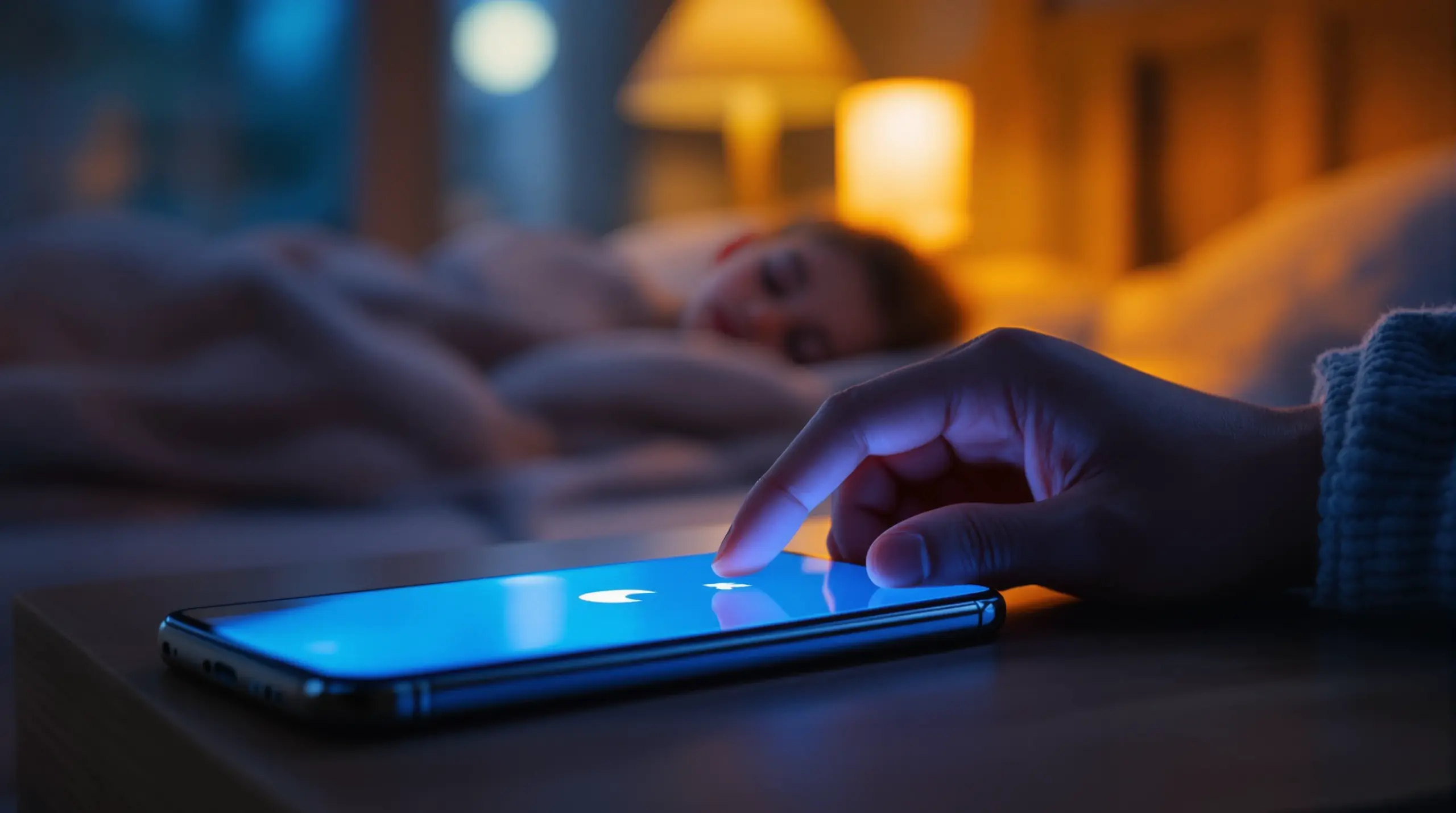
Bedtime mode for kids phone is an important parental control feature that automatically locks your child’s device at night, protecting their sleep, focus, and daily well-being – here’s everything you need to know.
Table of Contents
- What Is Bedtime Mode for a Kids Phone?
- Why Bedtime Phone Rules Directly Affect Your Child’s Sleep
- How to Set Up Bedtime Mode That Actually Works
- Beyond Bedtime: Building Full Digital Wellness Habits
- Frequently Asked Questions
- Bedtime Mode Approaches Compared
- How Boomerang Parental Control Handles Bedtime
- Practical Tips for Bedtime Phone Management
- The Bottom Line
- Sources & Citations
Article Snapshot
Bedtime mode for kids phone is a scheduled lock feature that automatically restricts device access during sleep hours, removing arguments, protecting sleep quality, and enforcing consistent nighttime routines. Parental control apps like Boomerang enforce this automatically on Android and iOS so parents never have to be the enforcer at 10 p.m.
By the Numbers
- 75% of children and adolescents report having at least one screen-media device in their bedroom (National Sleep Foundation, 2014)[1]
- 57% of teenagers who leave an electronic device on in their bedroom after bedtime get less total sleep and lower sleep quality (National Sleep Foundation, 2014)[1]
- Kids who used their devices right before sleep were 51% more likely to not sleep well (Institute for Family Studies, 2025)[2]
- A pre-bed phone restriction intervention increased total sleep time by 19 minutes per night among adolescents (PMC peer-reviewed article summary, 2018)[1]
What Is Bedtime Mode for a Kids Phone?
Bedtime mode for kids phone is a scheduled device lockdown feature that automatically restricts or fully disables phone access during designated nighttime hours, ensuring children stay off their screens when they should be sleeping. It is not a manual reminder or a soft suggestion – when properly configured through a parental control app, the phone simply stops working for entertainment purposes at the time you choose, and it stays that way until morning. Boomerang Parental Control has helped families enforce exactly this kind of automated boundary since 2015, removing the burden from parents who are tired of repeating themselves every single night.
The core mechanism works by linking a time schedule to device-level restrictions. On Android devices, this means the screen is locked entirely, with only emergency call functions remaining accessible if you choose. On iOS, scheduling is available but with more limited enforcement capability. The important distinction is that a true bedtime mode does not rely on your child’s cooperation – it enforces the rule automatically, whether your child agrees with it or not.
START YOUR FREE TRIAL
Take control of screen time—free for 14 days, cancel anytime.




Parents setting up a first smartphone for a pre-teen will find bedtime scheduling one of the most immediately impactful features available. Rather than negotiating every night about what time is reasonable, the app becomes the neutral enforcer. The phone locks, the argument ends, and your household routine stays intact. This use case – Boomerang Parental Control screen time features – is one of the most common reasons families first install a parental control app on their child’s device.
Bedtime mode also pairs naturally with daily screen time limits. A child might use their two-hour daily allowance during the afternoon, but a separate bedtime schedule ensures the device goes dark at 8:30 p.m. regardless of whether time remains in the daily budget. These two controls work together to cover the full day rather than just peak usage hours.
Why Bedtime Phone Rules Directly Affect Your Child’s Sleep
Children’s sleep is measurably worse when phones remain accessible at night, and the research behind this finding is both consistent and specific. The National Sleep Foundation found that 57% of teenagers who leave an electronic device on in their bedroom after bedtime get less total sleep and have lower sleep quality, and 28% of school-aged children experience the same outcome (National Sleep Foundation, 2014)[1]. These are not marginal effects – reduced sleep in children is linked to poorer school performance, increased emotional reactivity, and weakened immune function.
The problem runs deeper than simple late-night use. Research shows that 60% of children and adolescents regularly use screen-media devices during the hour before bedtime (National Sleep Foundation, 2014)[1]. The blue light emitted by phone screens suppresses melatonin production, delaying the body’s natural sleep signal. But the issue is not purely physiological – the content itself matters too.
As Jean M. Twenge, Professor of Psychology at San Diego State University, noted: “Getting devices physically out of the bedroom after bedtime prevents three sleep-disturbing monsters.” (Institute for Family Studies, 2025)[2] The disruptions she references include notifications waking sleeping children, the temptation to check devices during the night, and the delay in falling asleep caused by pre-sleep screen use.
The National Sleep Foundation stated: “Screen use across the day can impair sleep health for both children and teens, but viewing content before bed was particularly bad for sleep.” (National Sleep Foundation, 2025)[3] This distinction matters for parents deciding whether to set a bedtime lockout or simply rely on daily time limits – a child who burns through their daily allowance by 4 p.m. still has the opportunity to pick up their phone at 9 p.m. unless a separate bedtime schedule is in place.
The University of Rochester Medical Center found that teenagers who are on their phones around bedtime delay the onset of their sleep by at least 30 minutes (University of Rochester Medical Center, 2025)[4]. Over a school week, that accumulates into significant sleep debt. A structured nighttime phone ban – enforced automatically rather than relying on a teen’s self-discipline – directly addresses this pattern. Sleep deprivation affects a child’s ability to learn, regulate emotions, and maintain healthy development, making bedtime enforcement one of the highest-value settings any parent can configure.
How to Set Up Bedtime Mode That Actually Works
Effective bedtime mode setup requires more than toggling a single switch – it involves choosing the right tool, configuring it correctly for your child’s age and device, and making sure the controls are tamper-resistant. The process is straightforward when you know what to look for, and the payoff is a consistent nightly routine that runs itself.
The first decision is platform. On Android devices, parental control apps have significantly deeper access to device functions, which means bedtime mode fully locks the screen rather than simply blocking certain apps. On iOS, Apple’s architecture limits what third-party apps can enforce, so scheduled restrictions are available but less comprehensive. If your child uses an Android phone or tablet – including Samsung Galaxy devices – you have access to the strongest bedtime lockout features available in consumer parental control software.
Once you have selected a parental control app, the setup process for bedtime scheduling follows these steps: choose your child’s profile, navigate to the scheduling or screen time section, set the start and end times for the bedtime lockout, and confirm whether the lock is a full device lock or an app-level restriction. On Boomerang for Android, the sideload download for Android devices includes the full feature set, including scheduled downtime with complete screen locking capability.
A critical component that many parents overlook is uninstall protection. A bedtime schedule is only effective if your child cannot simply remove the app before going to bed. On Android, particularly Samsung devices, Boomerang Parental Control uses Samsung Knox – an enterprise-grade mobile security layer – to make the app virtually impossible to remove without the parent’s PIN. This transforms a bedtime schedule from a suggestion into an enforced rule.
For families with multiple children, setting different bedtime schedules for different ages is important. A 9-year-old and a 14-year-old do not need the same cut-off time, and a good parental control app supports individual profiles for each child’s device. Testing the schedule before the first night of use – checking that the phone actually locks at the set time – takes less than two minutes and confirms the configuration is correct before it matters.
Beyond Bedtime: Building Full Digital Wellness Habits
Bedtime lockout is the most urgent screen time control most families need, but it works best as part of a broader digital wellness framework rather than as a standalone fix. Children who have healthy relationships with technology during the day are less likely to push boundaries at night, and parents who use a range of tools feel more confident and less reactive about the whole topic.
Daily screen time limits complement bedtime scheduling by capping total usage before the evening even begins. On Android, Boomerang allows parents to set an overall daily time budget – for example, two hours of entertainment screen time – and when that budget is exhausted the device locks regardless of the time of day. This prevents the scenario where a child who stayed on their phone all afternoon still has technically available time at 9 p.m. Daily limits and bedtime schedules together create a complete coverage model.
App-level controls add another layer of specificity. Boomerang’s per-app limits (available on Android) let you assign individual time budgets to specific apps – thirty minutes for a game, unlimited time for a homework app – rather than treating all screen time as equivalent. Pairing this with the “Encouraged Apps” designation means educational tools like school portals or reading apps remain accessible even after entertainment limits are reached, and they stay open right through bedtime if your child needs to finish an assignment.
Content filtering and safe browsing fill the gap during the hours the phone is active. The SPIN Safe Browser integrates directly with Boomerang, providing automatic web filtering and SafeSearch enforcement on any network – home wifi, mobile data, or a friend’s router – without requiring VPN configuration. This means the browsing protection your child has at home follows them everywhere their phone goes, including the hour before bedtime when unsupervised browsing carries the highest risk.
Cindy Gellner, a Pediatrician at University of Utah Health, noted: “The recent study shows that the mere presence of these devices in the bedroom could also disrupt sleep quality and quantity in kids.” (University of Utah Health, 2017)[5] This reinforces why content visibility tools matter alongside scheduling controls – a parent who can review YouTube watch history (on Android) or check location tracking data has much richer context for conversations about how and when technology is being used. Visibility and enforcement together build the foundation for genuine digital wellness rather than just surface compliance.
Your Most Common Questions
Does bedtime mode for a kids phone completely lock the device, or just block certain apps?
The answer depends on the parental control app and the device platform. On Android, a well-configured bedtime schedule through an app like Boomerang fully locks the device screen, preventing access to all apps, browsers, and settings during designated hours. You can choose to allow emergency calls while everything else is locked, which gives you safety coverage without leaving entertainment apps accessible. On iOS, Apple’s architecture limits third-party apps to blocking specific apps or categories rather than issuing a complete device lock, so the enforcement is less comprehensive. For the strongest nighttime lockout, Android devices with a dedicated parental control app provide the most reliable outcome. The lock only holds if your child cannot uninstall the app – which is why tamper protection, such as Samsung Knox integration on supported Samsung devices, is an important companion to any bedtime schedule.
What time should I set for my child’s bedtime phone lockout?
Recommended bedtimes vary by age, and so should phone lockout times. For children ages 6 to 12, most pediatric sleep guidelines suggest setting the lockout at least 60 minutes before the target sleep time – so if your child’s bedtime is 8:30 p.m., the phone should lock at 7:30 p.m. This pre-sleep window is when blue light and stimulating content cause the most damage to melatonin production and sleep onset. For teenagers, a lockout time of 9:00 to 9:30 p.m. on school nights aligns with research showing that phone use around bedtime delays sleep by at least 30 minutes. The goal is not just to enforce a lights-out time – it is to create a wind-down period where your child’s nervous system prepares for sleep. Setting the lockout 30 to 60 minutes before intended sleep is consistently more effective than setting it exactly at bedtime.
Can my child bypass or turn off bedtime mode on their phone?
This is the most important practical concern for parents, and the honest answer is: it depends entirely on which app you use and how it is configured. Built-in tools like Apple Screen Time or Google Family Link have known workarounds that tech-savvy children – especially teenagers – regularly exploit, including factory resets, secondary Apple IDs, and settings manipulation. Dedicated parental control apps address this more aggressively. Boomerang uses Uninstall Protection on Android, and on Samsung Galaxy devices, Samsung Knox integration makes the app exceptionally difficult to remove without the parent’s PIN – a level of enforcement that free built-in tools cannot match. If your child has already bypassed a simpler solution, upgrading to an app with hardware-level tamper protection is the most direct fix. The bedtime schedule is only as effective as the protection around it, and uninstall protection is what separates a rule your child respects from one they work around.
Should I combine bedtime mode with other screen time controls, or is it enough on its own?
Bedtime mode is the single most impactful screen time control you can implement, but it works best as part of a layered approach. On its own, a bedtime lockout only addresses the nighttime window – it does not prevent a child from spending four hours on social media during the afternoon, watching inappropriate content on YouTube, or installing apps you have not approved. Pairing bedtime scheduling with daily time limits, app-level controls, content filtering, and app approval workflows gives you complete coverage across the full day. Think of bedtime mode as the foundation – the non-negotiable baseline – and the other controls as the structure you build on top of it. For most families, starting with bedtime scheduling and a daily screen time limit covers the most urgent concerns immediately, and you can layer in additional features like YouTube monitoring or keyword alerts in text messages as you get comfortable with the tools. A complete setup takes less than 20 minutes and manages itself from that point forward.
Bedtime Mode Approaches Compared
Not all bedtime phone controls work the same way, and the approach you choose has a significant impact on how effectively your child’s nighttime routine is protected. The table below compares four common methods parents use to manage bedtime phone access, highlighting the key differences in enforcement strength, ease of use, and bypass resistance.
| Approach | Enforcement Strength | Bypass Risk | Platform | Tamper Protection |
|---|---|---|---|---|
| Built-in tools (Google Family Link / Apple Screen Time) | Moderate – app blocking or screen downtime only | High – known workarounds for older children | Android & iOS | Low – no hardware-level protection |
| Manual parental enforcement (asking child to hand over phone) | Low – fully dependent on child compliance | Very High – no technical barrier | Any | None |
| Router-based scheduling (blocking wifi at night) | Moderate – blocks home wifi only | High – child can switch to mobile data | Any | Low – no device-level lock |
| Dedicated parental control app (e.g., Boomerang)[6] | High – full device lock on Android with Scheduled Downtime | Low – Uninstall Protection and Samsung Knox on supported devices | Android-primary; iOS limited | High – Knox integration on Samsung devices |
How Boomerang Parental Control Handles Bedtime
Boomerang Parental Control – taking the battle out of screen time for Android and iOS – approaches bedtime enforcement as one of its core functions, built specifically for the reality that children will test limits and tech-savvy kids will look for workarounds. The app’s Scheduled Downtime feature lets you set precise start and end times for the nighttime lockout on each child’s device, and on Android, the lock is enforced at the device level rather than app by app.
For Samsung Galaxy device users, the Samsung Knox integration means Boomerang’s rules are embedded at the firmware security layer – the same enterprise-grade protection used by corporations to manage employee devices. This is what separates Boomerang from free alternatives that children regularly defeat. As one parent put it: “So far this the best parental control app.. hands down. So far the only app my 11 year old was not able to bypass. Big Shout out to developers for making such a great app.” – Jason H, Google Play review
Another parent shared a directly relevant experience: “This is a great application! I have control back over my child’s phone and applications because she managed to circumvent family link. I have no idea how she did that but she managed to find a way, as did other kids. That was a major frustration for us. But now with Boomerang, I can manage her time, what applications she uses and what sites she visits.” – Joe Eagles, Google Play review
Beyond bedtime scheduling, Boomerang provides daily email activity reports so parents stay informed without having to open the app every morning. The TechRadar review of Boomerang Parental Control highlights its practical depth for Android families, and independent reviewers consistently point to its Samsung Knox integration as a standout feature among consumer parental control tools. Subscriptions are available annually for single devices or as a Family Pack covering up to 10 child devices – making it affordable for households managing multiple phones and tablets. For questions or setup support, you can reach the team at [email protected] or through the help portal.
Practical Tips for Bedtime Phone Management
Setting up bedtime mode is step one. Making it stick – and building habits that support it – takes a few additional steps that experienced parents find make a real difference.
Start the lockout earlier than you think you need to. The research consistently shows that phone use in the 30 to 60 minutes before sleep is the highest-risk window for sleep disruption. If your child’s target bedtime is 9 p.m., set the lockout for 8 p.m. rather than 8:55 p.m. The wind-down time matters as much as the lockout itself, and a child who has been off their phone for an hour falls asleep faster than one who put it down two minutes ago.
Create a device charging station outside the bedroom. Even with bedtime mode active on the phone, having a physical charging location outside your child’s room removes the temptation entirely and reinforces the habit at a behavioral level. Jean M. Twenge’s research specifically identifies the physical presence of devices in bedrooms as a sleep disruptor independent of active use.
Use Encouraged Apps to protect homework time before bedtime. On Android, designating your child’s homework or reading app as an Encouraged App means it remains accessible even as entertainment apps lock down in the evening. This removes the excuse that the phone needs to stay on for schoolwork while still enforcing the entertainment cutoff.
Review the daily activity report each morning. Boomerang’s emailed activity summary shows you how much time was spent on each app the previous day, including whether the bedtime schedule held. This takes 60 seconds to read and tells you everything you need to know about whether adjustments are needed – without requiring a confrontation with your child.
Pair bedtime scheduling with location tracking for teenagers. For parents of older children, setting a geofence around the home and reviewing the location history alongside the activity report gives you a complete picture of your teen’s evening – where they were, when they got home, and whether the phone stayed locked when it was supposed to. This combination supports trust-building without requiring constant check-in calls.
Test the schedule before the first night it goes live. Set the lockout for two minutes from now, wait for it to trigger, and confirm the device actually locks. This one-minute test prevents the frustration of discovering a misconfiguration at 10 p.m. on a school night.
The Bottom Line
Bedtime mode for kids phone is one of the most effective tools available to parents today – not because it is complicated, but because it removes the nightly argument entirely. The research is clear: phones in children’s bedrooms reduce sleep quantity and quality, and the effects show up in school performance, mood, and health. Automated enforcement, rather than relying on a child’s self-discipline or a parent’s repeated reminders, is what makes the difference between a rule that holds and one that gets negotiated away every night.
If your child uses an Android device, Boomerang Parental Control gives you the strongest available enforcement – including Samsung Knox-backed uninstall protection, scheduled downtime, daily limits, and content filtering through SPIN Safe Browser. If you are ready to stop being the screen time police at 10 p.m., visit useboomerang.com to explore plans, or email [email protected] to get started today.
Sources & Citations
- Sleep in the Modern Family. National Sleep Foundation / PMC peer-reviewed article summary.
https://pmc.ncbi.nlm.nih.gov/articles/PMC5839336/ - The Most Important Screen Time Rule: No Devices in the Bedroom. Institute for Family Studies, 2025.
https://ifstudies.org/blog/the-most-important-screen-time-rule-no-devices-in-the-bedroom - When to Put Devices to Bed. National Sleep Foundation, 2025.
https://www.thensf.org/appropriate-screen-use-in-children/ - How Teenage Phone Use Is Affecting Their Sleep. University of Rochester Medical Center, 2025.
https://www.rochesterregional.org/hub/teens-screen-time-sleep - Smart Phones’ Effect On Your Child’s Sleep. University of Utah Health, 2017.
https://healthcare.utah.edu/the-scope/kids-zone/all/2017/01/smart-phones-effect-your-childs-sleep - Boomerang Parental Control Software Review. TechRadar.
https://www.techradar.com/reviews/boomerang-parental-control-software
START YOUR FREE TRIAL
Take control of screen time—free for 14 days, cancel anytime.
