
21
Apr
2026
Best Family Location App for Kids & Teens
April 21, 2026
A family location app gives parents real-time GPS tracking, geofencing alerts, and location history to keep children safe – discover which features matter most and how to choose the right solution for your family.
Table of Contents
- What Is a Family Location App?
- How Location Tracking Works for Families
- Key Features to Look for in a Family Location App
- Safety Beyond Location: Combining Tracking with Parental Controls
- Frequently Asked Questions
- Comparing Family Location App Approaches
- How Boomerang Parental Control Supports Family Safety
- Practical Tips for Using a Family Location App
- The Bottom Line
- Sources & Citations
Key Takeaway
A family location app is a smartphone tool that lets parents view a child’s real-time GPS position, set geofence boundaries, and receive arrival or departure alerts. The best solutions combine location tracking with broader parental controls, giving families both physical safety and digital peace of mind in one platform.
Market Snapshot
- The global family tracking app market was valued at $356 million USD in 2023 and is projected to reach $1,927.4 million USD by 2033 (Market.us, 2024)[1]
- The market is growing at a compound annual growth rate of 18.4% from 2024 to 2033 (Market.us, 2024)[1]
- 170 million people in the U.S. already own at least one GPS or location-tracking device (Market.us, 2024)[1]
- 27% of U.S. adults plan to purchase a GPS or location-tracking device within the next six months (Market.us, 2024)[1]
What Is a Family Location App?
A family location app is a dedicated mobile application that lets parents view their child’s real-time GPS position directly from their own smartphone, without needing to call or text for a check-in. These apps have moved well beyond basic map pins: today’s leading solutions store location history, trigger alerts when a child arrives at or leaves a specific area, and integrate with broader parental control features like screen time management and content filtering. Boomerang Parental Control, for example, combines real-time location tracking and geofencing with app blocking and web filtering – giving families one platform for both physical and digital safety.
The core purpose of a child location tracker is to give parents passive, ongoing confirmation that their child is where they are supposed to be. Instead of interrupting a teenager’s after-school activity with a check-in call, a parent receives an automatic geofence notification the moment the child arrives at the sports field or leaves school. This quiet, background confirmation reduces family friction while keeping parents informed.
START YOUR FREE TRIAL
Take control of screen time—free for 14 days, cancel anytime.




Location monitoring for kids has grown rapidly alongside smartphone adoption. As “Market.us Analysts” observed, “The increasing reliance on smart devices has driven the demand for these apps, as they are becoming a common tool for family safety and coordination.” (Market.us, 2024)[1] That demand has produced a wide market with tools ranging from standalone locator apps to full-featured parental control suites that include location as one component of a broader safety toolkit.
Understanding what a family location app does not do on its own matters. Location data tells you where a device is – it does not tell you what a child is viewing online, who is messaging them, or whether they are spending six hours on social media. Families who rely on location tracking alone are addressing only one dimension of child safety. The most effective approach pairs a GPS family tracker with controls that manage digital behavior as well.
How Location Tracking Works for Families
Family location tracking relies on a combination of GPS signals, cellular network data, and Wi-Fi positioning to determine a device’s location and report it to a parent’s phone. Understanding how these layers work together helps parents set realistic expectations about accuracy, battery impact, and what happens when a child enters a building or travels to an area with poor cell coverage.
GPS and Network-Assisted Positioning
Modern smartphones use GPS as the primary positioning method when outdoors, achieving accuracy within a few meters under clear sky conditions. Indoors or in dense urban areas, the device supplements GPS with cell tower triangulation and nearby Wi-Fi network mapping to maintain a position estimate. Most family location apps rely on this combined approach, which means accuracy varies from a tight radius in an open area to a broader estimate inside a building or a rural area with limited cell infrastructure.
Location history is a particularly useful feature for parents who cannot monitor the app throughout the day. Rather than checking in repeatedly, a parent reviews the route a child took from school to home in the evening. Boomerang Parental Control stores up to 30 days of location history, giving families a meaningful timeline of their child’s movements without requiring constant active monitoring. SafetyDetectives notes that real-time location tracking combined with 30-day history storage is among the most valued features parents look for in a location-aware parental control app (SafetyDetectives, 2026)[2].
Geofencing: Automated Location Alerts
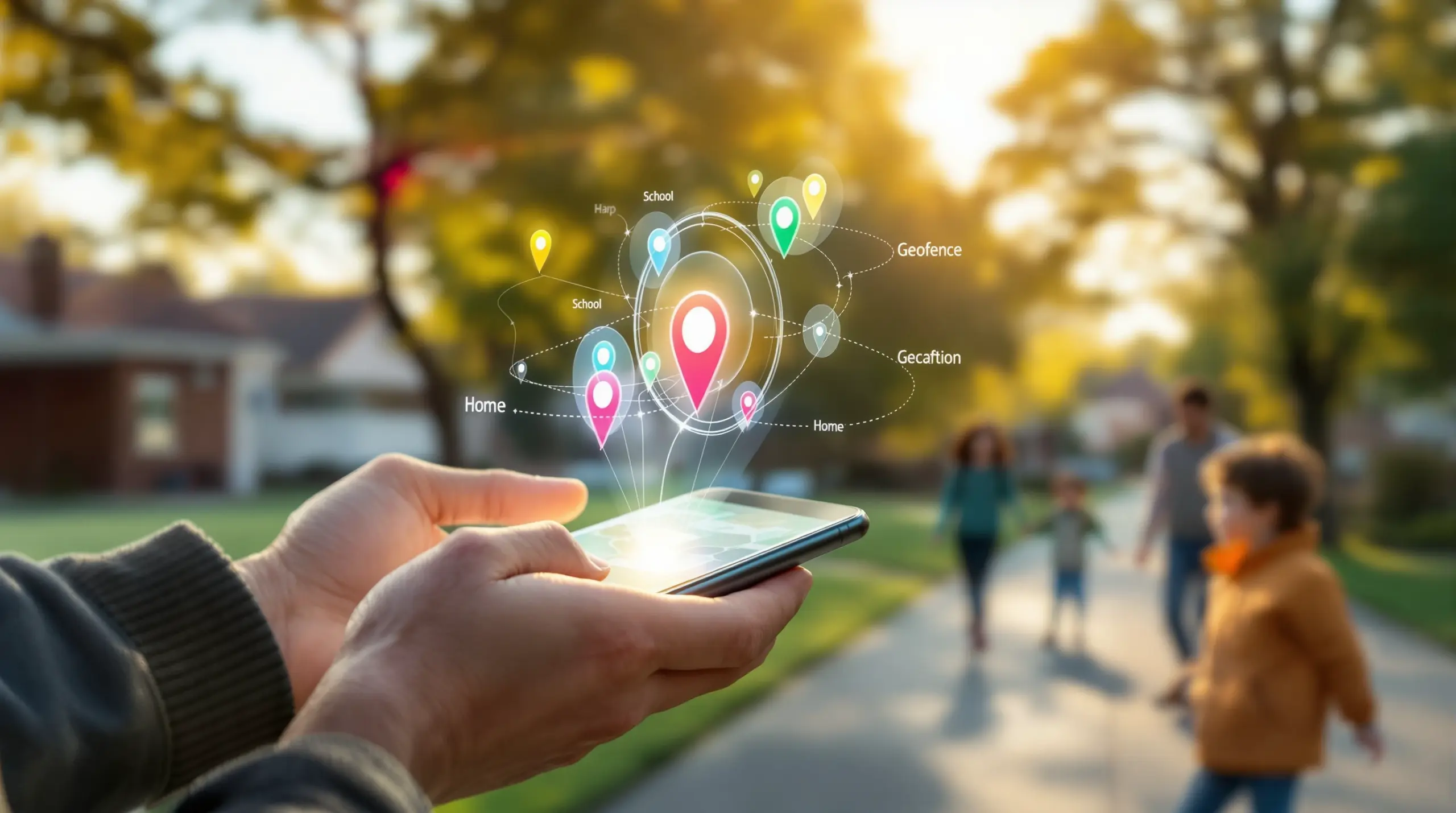
Geofencing is the feature that makes a child GPS tracker genuinely useful for busy parents. A parent draws a digital boundary around a location – school, home, a friend’s house, a sports complex – and the app sends an automatic push notification when the child’s device crosses that boundary. This replaces the need for a check-in text and gives parents passive confirmation of safe arrival throughout the day.
Geofence radius matters more than many parents realize. A very small radius set around a large school campus triggers false alerts if the boundary clips the edge of the property. Conversely, an overly large radius reduces the precision of arrival and departure timing. Understanding the geofence tools available in your chosen app and calibrating them to your child’s actual daily locations is a key setup step covered in the Practical Tips section below.
Key Features to Look for in a Family Location App
Not every family location app offers the same depth of functionality, and the right choice depends heavily on your child’s age, device type, and the specific safety challenges your family faces. These are the features that matter most when evaluating parental GPS tracking solutions for children.
Real-Time Location Updates
The frequency of location updates varies between apps. Some refresh every few minutes; others offer near-continuous tracking. More frequent updates consume more battery on the child’s device, so look for apps that balance update frequency with battery efficiency. For most families with school-age children, updates every few minutes are sufficient for passive monitoring, with faster refresh available when you actively open the map.
Geofencing with Arrival and Departure Alerts
As outlined in the previous section, geofencing automates check-ins without requiring the child to remember to send a message. When evaluating apps, confirm how many geofences you can create on your plan, whether alerts are delivered reliably in the background, and what the minimum and maximum radius options are. Geofence radius capabilities vary considerably across apps (SafetyDetectives, 2026)[2], which affects how precisely you can monitor specific locations.
Location History and Timeline
A stored location timeline gives parents context that a single real-time pin cannot provide. If you notice your child’s device was in an unexpected location between 3 PM and 4 PM, a history log lets you review the full picture rather than confronting the child based on a single data point. Look for apps that store at least two to four weeks of history and display it clearly on a map timeline.
Platform Compatibility and Device Coverage
Most families have a mix of Android and iOS devices across different household members. Confirm that the parental app you choose supports the parent’s device platform and the child’s device platform. Some features – including deeper location controls, geofencing precision, and tamper protection – are significantly more strong on Android than iOS due to platform-level restrictions Apple places on third-party apps. TechRadar’s review of Boomerang Parental Control highlights how Android-first design enables richer feature sets than iOS-only alternatives.
Tamper Protection
A location app that a child can simply turn off or delete provides false confidence. Effective family safety apps include measures to prevent the child from disabling location services, putting the device in airplane mode, or uninstalling the app. On Android, the most strong solutions use device administrator permissions or Samsung Knox integration to make tampering extremely difficult. iOS platform restrictions make this level of protection harder to achieve, which is a genuine functional difference families should factor into their device choices.
Safety Beyond Location: Combining Tracking with Parental Controls
Physical location is only one dimension of child safety in a connected world, and families who treat a family location app as a complete solution are leaving significant gaps in their child’s protection. The most effective approach combines GPS family tracking with controls that address what children do on their devices – what they watch, who contacts them, and how long they spend on screens.
Why Location Alone Is Not Enough
A child’s device can be in the right place – at home, at school – while that child accesses harmful content, receives inappropriate messages, or spends hours on social media instead of sleeping. Location tracking confirms physical whereabouts; it says nothing about digital behavior. Families managing a pre-teen’s first smartphone or a teenager who has already bypassed simpler controls need a platform that addresses both dimensions simultaneously.
Call and text safety monitoring, available on Android through tools like Boomerang Parental Control, surfaces risks that a GPS pin cannot reveal. If a child is receiving messages from an unknown number or texts containing concerning keywords, a parent needs to know about it regardless of where the child’s device is physically located. Similarly, YouTube history monitoring on Android gives parents visibility into the content a child is consuming – information that is entirely invisible to a location-only tracker.
Screen Time and Location Working Together
Combining screen time scheduling with location tracking creates a coherent picture of a child’s day. When automated daily limits and bedtime locks enforce device-free periods, and geofencing confirms the child is home and the device is locked for the night, parents have both digital and physical reassurance. This integrated approach – where a Boomerang Parental Control screen time features work alongside location tools – is what distinguishes a full parental control platform from a standalone location app.
The market is clearly moving in this direction. As demand for family safety tools grows at 18.4% annually (Market.us, 2024)[1], the products gaining traction are those that bundle location awareness with digital oversight rather than offering location as an isolated feature. Parents are looking for fewer apps that do more, not a collection of single-purpose tools they have to manage separately.
The Value of App Approval and Content Filtering
Even with location tracking in place, a child downloads a new social media app, accesses adult content through an unfiltered browser, or communicates with strangers – all from a device that is sitting in the right location. App approval workflows that require parent sign-off for every new install, combined with web filtering through tools like the SPIN Safe Browser, close these gaps. When a parent approves an app and knows the browser blocks inappropriate content, location data becomes one piece of a genuinely comprehensive safety picture rather than the entire strategy.
Your Most Common Questions
Can a family location app work if my child turns off their phone or enables airplane mode?
This is one of the most common concerns parents raise, and the honest answer is that no app transmits location data from a device that has no network connection. If a child’s phone is off or in airplane mode, the app cannot send a live position update. However, there are two important layers of protection. First, a quality parental control app notifies the parent when the child’s device goes offline unexpectedly – that alert itself is a signal worth investigating. Second, strong uninstall protection and tamper-resistant controls on Android make it much harder for a child to enable airplane mode as a workaround, especially on devices using Samsung Knox integration. The last known location is also retained, giving parents a starting point. The combination of tamper protection and offline alerts is why platform-level controls matter as much as the location feature itself. If your child’s device is Android, look specifically for apps with device administrator permissions or Knox support to minimize the risk of location being disabled deliberately.
What is the difference between a family location app and a full parental control app?
A standalone family location app focuses primarily on GPS tracking, geofencing, and location history. It tells you where a child’s device is, sends arrival and departure alerts, and shows a timeline of locations throughout the day. A full parental control app includes location tracking as one feature within a broader platform that also manages screen time, blocks inappropriate content, controls which apps a child installs, and on Android, monitors call and text activity. For families with younger children or pre-teens getting their first phone, the fuller platform approach is almost always more appropriate. Location data alone does not tell you what a child is watching, who is messaging them, or whether they are staying up until midnight on social media. A parental control suite addresses all of these simultaneously. Boomerang Parental Control, for example, bundles real-time location tracking and geofencing with screen time scheduling, app approval, web filtering via SPIN Safe Browser, and on Android, YouTube history monitoring and call and text safety – all managed from a single parent app.
Does a family location app drain my child’s phone battery quickly?
Battery impact is a real consideration and varies depending on how frequently the app polls for location data. Apps that update location every few seconds drain a battery significantly faster than those that update every few minutes. Most family safety apps designed for ongoing use have optimized their location polling to balance accuracy with battery life, updating every few minutes for background monitoring and offering more frequent refreshes when a parent actively views the map. Geofencing is particularly efficient because the app relies on cell tower and Wi-Fi proximity data to trigger boundary alerts rather than continuously running full GPS, which is the most battery-intensive mode. If battery drain is a concern, check whether the app you are evaluating allows you to adjust update frequency. For children who are in school most of the day, reducing update frequency during school hours and increasing it during transit times is a practical way to preserve battery while maintaining the monitoring that matters most.
Should I tell my child that I am using a family location app?
Child development and digital safety professionals broadly agree that transparency builds more trust and better outcomes than covert monitoring. Telling your child that a location app is installed – and explaining why – sets clear expectations, reduces the likelihood of confrontation when the child discovers it, and models the kind of honest communication you want in your relationship. The conversation does not need to be adversarial. Frame it around safety rather than surveillance: “I want to know you got to school safely without interrupting your day with texts” is a very different message from “I’m checking up on you.” For younger children and pre-teens, this conversation is also a natural entry point into broader discussions about responsible device use, digital boundaries, and the gradual earning of trust and independence. Many parents find that the app becomes less about monitoring and more about the agreed-upon boundaries it enforces – the same principle behind automated screen time limits that remove the parent from the role of daily enforcer.
Comparing Family Location App Approaches
Families choosing a child safety tracking solution face a genuine trade-off between standalone location apps, built-in platform tools like Google Family Link and Apple Screen Time, and full parental control suites that bundle location with broader digital oversight. The table below compares these three approaches across the features that matter most for everyday family use.
| Approach | Real-Time GPS Tracking | Geofencing Alerts | Screen Time Controls | Content Filtering | Tamper Protection | Best For |
|---|---|---|---|---|---|---|
| Standalone family location app | Yes | Yes | No | No | Limited | Families who only need location awareness |
| Built-in platform tools (Google Family Link / Apple Screen Time) | Basic | Limited | Yes (basic) | Basic | Low – easily bypassed | Very young children with supervised devices |
| Full parental control suite (e.g., Boomerang Parental Control) | Yes – real-time with 30-day history | Yes – customizable boundaries | Yes – automated daily limits and scheduling | Yes – SPIN Safe Browser included | High – Samsung Knox integration on Android[2] | Pre-teens and teens on Android; families needing one platform for all safety needs |
How Boomerang Parental Control Supports Family Safety
Boomerang Parental Control – Taking the battle out of screen time for Android and iOS is built specifically for families who need more than a basic location pin. Our platform combines real-time location tracking and geofencing with the full set of digital safety tools that address what children do on their devices – not just where those devices are physically located.
Location Tracking in Boomerang gives parents a real-time map view of their child’s device position and stores up to 30 days of location history. Geofencing lets you set boundaries around the locations that matter – school, home, a relative’s house – and delivers automatic push notifications when your child arrives or departs. There is no need to interrupt your child with a check-in text; the app handles it quietly in the background.
For Android devices, Boomerang goes significantly further than any standalone family location app. Boomerang Parental Control is the only parental control app to use Samsung’s Knox, an enterprise mobile security solution, making our uninstall protection exceptionally difficult for tech-savvy kids to defeat. YouTube history monitoring gives parents visibility into what their child is actually watching in the main YouTube app. Call and Text Safety (Android only) logs communication history and sends alerts when concerning keywords appear in messages – covering risks that location data simply cannot reveal.
Our users regularly describe the difference Boomerang makes in day-to-day family life. “Hey fellow parents, So far this the best parental control app .. hands down. So far the only app my 11 year old was not able to bypass. Big Shout out to developers for making such a great app.” – Jason H, Google Play review
“This is a great application! I have control back over my child’s phone and applications because she managed to circumvent family link.” – Joe Eagles, Google Play review
Subscriptions are available on an annual basis for a single device, with a Family Pack covering up to 10 child devices – making enterprise-grade safety accessible at a family-friendly price. Visit our sideload download page for Android devices to get started, or contact us at [email protected] for more information.
Practical Tips for Using a Family Location App
Setting up a family location app correctly from the start makes a real difference in how reliably it protects your child and how smoothly it fits into your daily routine. These tips apply whether you are installing a standalone tracker or a full parental control platform.
Set geofences around real, named locations first. Start with the places your child visits every day – school, home, and one or two other regular spots. Give each geofence a descriptive name so alerts arrive with clear context (“Your child arrived at School” is far more useful than a coordinate pair). Resize the boundary if you receive false alerts triggered by the edge of a large campus or a nearby street.
Choose update frequency based on your child’s daily schedule. Continuous high-frequency tracking is rarely necessary and drains battery faster. For most school-age children, updates every few minutes are sufficient during transit times. Reducing update frequency during school hours – when you know where your child should be – conserves battery for after-school hours when location confirmation matters more.
Have an honest conversation with your child before installing. Transparency builds trust and sets the right tone from day one. Explain what the app tracks, why you are using it, and what you will and will not do with the information. Children who understand the purpose of location monitoring are far less likely to attempt workarounds or feel that their privacy is being violated arbitrarily.
Pair location tracking with screen time and content controls. A GPS tracker tells you where the device is; it says nothing about what the child is doing on it. Combining location monitoring with automated screen time scheduling and web filtering through a platform like Boomerang gives you a genuinely complete picture of your child’s safety.
Test your geofence alerts before relying on them. After setting up boundaries, take a few minutes to walk the device in and out of the geofenced area to confirm alerts are arriving on your phone as expected. This simple test catches configuration issues before they create false confidence.
Review location history regularly, not just in a crisis. Checking the 30-day timeline during a calm moment – not only when something seems wrong – helps you understand your child’s normal movement patterns. That baseline makes it much easier to notice when something is genuinely out of the ordinary.
The Bottom Line
A family location app is a practical tool for confirming your child’s physical safety without constant check-in calls – but it works best as part of a broader parental control strategy rather than a standalone solution. Real-time GPS tracking, geofencing alerts, and location history address where your child is. Screen time controls, content filtering, app approval, and communication monitoring address what they are doing on their device. Families who combine both dimensions have the most complete safety picture.
If you are ready to move beyond a basic GPS tracker to a platform that handles both location and digital safety – particularly on Android – Boomerang Parental Control is built exactly for that. Explore our features, download the app, or reach out to us directly at [email protected]. You can also visit our support portal at our contact section to get answers from our team before you commit.
Sources & Citations
- Family Tracking App Market Size, Share | CAGR of 18.4%. Market.us.
https://market.us/report/family-tracking-app-market/ - 5 Best Family Locator Apps for iPhone and Android in 2026. SafetyDetectives.
https://www.safetydetectives.com/blog/best-family-locator-apps-for-iphone-and-android/ - Boomerang Parental Control software review. TechRadar.
https://www.techradar.com/reviews/boomerang-parental-control-software
START YOUR FREE TRIAL
Take control of screen time—free for 14 days, cancel anytime.
