
13
Feb
2026
Parental Control Android: The Complete Parent Guide
February 13, 2026
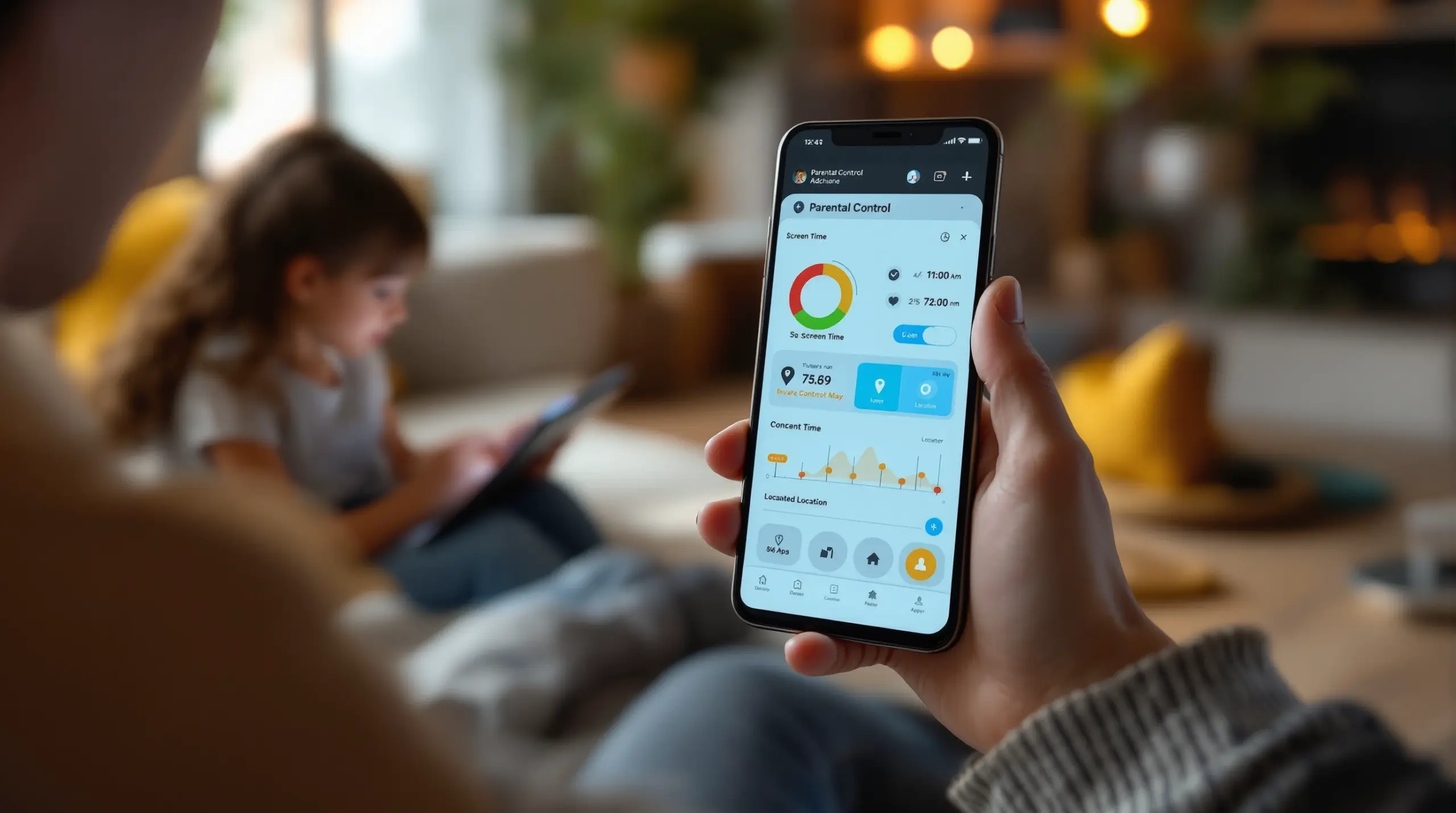
Parental control Android apps give families the tools to manage screen time, block harmful content, and monitor digital activity on children’s Android devices – here’s everything you need to choose and use them effectively.
Table of Contents
- What Is Parental Control for Android?
- Key Features Every Android Parental Control App Should Have
- How Android Parental Controls Work in Practice
- Choosing the Right Parental Control Android App for Your Family
- Frequently Asked Questions
- Parental Control Approaches Compared
- How Boomerang Parental Control Helps Your Family
- Practical Tips for Parents
- The Bottom Line
- Sources & Citations
Article Snapshot
Parental control Android software is a category of apps that let parents manage screen time, filter web content, approve app installs, and monitor digital activity on a child’s Android device. Android’s open platform supports deeper controls than most alternatives, including per-app limits, YouTube history monitoring, and tamper-resistant uninstall protection.
By the Numbers
- The parental control software market reached $2.48 billion USD in 2025 and is projected to grow to $4.86 billion USD by 2030 (The Business Research Company, 2025)[1]
- The mobile-based segment holds 61% of the parental control software market in 2025, driven by rising demand for smartphone management tools (Future Market Insights, 2025)[2]
- Smartphones account for 64% of device access in the parental control software market in 2025, making them the leading device category (Future Market Insights, 2025)[2]
- The parental control software market is growing at a CAGR of 14.7% from 2025 to 2026 (The Business Research Company, 2025)[1]
What Is Parental Control for Android?
Parental control Android software gives parents direct, automated oversight of how their child uses an Android smartphone or tablet. These apps sit between the child and the device, enforcing rules that parents set once – and the phone carries out automatically, every single day, without requiring you to step in. Unlike built-in tools like Google Family Link, dedicated parental control apps on Android access deeper system-level controls, including per-app time limits, YouTube viewing history, call and SMS monitoring, and tamper-resistant uninstall protection.
Boomerang Parental Control is one such solution, built specifically for Android devices (with limited iOS support), and designed for families who need reliable, automated enforcement rather than manual policing. Android’s open platform is why these deeper controls are possible – and it’s a core reason why families with Android devices have access to more comprehensive safety tools than those using other platforms.
START YOUR FREE TRIAL
Take control of screen time—free for 14 days, cancel anytime.




The need for these tools is growing fast. “The global parental control and monitoring app market is experiencing strong expansion, fueled by increased internet access among children and escalating parental concerns for online safety,” according to Archive Market Research (Archive Market Research, 2025)[3]. For North American families handing their child a first Android phone, that context matters: the device in your child’s hand is the primary target for both digital risks and digital management solutions.
At its core, Android parental control works by installing a child-side app on the device being monitored and a parent-side app on your own phone. From there, every rule you set – bedtime locks, app blocks, daily time budgets, safe browsing – runs automatically. The child cannot simply delete the app or toggle off settings without triggering alerts or hitting a protected PIN wall. That combination of automation and resistance to bypass is what separates purpose-built Android parental control apps from basic, free alternatives.
Key Features Every Android Parental Control App Should Have
The best Android parental control apps share a core set of features that address the most common family pain points – screen time conflicts, inappropriate content, hidden app installs, and physical safety concerns.
Screen Time Scheduling and Daily Limits
Automated screen time management is the feature most families need first. A quality Android parental control app lets you set a fixed daily allowance – say, two hours of entertainment use – and a firm bedtime schedule that locks the device automatically. On Android, the best apps offer both a total daily limit and per-app controls, so you can give your child 30 minutes for a game while leaving educational apps unrestricted. This is an Android-specific advantage: the platform’s openness allows app-level enforcement that iOS restrictions cannot fully replicate.
When screen time runs out, the phone locks. No negotiation, no argument – the app is the neutral enforcer, not you. Families who use Boomerang Parental Control’s screen time features report fewer daily conflicts over device use, because the rules come from the app, not from mom or dad.
App Approval and Content Filtering
New app installs are one of the fastest ways children encounter inappropriate content or risky platforms. A strong Android parental control app requires your approval before any new app is used after download. The child can still browse the Play Store, but the app sits in a pending state until you review and approve it from your parent dashboard. This single feature gives parents gate-keeping control that Google Family Link makes surprisingly difficult to enforce consistently.
Web content filtering works alongside app approval to block inappropriate websites across categories like adult content, violence, and unfiltered search. The SPIN Safe Browser, which integrates directly with Boomerang, enforces SafeSearch on Google, Bing, and Yahoo automatically and blocks millions of harmful sites – on any network, including school wifi and mobile data, without requiring a VPN.
Uninstall Protection and Tamper Resistance
The most common frustration parents share about basic parental controls is that their child figured out how to delete or disable the app. On Android, purpose-built solutions use device administrator permissions – and on Samsung devices, Samsung Knox – to make removal extraordinarily difficult without the parent’s PIN. This level of tamper resistance is what separates apps that actually work from those that a determined 12-year-old can defeat in five minutes.
YouTube History Monitoring (Android Only)
YouTube is where many children spend significant screen time, and it’s one of the hardest platforms for parents to monitor through standard controls. On Android, Boomerang provides visibility into what your child searches for and watches in the main YouTube app – giving you the context needed for informed conversations about their interests and any concerning content. This feature is Android-exclusive and not available through iOS parental controls or most competing apps.
How Android Parental Controls Work in Practice
Understanding how parental control Android apps function day-to-day helps parents set realistic expectations and get the most from the tools they choose.
Setup and Device Pairing
Most Android parental control apps follow a two-app model. You install the parent app on your phone and the child app on your child’s Android device. During setup, you pair the two devices using an account code or QR scan, then configure your rules through the parent dashboard. The child app runs in the background on the child’s device, quietly enforcing your settings without requiring any ongoing input from you.
For non-technical parents, this guided setup is the biggest barrier. Well-designed apps walk you through each step clearly. Once rules are active, the system runs itself – daily time limits reset each morning, bedtime locks engage automatically, and you receive activity summaries by email so you stay informed without having to open the app every day.
Enforcement Without Daily Intervention
The practical power of a good Android parental control app is that it removes you from the role of daily enforcer. When a child’s screen time allowance runs out, the device locks. When bedtime arrives, the phone goes dark. When your child tries to install a new app, you get a notification and approve or decline from wherever you are. The Business Research Company notes that “parental control software supports the increasing adoption of smartphones by giving parents the confidence to allow children more device access while still managing content, screen time, and online safety” (The Business Research Company, 2025)[1].
That confidence is built on automation. Rules you set on Sunday evening run reliably on Wednesday morning, even if you’re busy, even if you forgot to check in. This is fundamentally different from approaches that rely on parents manually turning off wifi or physically taking devices – methods that create conflict and fail the moment you’re not watching.
Location Tracking and Geofencing
Physical safety monitoring runs alongside digital controls in the best Android parental control apps. Real-time location tracking shows you where your child’s device is on a map. Geofencing takes this further by creating invisible digital boundaries – around school, home, a friend’s house, or a sports field – that automatically alert you when your child arrives or leaves. You get passive confirmation of your child’s safety without relying on them to remember to text you. Location history on some apps, including Boomerang, covers up to 30 days, so you review patterns over time if needed.
Call and Text Safety (Android Only)
One concern that keeps many parents awake is who is contacting their child. On Android, parental control apps log call and SMS history, send alerts when messages contain flagged keywords, and block calls from numbers not saved in the child’s contacts. This call and text safety layer is Android-exclusive – iOS restrictions do not allow third-party apps to access SMS content or call logs at the system level. For families concerned about cyberbullying or unknown adults making contact, this Android-only feature is a meaningful differentiator when choosing a platform and app.
You can review TechRadar’s review of Boomerang Parental Control for an independent assessment of how these features perform in real-world use.
Choosing the Right Parental Control Android App for Your Family
Selecting a parental control app for Android means matching the app’s strengths to your family’s specific situation – your child’s age, your technical comfort level, and the behaviours you most need to manage.
Consider Your Child’s Age and Technical Ability
For younger children aged 8 to 11 receiving a first Android device, the priority is comprehensive restriction with simple setup. You want app approval controls, strong content filtering, and bedtime scheduling active from day one – before your child has a chance to explore freely. Parental control apps that require complex configuration after setup leave gaps during the install window.
For teenagers, especially those who have already bypassed Google Family Link or Apple Screen Time, the priority shifts to tamper resistance and accountability. A teen who can defeat basic controls needs an app backed by Samsung Knox or device administrator permissions that make removal genuinely difficult. Call and text monitoring becomes more relevant at this age, as does location tracking for physical safety during after-school hours.
Evaluate Android-Specific Depth of Control
Not all parental control apps use Android’s platform capabilities equally. Some cross-platform apps offer the same thin feature set on Android as they do on iOS, missing the opportunity to use Android’s openness for deeper enforcement. When evaluating apps, look specifically for per-app time limits, YouTube history visibility, SMS monitoring, and tamper-resistant uninstall protection – features that are only possible on Android. If an app lists the same feature set for Android and iOS without noting platform differences, treat that as a flag.
The Samsung Knox integration that Boomerang uses is a concrete example of Android-specific depth: enterprise mobile security technology applied to family use, making the parental control layer extremely difficult for even technically capable children to remove.
Look for Automation Over Manual Control
The best parental control experience for busy parents is one that runs automatically. An app that requires you to manually block apps, turn on filters, or check in daily is an app that will be abandoned within weeks. Look for automated daily limits that reset each morning, scheduled downtime that activates at bedtime without manual input, and emailed activity reports that keep you informed without requiring you to log in constantly. “The mobile based segment holds 61% share in 2025, driven by the growing need to manage children’s digital behavior on smartphones,” notes Future Market Insights (Future Market Insights, 2025)[2] – and that demand is driven by parents who need solutions that work reliably in the background, not part-time tools that require constant attention.
For an independent perspective on how Boomerang compares on ease of use, the SafeWise review of Boomerang Parental Control covers real-world setup and daily experience in detail. You can also visit the Boomerang Android download page to see installation options, including sideloading for non-Samsung devices that unlocks the full feature set including call and text safety and app removal protection.
Your Most Common Questions
What is the best parental control app for Android in 2025?
The best Android parental control app for your family depends on your child’s age and what you most need to manage. For comprehensive control on Android – including per-app time limits, YouTube history monitoring, call and SMS safety, and tamper-resistant uninstall protection – you need a purpose-built Android app rather than a cross-platform tool that treats Android and iOS identically. Boomerang Parental Control is built with Android as its primary platform, meaning it uses Android’s openness for deeper enforcement than most alternatives. If your child has already bypassed Google Family Link or Apple Screen Time, the Samsung Knox integration on supported Samsung devices makes Boomerang’s controls significantly harder to defeat. For families prioritising ease of use alongside depth of control, Boomerang’s automated scheduling, daily email reports, and app approval workflow keep parents informed without requiring daily manual input. Pairing Boomerang with SPIN Safe Browser adds automatic content filtering on any network without VPN configuration, completing the protection picture across both screen time and safe browsing.
Can my child bypass Android parental controls?
With basic or free tools, yes – many tech-savvy children find workarounds. Deleting the monitoring app, creating a secondary Google account, or using a browser to access blocked content are common bypasses that defeat simpler controls. This is why uninstall protection and device administrator permissions matter so much when choosing an Android parental control app. Boomerang uses Android’s device administrator permissions to prevent easy removal, and on supported Samsung devices, Samsung Knox integration adds an enterprise-grade security layer that makes the parental control app extremely difficult to tamper with or uninstall without the parent’s PIN. If your child is a teenager who has already defeated Google Family Link, this level of tamper resistance is worth prioritising specifically. The key is choosing an app that uses Android’s security architecture – not one that a child removes through Settings > Apps > Uninstall in 30 seconds.
Does Android parental control work without the internet?
Most Android parental control features that are enforced directly on the device – screen time limits, app locks, bedtime scheduling, and uninstall protection – continue to work even when the device is offline. The rules are stored and enforced on the child’s device, so a lack of wifi or mobile data does not disable them. Features that require an active connection include real-time location tracking, remote lock commands from the parent app, and cloud-synced activity reports. Web filtering through SPIN Safe Browser works on any network the device connects to – home wifi, school networks, or mobile data – without requiring a VPN or router configuration. If your child puts the device in airplane mode to avoid location tracking, most apps flag the loss of connection and alert you. The practical takeaway: core enforcement works offline, but visibility and remote management require connectivity.
What Android parental controls are free vs. paid?
Google Family Link is the main free Android parental control option. It covers basic app approvals, location sharing, and screen time scheduling, and it works reasonably well for young children with entry-level devices. Its limitations become apparent quickly: tech-savvy children and teenagers regularly find ways around it, per-app time limits are basic, and there is no SMS monitoring, YouTube history visibility, or meaningful uninstall protection. Paid apps like Boomerang Parental Control fill those gaps with deeper Android-specific features – per-app limits, YouTube App History Monitoring, call and text safety, Samsung Knox tamper resistance, and geofencing alerts – at a price point designed for family budgets rather than enterprise contracts. Boomerang is available on an annual subscription for a single device or as a Family Pack covering up to 10 child devices, making it cost-effective for households with multiple children. If your free tool is working, there is no need to switch. If your child has already bypassed it, the upgrade to a paid solution with genuine tamper resistance is worth the investment.
Parental Control Approaches Compared
Not all Android parental control solutions offer the same depth of protection. The approach you choose determines what you enforce, what you see, and how easily your child gets around it. The table below compares four common approaches across the features that matter most for families.
| Approach | Screen Time Automation | Uninstall Protection | YouTube Monitoring | SMS & Call Safety | Best For |
|---|---|---|---|---|---|
| Google Family Link (Free) | Basic scheduling; limited per-app control | None – easily bypassed | Not available | Not available | Young children on entry-level devices |
| Cross-Platform Apps (e.g., general market solutions) | Moderate; Android and iOS treated equally | Limited; no Knox integration | Rarely available | Rarely available on iOS; limited on Android | Families with mixed device households |
| Boomerang Parental Control (Android-first) | Full automation; per-app limits and daily budgets (Android)[1] | Strong; Samsung Knox on supported devices | Yes – Android only | Yes – Android only | Pre-teens and teens on Android devices |
| Device-Native Controls (Android Settings) | None without a third-party app | None | Not available | Not available | Temporary or supplemental use only |
How Boomerang Parental Control Helps Your Family
Boomerang Parental Control is built for Android-first families who need reliable, automated enforcement that goes beyond what free tools provide. Since 2015, we have focused specifically on the challenges parents face when managing children’s Android devices – from ending daily screen time arguments to protecting pre-teens from inappropriate content on their first smartphone.
Our parental control Android solution covers the full range of family needs. Automated Screen Time Scheduling and daily limits enforce bedtime and homework routines without requiring you to step in. Per-app limits let you cap entertainment apps while designating educational tools as Encouraged Apps that bypass limits entirely – so your child accesses their school portal or reading app even when fun time is up. App Discovery and Approval means no new app reaches your child’s home screen without your sign-off. And our Samsung Knox integration on supported Samsung devices makes Boomerang’s controls genuinely difficult to remove, even for tech-savvy teenagers.
“So far this the best parental control app .. hands down. So far the only app my 11 year old was not able to bypass. Big Shout out to developers for making such a great app.” – Jason H, Google Play review
“I have control back over my child’s phone and applications because she managed to circumvent family link. I have no idea how she did that but she managed to find a way, as did other kids. That was a major frustration for us. But now with Boomerang, I can manage her time, what applications she uses and what sites she visits.” – Joe Eagles, Google Play review
We also offer real-time Location Tracking with Geofencing so you receive automatic alerts when your child arrives at school or leaves a designated area – no check-in texts needed. On Android, Call and Text Safety logs communication history and alerts you to flagged keywords in messages, surfacing cyberbullying or unknown contact risks before they escalate. Paired with SPIN Safe Browser for automatic web filtering on any network, Boomerang gives your family comprehensive digital safety without VPN setup or router configuration.
Subscriptions are available annually for a single device or as a Family Pack for up to 10 child devices. Reach our support team at [email protected] or through our contact page to get started or ask questions before you sign up.
Practical Tips for Parents
Getting the most from Android parental controls comes down to setup decisions you make in the first week and habits you build from there.
Set rules before handing over the device. Install your parental control app and configure screen time limits, content filtering, and app approval before your child’s first session. A device that starts protected is far easier to manage than one where your child has already established free-use habits you’re now trying to walk back.
Use Encouraged Apps to reward good habits. If your parental control app supports it, mark educational apps, reading tools, or fitness apps as always-allowed. This teaches your child that the device is a tool for learning and growth – not just entertainment – and removes the incentive to cheat the timer because the apps they need for school are never blocked.
Review activity reports weekly, not daily. Daily reports create anxiety over individual events. Weekly review gives you the pattern context to have meaningful conversations. If YouTube history shows a consistent interest in a topic you find concerning, you have something specific to discuss – rather than reacting to a single video in isolation.
Explain the rules to your child before enforcement starts. Children respond better to automated controls when they understand the reasoning behind them. A brief conversation about why bedtime locks exist and what the daily time limit is – and how they earn extensions for good behaviour – reduces resentment and increases cooperation.
Test bypass resistance before you trust it. On your child’s device, attempt to uninstall the parental control app yourself. If it succeeds without your PIN, your uninstall protection is not active correctly. On Samsung devices, confirm that Knox integration is enabled through the Boomerang settings to ensure full tamper resistance.
Use geofencing for passive safety confirmation. Set geofences around school, home, and any regular after-school location. You’ll receive automatic arrival and departure alerts without relying on your child to text you. This removes a daily source of parental anxiety at zero additional effort once the boundaries are created.
The Bottom Line
Parental control Android software gives families a practical, automated way to manage screen time, protect against inappropriate content, and stay informed about a child’s digital life – without becoming the device police every evening. Android’s open platform supports deeper controls than most alternatives, from per-app time limits and YouTube history visibility to Samsung Knox-backed tamper resistance that tech-savvy teens genuinely cannot defeat easily.
The right app matches your child’s age, your family’s needs, and your comfort with technology. If your current free tools are being bypassed, or if daily screen time arguments are wearing you down, a purpose-built Android parental control solution is worth the investment in family peace and genuine protection.
To see how Boomerang Parental Control works for your family, visit useboomerang.com or email us at [email protected]. Our team is ready to help you set up the right rules from day one.
Sources & Citations
- Parental Control Software Global Market Report. The Business Research Company, 2025.
https://www.thebusinessresearchcompany.com/report/parental-control-software-global-market-report - Parental Control Software Market Demand & Outlook 2026-2036. Future Market Insights, 2025.
https://www.futuremarketinsights.com/reports/parental-control-software-market - Parental Control and Monitoring App 2026-2033 Trends. Archive Market Research, 2025.
https://www.archivemarketresearch.com/reports/parental-control-and-monitoring-app-38665
START YOUR FREE TRIAL
Take control of screen time—free for 14 days, cancel anytime.
