
16
Dec
2025
How to Screen Time Block Websites on Kids’ Devices
December 16, 2025
Screen time block websites tools help parents filter harmful content, enforce daily limits, and build healthier digital habits – here’s what works and why it matters for your family.
Table of Contents
- What Does Screen Time Block Websites Mean?
- Why Website Blocking Matters for Kids
- How Screen Time Website Blocking Works in Practice
- Choosing the Right Tool to Block Websites
- Frequently Asked Questions
- Comparing Website Blocking Approaches
- How Boomerang Parental Control Helps
- Practical Tips for Parents
- The Bottom Line
- Sources & Citations
Key Takeaway
Screen time block websites is the practice of using parental control software to restrict access to specific websites or content categories on a child’s device. Effective tools combine content filtering, daily time limits, and app controls to reduce harmful exposure and support healthier digital habits for children and teens.
Screen Time Block Websites in Context
- Average daily screen time reached 4 hours 47 minutes in Q2 2025 (Exploding Topics, 2026).[1]
- 38 percent of parents allow 1-2 hours of screen time per day outside homework (CivicScience, 2025).[2]
- 38 percent of teens say they spend too much time on their smartphone (Pew Research Center, 2024).[3]
- Only 35.6 percent of children aged 2-5 meet the guideline of no more than 1 hour of screen time per day (JAMA Pediatrics, 2022).[4]
What Does Screen Time Block Websites Mean?
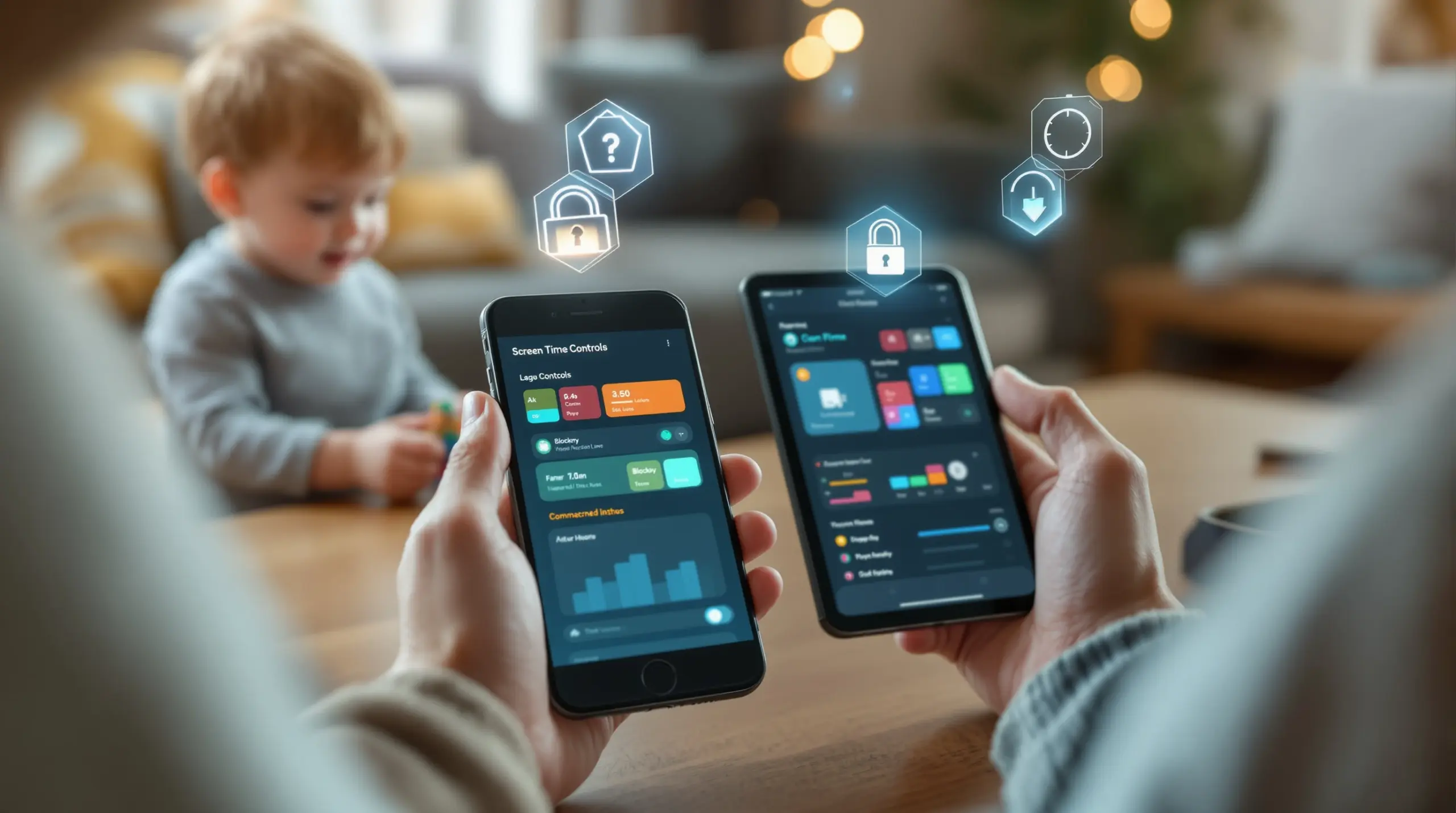
Screen time block websites refers to using parental control software or built-in device features to prevent children from accessing specific websites, content categories, or online platforms during defined periods or beyond set daily limits. It combines two distinct but complementary functions – website content filtering and screen time management – into a unified layer of protection that works across home wifi, mobile data, and public networks.
These tools work differently depending on the platform. On Android devices, dedicated apps like Boomerang Parental Control – Taking the battle out of screen time for Android and iOS enforce website blocking, limit daily usage, and restrict access to specific apps, giving parents granular control over exactly what their child can access and when. iOS support is also available, though with more limited features compared to Android.
START YOUR FREE TRIAL
Take control of screen time—free for 14 days, cancel anytime.




The practical goal is simple: a child picks up their phone, tries to open a blocked site, and sees a locked screen instead of harmful content. No arguments, no workarounds, no awkward after-the-fact conversations. The rules are set once and enforced automatically – whether you’re in the next room or across town.
This approach is particularly relevant in North American households where children are receiving smartphones earlier than ever. Parental control apps that block websites give parents the ability to set boundaries from day one of device ownership, building healthy digital habits before risky patterns have a chance to form.
Why Website Blocking Matters for Kids Online
Website blocking is one of the most direct tools parents have for protecting children from harmful online content, and the data confirms that screen time and content exposure are genuine concerns for modern families. The average person now spends upwards of 25% of their waking hours on an internet-connected screen (Exploding Topics, 2026),[1] and a significant portion of that time is unfiltered for most children.
“More teens say they spend too much time on their phone or social media than say they don’t spend enough time on them.” – Pew Research Center Analysts (Pew Research Center, 2024)[3]
Even teens themselves recognize the problem. When 38 percent of teenagers admit they spend too much time on their smartphones (Pew Research Center, 2024),[3] it signals that self-regulation alone is not enough – especially for younger children who lack the developmental capacity to manage digital impulses without support.
The content risk is equally real. Without website blocking in place, a child doing homework on a family device can stumble onto adult content, violent material, or platforms designed to exploit their attention. Content filtering and website blocking close that gap before exposure happens, rather than responding to it after the fact.
There’s also the communication dimension. Parents who use website blocking and monitoring tools are more likely to have informed, specific conversations with their children about online activity – moving from generic warnings to concrete discussions grounded in what their child is actually doing. That shift from reactive to proactive parenting is one of the most valuable outcomes of any content filtering strategy.
For parents of pre-teens receiving their first smartphone, blocking inappropriate websites from day one is foundational. It sets the tone for device use, makes expectations clear, and removes the anxiety of wondering whether your child has already encountered something they shouldn’t have.
How Screen Time Website Blocking Works in Practice
Website blocking tools use several different technical methods to prevent access to inappropriate or restricted content, and understanding those methods helps parents choose the right solution for their family. The most common approaches include DNS-based filtering, VPN-based filtering, browser-level filtering, and app-level controls – each with different strengths depending on how and where your child uses their device.
DNS filtering works by redirecting requests for blocked domains before they load. When a child tries to visit a blocked website, the DNS filter intercepts the request and returns a blocked page instead. This method is effective on home networks but fails the moment a child connects to a different wifi network or switches to mobile data – a critical limitation for mobile devices that travel everywhere.
Browser-level filtering, like the approach used in SPIN Safe Browser – Safe web browsing for Boomerang Parental Control, embeds content filtering directly into a dedicated safe browser app. Because the filtering lives inside the browser itself rather than on the network, it works on any connection – home wifi, school networks, or mobile data – without requiring a VPN or router configuration. This makes it genuinely portable protection that follows the device, not just the network.
App-level controls add a further layer by managing which apps can run at all. On Android, Boomerang’s App Approval feature requires a parent to sign off on every new app install, which means a child cannot download a browser that bypasses the content filter without triggering a parental notification first. This closes a major loophole that browser-only solutions leave open.
Scheduled blocking adds the time dimension. Rather than blocking specific sites permanently, scheduled screen time controls automatically lock the device – or block access to non-essential apps and websites – during defined periods like bedtime, homework time, or family meals. This means website blocking isn’t just about content categories; it’s also about when access is permitted, giving parents comprehensive control over both what children see and when they can see it.
One important consideration on Android is that deeper integration with the device operating system allows for stronger enforcement. Features like Uninstall Protection and Samsung Knox integration mean that a tech-savvy child cannot simply delete the blocking app and browse freely. For parents who have already experienced a child defeating simpler controls, this layer of tamper resistance is a meaningful differentiator.
Choosing the Right Tool to Block Websites and Manage Screen Time
Selecting the right website blocking and screen time management tool depends on your child’s device, their age, and which specific behaviors you need to address. Not all parental control apps offer the same depth of control, and the platform your child uses – Android or iOS – significantly affects which features are available to you.
For Android device households, dedicated parental control apps offer the most comprehensive feature set. Platforms like Boomerang Parental Control – screen time features combine website blocking, per-app time limits, app approval workflows, YouTube history monitoring, and call and text safety in a single solution. These Android-specific features go well beyond what built-in tools like Google Family Link provide, particularly for parents who need controls that a determined teenager cannot easily defeat.
For iOS devices, the feature set is more limited due to platform restrictions. Boomerang supports iOS for scheduled screen time and location tracking, but Android-only features like YouTube App History Monitoring, per-app limits with allocated timers, and Call and Text Safety are not available on iOS child devices. For iOS households, the SPIN Safe Browser remains an effective portable content filtering option that works on any network without VPN setup.
Free built-in tools – Google Family Link, Apple Screen Time, and Microsoft Family Safety – offer a starting point for families new to parental controls. However, they share a common weakness: children who are motivated to bypass them often succeed. Parental control apps with dedicated uninstall protection and device-level enforcement provide a more reliable barrier, especially for older children and teenagers who are technically capable of disabling built-in controls.
“Between one and four hours of screen time per day is the typical cap most parents enforce.” – CivicScience Analysts (CivicScience, 2025)[2]
When evaluating any website blocking tool, parents should look for: whether it works across all networks (not just home wifi), whether content filtering categories are pre-configured or require manual setup, how the tool handles new app installs, and whether it can be tamper-proofed against a determined child. Reviewing independent assessments from sources like TechRadar’s review of Boomerang Parental Control software helps parents verify real-world performance before committing to a subscription.
Your Most Common Questions
Can a child bypass screen time website blocking tools?
Yes, some children – particularly tech-savvy teenagers – can bypass basic website blocking tools, which is why the strength of the enforcement mechanism matters as much as the features themselves. Built-in tools like Google Family Link and Apple Screen Time are regularly defeated by determined kids using methods like factory resets, alternate browsers, or simply uninstalling the app.
More strong solutions address this directly. On Android, Boomerang Parental Control uses Uninstall Protection to prevent children from deleting the app without a parental PIN. On supported Samsung devices, Samsung Knox integration provides an additional enterprise-grade security layer that makes tampering exceptionally difficult. The Boomerang Parental Control Samsung Knox integration is one of the few consumer-grade tools to use this level of device security. For browser-level bypasses, requiring a parent to approve every new app install closes the loophole of downloading an unfiltered browser. No system is completely unbeatable, but layered controls combined with open communication significantly raise the barrier.
Does website blocking work on mobile data as well as home wifi?
It depends entirely on which technology the blocking tool uses. Router-based and DNS-based filtering solutions only work on the network they are configured for – typically your home wifi. The moment your child’s device connects to mobile data, a friend’s wifi, or a public hotspot, that protection disappears entirely.
Browser-level filtering tools solve this problem by embedding the content filter inside the browser app itself rather than at the network level. SPIN Safe Browser, which integrates with Boomerang Parental Control, uses this approach – the filtering works on any connection the device uses, including mobile data, school wifi, and public networks, without requiring a VPN or any router configuration. This makes it a reliable choice for children who carry their device outside the home regularly, which is essentially every child with a smartphone. For families managing mobile devices rather than just home computers, network-independent filtering is a practical necessity rather than a nice-to-have feature.
What is the difference between website blocking and screen time limits?
Website blocking and screen time limits are complementary but distinct functions. Website blocking controls what content a child can access – it prevents navigation to specific URLs, content categories (like adult content, gambling, or violent material), or unfiltered search engines. It operates as a content quality filter, active whenever the device is in use.
Screen time limits control when and how long a child can use their device. This includes daily time allowances (such as two hours of total screen time per day), scheduled downtime (automatic device lock during bedtime or homework hours), and per-app time limits on Android that cap how long a child can spend in a specific game or social media app. Combining both functions gives parents the most complete protection: content filtering ensures the time spent online is age-appropriate, while screen time limits ensure the total amount of time spent is healthy. Most comprehensive parental control apps, including Boomerang, integrate both functions so parents manage them from a single dashboard rather than switching between separate tools.
Are there screen time website blocking tools that work on both Android and iOS?
Yes, several parental control apps support both Android and iOS child devices, though the depth of features available often differs significantly between the two platforms. Android allows for deeper device integration, which means more powerful controls – including per-app time limits, YouTube App History Monitoring, Call and Text Safety, and stronger uninstall protection.
Boomerang Parental Control supports both Android and iOS. On Android, parents get the full feature set including app-level controls, allocated daily timers, YouTube monitoring, SMS keyword alerts, and Samsung Knox-backed tamper protection. On iOS child devices, support is more limited – scheduled screen time and location tracking are available, but the Android-exclusive features are not accessible on iOS. SPIN Safe Browser is available on both platforms via the App Store and Google Play, providing consistent safe browsing and content filtering across all devices in the household regardless of operating system. For families with a mix of Android and iOS devices, this cross-platform browser filtering provides a common baseline of protection while Android devices benefit from the additional layer of deeper app-level controls.
Comparing Website Blocking Approaches
Parents have several distinct methods available for blocking websites on children’s devices, and each approach has meaningful tradeoffs in terms of portability, enforcement strength, and ease of setup. The table below compares the four most common methods to help you identify which fits your family’s situation best.
| Method | Works on Mobile Data | Tamper Resistance | Setup Complexity | Best For |
|---|---|---|---|---|
| Router / DNS Filtering | No | Low – bypassed by switching networks | Medium – requires router access | Home desktop and laptop devices |
| Built-In Device Controls (Family Link / Screen Time) | Yes | Low – frequently bypassed by motivated children | Low – built into OS | Young children with supervised devices |
| Browser-Level Filtering (e.g., SPIN Safe Browser) | Yes – any network | Medium – requires app approval control to close alternate browser loophole | Low – install and use | Portable, network-independent protection on Android and iOS |
| Dedicated Parental Control App with Device Integration (e.g., Boomerang)[5] | Yes – any network | High – Uninstall Protection plus Samsung Knox on Android | Low – guided setup | Android households with pre-teens and teenagers needing strong enforcement |
How Boomerang Parental Control Helps Families Block Websites and Manage Screen Time
Boomerang Parental Control brings together website blocking, screen time scheduling, app management, and location safety into a single Android-first platform built specifically for families – not enterprise IT departments. For parents who want protection that sticks even with a tech-savvy child, Boomerang delivers the kind of layered control that free built-in tools cannot match.
The SPIN Safe Browser handles content filtering across any network – home wifi, mobile data, school, or a friend’s house – without VPN setup or router configuration. Millions of inappropriate websites are blocked automatically from the first launch, including adult content, violence, and unfiltered search engines. SafeSearch is enforced on Google, Bing, and Yahoo so search results are filtered without the child being able to override it.
On top of content filtering, Boomerang’s screen time controls let you set a total daily usage limit, schedule automatic device lock times for bedtime and homework, and on Android, apply per-app time limits so a child gets 30 minutes of gaming but unlimited access to their school portal. The Encouraged Apps feature lets you designate learning and health apps as always available, even after daily screen time runs out.
The App Approval workflow means every new app install triggers a parental notification – your child cannot add a new game or an unfiltered browser without your sign-off first. And if you have a Samsung device, Boomerang’s Samsung Knox integration adds enterprise-grade tamper protection that makes bypassing controls exceptionally difficult.
“Hey fellow parents, So far this the best parental control app .. hands down. So far the only app my 11 year old was not able to bypass. Big Shout out to developers for making such a great app.” – Jason H, Google Play review
“This is a great application! I have control back over my child’s phone and applications because she managed to circumvent family link. I have no idea how she did that but she managed to find a way, as did other kids. That was a major frustration for us. But now with Boomerang, I can manage her time, what applications she uses and what sites she visits.” – Joe Eagles, Google Play review
Boomerang supports Android via Google Play or direct sideload download for Android devices, and iOS via the App Store. Annual subscriptions are available for single devices and a Family Pack covering up to 10 child devices. Reach the team at [email protected] or through the contact and support section for setup help.
Practical Tips for Using Screen Time Website Blocking Effectively
Setting up website blocking and screen time controls is only the first step. How you configure and communicate those rules shapes whether the tools reduce conflict or create new friction. These practical recommendations help you get the most out of any parental control solution.
Start with scheduling, not just filtering. Content filtering blocks harmful sites, but scheduled downtime removes the daily argument entirely. Configure automatic device lock times for bedtime and homework before you fine-tune content categories. Automated enforcement removes you from the role of screen time police – the app delivers the bad news, not you.
Use Encouraged Apps to reward balance, not just restrict. On Android, designating educational apps or fitness trackers as always available teaches children that the limits are about balance, not punishment. This reframes the conversation from “you can’t use your phone” to “your homework app is always on.”
Layer your controls. A content filter alone can be bypassed by downloading a different browser. Combine browser-level filtering with app approval controls so that adding an unfiltered browser requires your explicit sign-off. On Samsung Android devices, Samsung Knox integration adds a further layer that resists even factory reset attempts.
Review reports and use them to start conversations. Boomerang’s daily emailed activity reports give you a summary of your child’s device usage without requiring you to log in daily. When something stands out – a new app, unusual YouTube searches on Android, or extended usage outside normal hours – use it as the starting point for a calm, specific conversation rather than a confrontation.
Adjust controls as your child earns trust. Parental controls are most effective when they evolve alongside your child’s maturity. Starting with strict limits and gradually relaxing them as your child shows responsibility reinforces the lesson that digital freedom is earned, not assumed. Build in a regular review – every few months or at the start of a new school year – to reassess whether current settings still match your child’s age and demonstrated behavior.
Independent reviews from sources like SafeWise’s Boomerang Parental Control review help you benchmark your setup against what other parents have found effective in real-world use.
The Bottom Line
Screen time block websites tools give parents a practical, automated way to protect children from harmful content, enforce healthy usage habits, and reduce daily conflict over devices. The most effective approach combines browser-level content filtering that works on any network, scheduled device lock times, and tamper-resistant enforcement that a determined child cannot easily defeat.
For Android households in particular, a dedicated parental control app delivers a meaningfully deeper layer of protection than built-in free tools – covering website blocking, app approval, YouTube history monitoring, and communication safety in a single platform. iOS support is available with core features like scheduling and location tracking.
If you’re ready to set up reliable website blocking and screen time controls on your child’s device, visit Boomerang Parental Control to explore features and subscription options, or email [email protected] to get started. Your child’s first device doesn’t have to be a source of daily stress – the right tools make the boundaries automatic.
Sources & Citations
- Alarming Average Screen Time Statistics (2026). Exploding Topics.
https://explodingtopics.com/blog/screen-time-stats - How Many Parents Limit Screen Time? Screen Time Restrictions. CivicScience.
https://civicscience.com/screen-time-restrictions-correlate-with-age-and-working-status-of-parents/ - How Teens and Parents Approach Screen Time. Pew Research Center.
https://www.pewresearch.org/internet/2024/03/11/how-teens-and-parents-approach-screen-time/ - Global Prevalence of Meeting Screen Time Guidelines Among Children Younger Than 5 Years. JAMA Pediatrics (PMC).
https://pmc.ncbi.nlm.nih.gov/articles/PMC8845032/ - Boomerang Parental Control software review. TechRadar.
https://www.techradar.com/reviews/boomerang-parental-control-software
START YOUR FREE TRIAL
Take control of screen time—free for 14 days, cancel anytime.
