ANDROID AND iOS COMPARISON
Here’s an overview of key features that work on Android and iOS child devices. Our features are continually improving and changing so if you do not see a feature you’d love to have, contact us. We love feedback!
Child device key features
Android features
DEVICE SCREEN TIME
Allocated Screen Timer (Ex: 1 Hour a Day)
Always Allow specific installed Apps
Scheduled Screen Time (Ex: 9am to 8pm)
Time-Outs from Parent Device
Extend Time from Parent Device
Inform Child of How much time is left
APP CONTROLS
Per App Scheduling
Per App Blocking
Per App Daily Timer
Automatic blocking of unfiltered web browsers
Chrome gets our content filtering from SPIN Safe Browser
CALL & TEXT MESSAGING SAFETY
Our call and text messaging safety features are only available for Android child devices and can be downloaded from dedicated download page.
CALL SAFETY FEATURES
View who called, when and for how long
Restricted calling only to known contacts
Block specific numbers from calling in/out
Allow receiving and calling specific numbers
TEXT MESSAGING SAFETY FEATURES
View text message logs
Collect text message content (attachments not supported)
Parent notifications for text messages from unknown numbers, specific numbers are texted and when inappropriate words are detected
Customize specific words to detect in your family groups dictionary
SAFE BROWSING
Integrates with our SPIN Safe Browser
Chrome browser web filtering support
Block all other Web Browsers automatically
View Website History from Chrome or SPIN Safe Browser
Edit Blocked Website Categories
Block specific websites
LOCATION TRACKING
Review Device Location
Review Location History
Child device reports location automatically (Location permission required)
Parents can refresh/request location
Geofence Locations with Notifications
DEVICE SECURITY
*Additional uninstall protection is available for Samsung devices and non-Samsung from our download page.
Get notified if child removes protection (notification and email)
Block access to Device Settings
Prevent uninstallation with enhanced device protection*
Prevent Date and Time changes
FAMILY MESSENGER
Group messaging between all family devices
Chat one on one
Kids can request more screen time
iOS features
DEVICE SCREEN TIME
Scheduled Screen Time (Ex: 9am to 8pm)
APP CONTROLS
Hide user installed apps by age ratings
SAFE BROWSING
Integrates with our SPIN Safe Browser
Review Visited Website History
Edit Blocked Website Categories
Block specific websites
LOCATION TRACKING
Review Device Location
Review Location History
Child device reports location automatically (Location permission required)
Parents can refresh/request location
Geofence Locations with Notifications
DEVICE SECURITY
*Apple doesn’t allow enforcement of app removal so we notify parents when our protection has been tampered with.
Get notified if child removes protection (notification and email)
FAMILY MESSENGER
Group messaging between all family devices
Chat one on one
Parent device key features
Parents can manage their kids’ Android or iOS device from their own mobile device app or via our web dashboard. Some features may only be available in our mobile app vs web dashboard.
MOBILE PARENT MODE
MOBILE PARENT MODE
Available for Android and iOS parent devices.
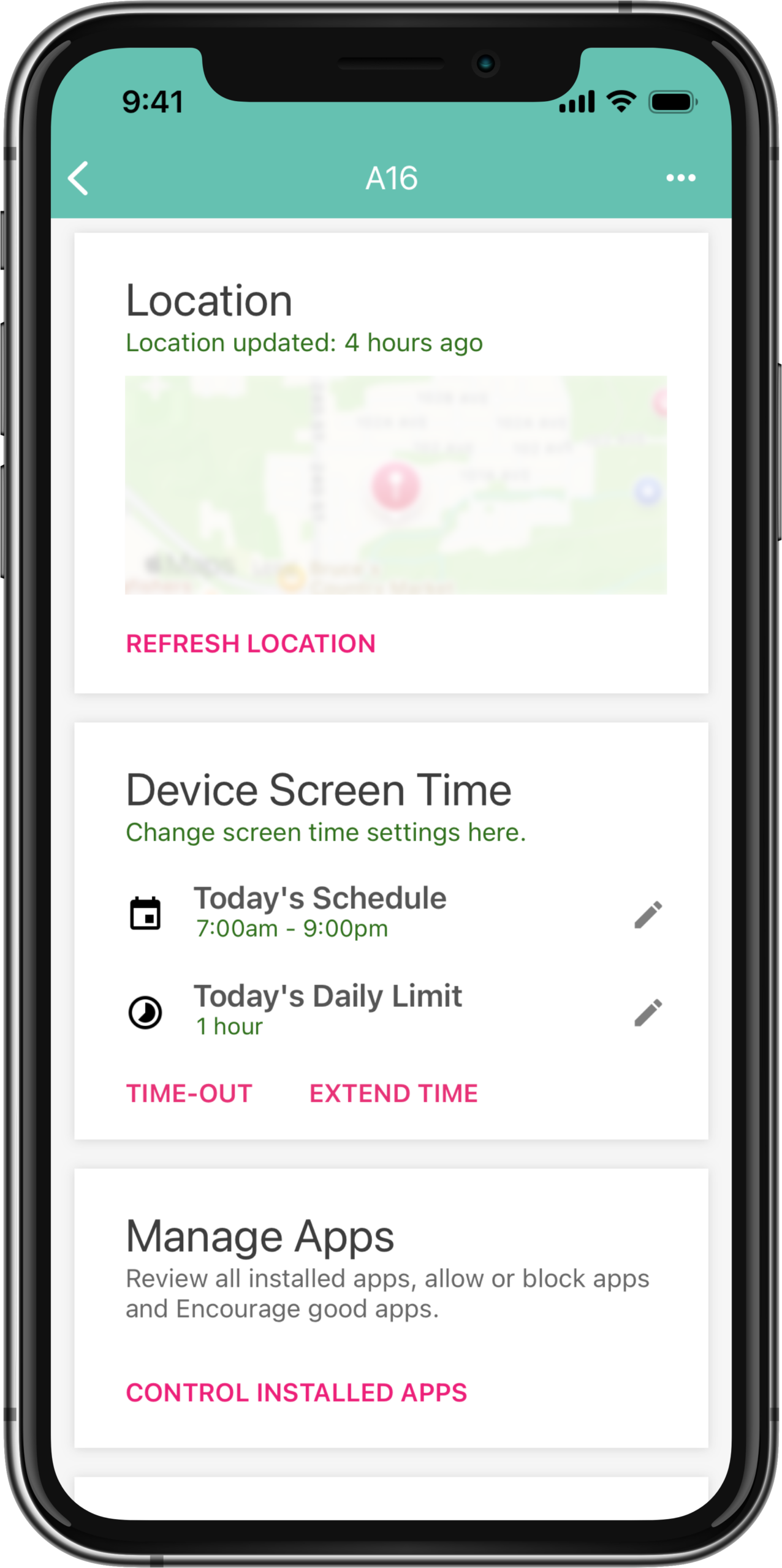
Review and update child device location
Time-out family child devices
Extend child device screen time
Make child device ring (find my device)
Edit Screen Time settings
Manage installed apps
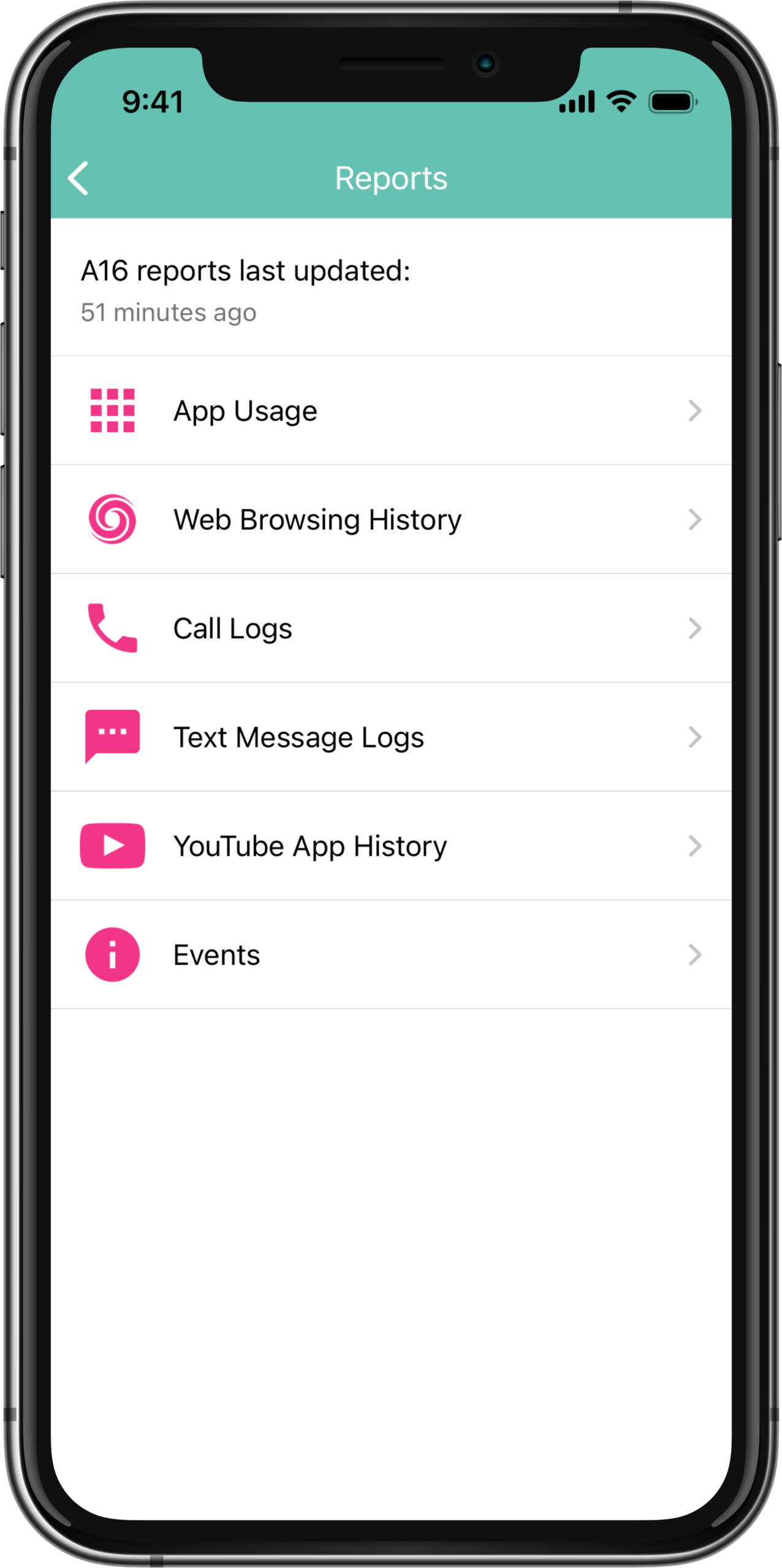
Review all device activity reports
DEVICE USAGE REPORTING
Usage Reports are most detailed for Android child devices. An Android icon shows exclusive features for Android child devices.
Daily emailed summary report to the group email
Web history and blocked websites
Show installed apps on your child’s device
Show removed apps on your child’s device
START YOUR FREE TRIAL
Take control of screen time—free for 14 days, cancel anytime.