
31
Jul
2026
Boomerang vs FamiSafe: Which App Wins for Parents?
July 31, 2026
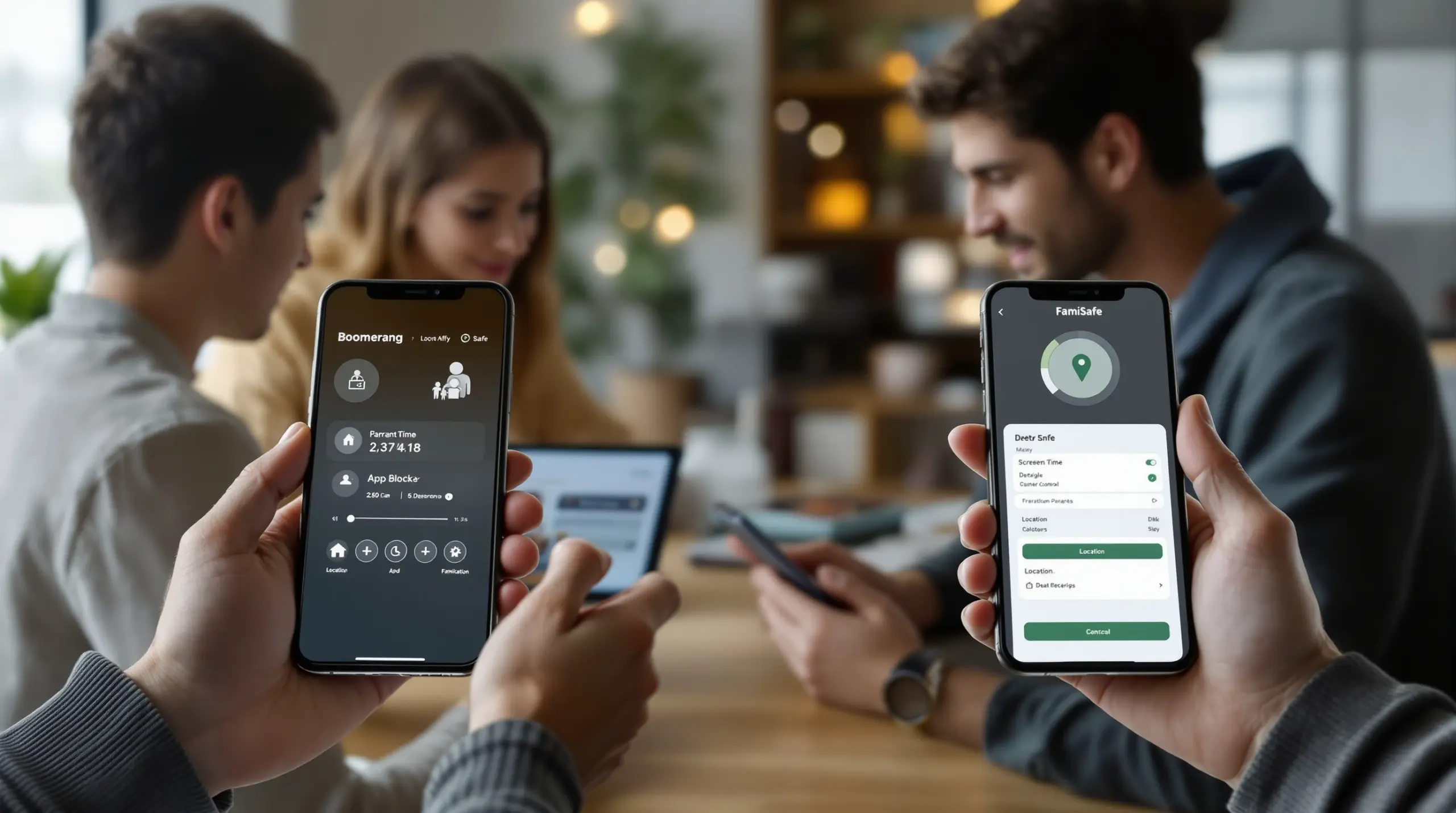
Comparing boomerang vs famisafe helps parents choose the right parental control app – discover which tool better fits your family’s Android or iOS device needs in 2025.
Table of Contents
- What Is the Difference Between Boomerang and FamiSafe?
- How Do Core Features Compare Between the Two Apps?
- Platform Support: Android vs iOS Performance
- Pricing, Value, and What You Actually Get
- Frequently Asked Questions
- Side-by-Side Comparison
- How Boomerang Parental Control Helps Your Family
- How to Choose the Right Parental Control App in 5 Steps
- The Bottom Line
- Sources & Citations
Article Snapshot
boomerang vs famisafe is a comparison of two parental control apps with different design philosophies. Boomerang is an Android-first tool built for automated screen time enforcement and uninstall protection. FamiSafe is a cross-platform app with AI-driven content detection. Your best choice depends on your child’s device and your primary concern.
Quick Stats: boomerang vs famisafe
- Boomerang’s single-device annual license costs $19.99 per year as of 2025 (PCMag, 2025).[1]
- Boomerang’s Family Pack covers up to 10 devices for $39.99 per year as of 2025 (PCMag, 2025; TechRadar, 2025).[1][2]
- Boomerang offers a 14-day free trial so families can test the app before committing (TechRadar, 2025).[2]
- Boomerang delivers full features only on Android; iOS users receive basic location tracking and limited app controls (Wondershare FamiSafe, 2025).[3]
What Is the Difference Between Boomerang and FamiSafe?
boomerang vs famisafe comes down to a fundamental design choice: Boomerang Parental Control was built Android-first with deep device integration, while FamiSafe was designed as a cross-platform monitoring tool with an emphasis on AI-powered content detection. Understanding that difference helps you pick the right app from day one rather than switching after a frustrating week. Boomerang Parental Control is a strong option for families whose children use Android devices and who want automated enforcement that runs without daily intervention.
Boomerang focuses on stopping problems before they start. It automatically enforces daily screen time limits, locks the device at bedtime, and requires parents to approve every new app install. The philosophy is that a neutral, automated rule enforcer removes the parent from the daily argument – the app turns the phone off so you don’t have to. FamiSafe takes a broader monitoring approach, collecting detailed activity data and using AI analysis to flag potential risks after the fact across both Android and iOS devices.
START YOUR FREE TRIAL
Take control of screen time—free for 14 days, cancel anytime.




Both apps target parents of school-age children, but they serve slightly different needs. If your household runs Android devices and your biggest concern is screen time conflict and bypass attempts, Boomerang is purpose-built for that scenario. If your family mixes Android and iPhone devices and you want centralized reporting and AI content scanning across all of them, FamiSafe’s cross-platform reach becomes more relevant. The use case of setting up a child’s first Android smartphone with immediate, hard-to-bypass controls is where Boomerang’s Android-first design pays off most clearly.
How Do Core Features Compare Between the Two Apps?
Boomerang and FamiSafe share a common set of parental control categories – screen time management, content filtering, location tracking, and app controls – but the depth and delivery of each feature differs significantly between the two platforms. Knowing which features matter most to your family makes this comparison straightforward.
Boomerang’s screen time controls on Android include both scheduled downtime and per-app daily limits. You can set the device to lock at 9 PM every night and also cap a specific game at 30 minutes per day, while marking a homework app as an “Encouraged App” that bypasses all limits. That combination of scheduled enforcement, per-app granularity, and educational exemptions is a practical solution to the daily screen time battle most families face. FamiSafe also offers screen time scheduling and app blocking, though without the “Encouraged Apps” mechanic that lets parents reward productive use.
On content monitoring, the two apps take different approaches. Boomerang provides web filtering through the SPIN Safe Browser, which blocks millions of inappropriate websites automatically on any network without requiring a VPN. Boomerang also offers YouTube App History Monitoring on Android, giving parents a clear view of what their child searches for and watches in the main YouTube app. FamiSafe counters with AI-assisted content detection that scans images and text messages for emerging threats. As noted in a 2025 product comparison, FamiSafe uses “advanced AI analysis that understands context, detects image content, and identifies emerging online dangers” compared to Boomerang’s keyword-based approach (Wondershare FamiSafe, 2025).[3]
Uninstall protection is one of Boomerang’s clearest advantages over FamiSafe. Boomerang uses advanced security features – including Samsung Knox integration on supported Samsung devices – that make it extremely difficult for a tech-savvy child to remove the app or change settings without the parent’s PIN. FamiSafe offers tamper alerts but does not match the hardware-level protection that Samsung Knox provides. For parents of teenagers who have already bypassed Google Family Link or Apple Screen Time, this distinction is significant.
Platform Support: Android vs iOS Performance
Platform support is the single most important factor in the boomerang vs famisafe decision, because both apps deliver a meaningfully different experience depending on whether your child uses an Android phone or an iPhone. Choosing the wrong app for your child’s device results in missing features you paid for.
Boomerang delivers its full feature set on Android. This includes per-app time limits, YouTube App History Monitoring, Call and Text Safety (which logs SMS history and alerts parents to inappropriate keywords), Uninstall Protection with Samsung Knox, and the App Discovery and Approval workflow. On iOS, Boomerang’s feature set is more limited: parents get scheduled screen time, real-time location tracking, the SPIN Safe Browser, and notification-only tamper alerts. iOS users do not get per-app limits, YouTube monitoring, or SMS monitoring. As Boomerang’s own product guide stated in 2026, “Boomerang is purpose-built for Android devices, and that focus translates into a meaningfully different experience from cross-platform tools like FamiSafe” (Boomerang, 2026).[4]
FamiSafe is designed from the ground up to work across Android and iOS with a more consistent feature set between platforms. Parents managing a household where one child has an Android phone and another has an iPhone will find FamiSafe’s unified dashboard more practical. FamiSafe’s AI content detection, web filtering, and location tracking work on both platforms without significant degradation. However, FamiSafe does not provide the hardware-level uninstall protection that Boomerang achieves through Samsung Knox on Android, which means a motivated teenager with an Android device finds FamiSafe easier to work around.
The practical guidance here is clear: if your child uses an Android device – particularly a Samsung – Boomerang’s deeper integration delivers controls that FamiSafe cannot replicate. If your child uses an iPhone, or if you are managing a mixed-device household, FamiSafe’s cross-platform consistency becomes a genuine advantage. A TechRadar review of Boomerang Parental Control confirmed that the app’s Android depth is a key differentiator for families already committed to that ecosystem.
Pricing, Value, and What You Actually Get
Pricing is a practical tiebreaker in the boomerang vs famisafe decision, and Boomerang offers a compelling value proposition for families who use Android devices. Understanding the actual cost versus features delivered puts both apps in a fair perspective.
Boomerang’s pricing is straightforward. A single-device annual license costs $19.99 per year as of 2025 (PCMag, 2025).[1] The Family Pack covers up to 10 child devices for $39.99 per year according to PCMag, while TechRadar reported the Family Pack at $40 per year including licenses for ten devices (TechRadar, 2025).[2] SafeWise independently confirmed in 2025 that Boomerang costs “about $16 per year for one child’s device” and can cover “up to 10 children’s devices for about $31 per year” (SafeWise, 2025).[5] Boomerang also offers a 14-day free trial so you can test all features before committing (TechRadar, 2025).[2]
As PCMag noted in 2025, “For a single-device license, Boomerang charges $19.99 per year” (PCMag, 2025).[1] That price point makes Boomerang one of the most affordable full-featured parental control apps available, particularly when you consider that the Family Pack covers an entire household of up to 10 devices for roughly the cost of one month of a streaming subscription.
FamiSafe’s pricing is higher than Boomerang’s, with monthly and annual subscription tiers that reflect its broader cross-platform feature set and AI-driven monitoring capabilities. For families managing multiple devices across Android and iOS, FamiSafe’s unified dashboard justifies the higher price. For Android-focused families, Boomerang delivers comparable or superior Android-specific controls at a significantly lower annual cost. The SafeWise review of Boomerang Parental Control highlighted the app’s affordability as a standout feature alongside its core functionality.
Your Most Common Questions
Is Boomerang better than FamiSafe for Android devices?
Boomerang is the stronger choice for Android devices, delivering deeper system integration, uninstall protection, and Android-exclusive features that FamiSafe cannot match. Boomerang’s Android-only capabilities include per-app daily time limits, YouTube App History Monitoring, Call and Text Safety with keyword alerts, and Samsung Knox-backed Uninstall Protection. These features address the most common parenting frustrations – daily screen time arguments, hidden content consumption, and children bypassing controls – in a way that FamiSafe’s cross-platform design does not replicate on Android. For families with Android-using children, especially Samsung device owners, Boomerang provides a level of control that is genuinely difficult for a child to circumvent. FamiSafe remains a solid option if you need consistent monitoring across both Android and iOS in the same household.
Does FamiSafe work better than Boomerang on iPhone?
FamiSafe offers a more complete feature set on iPhone than Boomerang does, because Boomerang’s iOS support is intentionally limited compared to its Android experience. On iOS, Boomerang provides scheduled screen time, location tracking, the SPIN Safe Browser, and tamper notifications – but per-app limits, YouTube monitoring, and SMS monitoring are not available on iOS. FamiSafe’s iOS app delivers more consistent feature parity with its Android version, including web filtering, app usage reports, and location tracking across both platforms. If your child uses an iPhone as their primary device and you need comprehensive monitoring, FamiSafe’s cross-platform consistency is a genuine advantage over Boomerang’s iOS-limited offering. Parents managing a household with only iPhones should weigh this carefully before choosing.
How much does Boomerang Parental Control cost compared to FamiSafe?
Boomerang Parental Control costs $19.99 per year for a single device and approximately $39.99 per year for a family plan covering up to 10 devices as of 2025, with a 14-day free trial available before any payment is required (TechRadar, 2025).[2] These prices make Boomerang one of the most affordable full-featured parental control apps on the market. FamiSafe’s pricing is structured at a higher tier, reflecting its broader cross-platform capabilities and AI-driven content monitoring. For Android-focused families, Boomerang delivers comparable or superior Android-specific controls at a lower annual cost than FamiSafe. Families managing a mixed Android and iOS household find FamiSafe’s higher price justified by its more consistent cross-platform feature set.
Can kids bypass Boomerang or FamiSafe more easily?
Boomerang is significantly harder for children to bypass on Android devices than FamiSafe, particularly on Samsung phones and tablets where Knox integration prevents app removal without the parent’s PIN. Boomerang’s Uninstall Protection uses Samsung Knox – an enterprise-grade mobile security framework – to make it exceptionally difficult for a child to delete the app, change settings, or find workarounds without the parent’s PIN. FamiSafe provides tamper alerts when a child attempts to remove the app, but it does not offer the same hardware-level enforcement that Samsung Knox provides. For parents who have already experienced their child defeating Google Family Link, Apple Screen Time, or basic free controls, Boomerang’s bypass resistance on Android is a critical differentiator. On iOS devices, neither app provides the same level of uninstall protection due to Apple’s platform restrictions.
Boomerang vs FamiSafe: Side-by-Side Comparison
The table below compares Boomerang and FamiSafe across the features that matter most to parents. Both apps cover core parental control categories, but their depth and platform availability differ significantly – especially for families committed to Android devices.
| Feature | Boomerang Parental Control | FamiSafe |
|---|---|---|
| Primary Platform Focus | Android-first; limited iOS | Cross-platform (Android and iOS) |
| Screen Time Scheduling | Android and iOS | Android and iOS |
| Per-App Daily Limits | Android only | Android and iOS |
| Encouraged / Exempt Apps | Android only | Not available |
| YouTube History Monitoring | Android only | Available (both platforms) |
| Web Filtering | SPIN Safe Browser (Android and iOS, no VPN) | Built-in filtering (Android and iOS) |
| Call and SMS Safety | Android only | Android only |
| AI Content Detection | Keyword filtering | AI analysis with image detection (Wondershare FamiSafe, 2025)[3] |
| Uninstall Protection | Android (Samsung Knox on supported devices) | Tamper alerts only |
| Location Tracking and Geofencing | Android and iOS | Android and iOS |
| Single-Device Annual Price | $19.99 per year (PCMag, 2025)[1] | Higher-priced tier |
| Free Trial | 14 days (TechRadar, 2025)[2] | Available |
How Boomerang Parental Control Helps Your Family
Boomerang Parental Control – Taking the battle out of screen time for Android and iOS is designed for parents who want reliable, hard-to-bypass controls on their child’s Android device without spending hours on technical setup. Launched in 2015, Boomerang has been built around the real frustrations parents face: daily screen time arguments, children circumventing basic controls, and the anxiety of not knowing what a child is doing on their device.
For Android families, Boomerang delivers a comprehensive feature set that includes flexible screen time scheduling and daily limits, per-app timers, Encouraged Apps for educational tools, App Discovery and Approval, YouTube App History Monitoring, Call and Text Safety, and real-time location tracking with Geofencing. The SPIN Safe Browser handles web filtering on any network without a VPN – at school, at a friend’s house, or on mobile data.
What separates Boomerang from FamiSafe and other cross-platform competitors is the depth of its Android integration. Uninstall Protection backed by Samsung Knox on supported Samsung devices means your rules stay in place even when a tech-savvy child tries to find a workaround. As one parent shared in a Google Play review: “So far the only app my 11 year old was not able to bypass. Big Shout out to developers for making such a great app.” – Jason H, Google Play review. Another reviewer confirmed: “I have control back over my child’s phone and applications because she managed to circumvent family link… But now with Boomerang, I can manage her time, what applications she uses and what sites she visits.” – Joe Eagles, Google Play review.
Boomerang subscriptions start at $19.99 per year for a single device, with a Family Pack covering up to 10 devices at around $39.99 per year. A 14-day free trial is available so you can test every feature before committing. Visit the Boomerang sideload download page for Android devices to get started, or contact the team at [email protected] with any questions.
How to Choose the Right Parental Control App in 5 Steps
Step 1: Identify Your Child’s Primary Device Platform
Before comparing any features, confirm whether your child uses an Android device or an iPhone. This single factor determines which app gives you the most control. If your child uses an Android phone – especially a Samsung – Boomerang’s deep device integration delivers features that cross-platform apps cannot replicate. If your child uses an iPhone, or your household has a mix of both, weigh each app’s iOS feature set carefully before deciding.
Step 2: Define Your Biggest Parenting Challenge
Pinpoint the one or two problems causing the most friction in your household right now. If daily screen time arguments are your primary pain point, automated daily limits and scheduled downtime – a Boomerang strength – will address the issue directly. If AI-driven monitoring of text messages and images across multiple platforms is your top priority, FamiSafe’s content detection tools are more relevant. Matching the app to your actual problem prevents paying for features you will never use.
Step 3: Assess Your Child’s Age and Technical Ability
Consider whether your child is at the age and skill level where they might try to bypass controls. For pre-teens on their first smartphone, most parental control apps will hold. For tech-savvy teenagers who have already defeated Google Family Link or Apple Screen Time, Boomerang’s Uninstall Protection and Samsung Knox integration on Android is a meaningful upgrade. Choosing an app matched to your child’s bypass potential saves the frustration of switching tools later.
Step 4: Use the Free Trial to Test Key Features
Both Boomerang and FamiSafe offer free trials. Use the trial period to test the specific features you identified in Step 2 – do not just explore the dashboard. Set a bedtime lock, approve or block a new app install, check a location update, and review a content report. Real-world testing during the trial period is far more informative than reading feature lists, and it confirms whether the app works reliably on your child’s specific device model.
Step 5: Set Clear Rules and Talk to Your Child Before Activating
Install the chosen app and configure your rules before having a conversation with your child about expectations. Parental control tools work best when children understand the boundaries being set and the reasons behind them. Presenting the app as a neutral enforcer – not a punishment – reduces resentment and makes daily enforcement smoother. Review the rules together, explain what the app does, and set a date to revisit limits as your child demonstrates responsible use.
The Bottom Line
The boomerang vs famisafe decision is not about which app is objectively better – it is about which app fits your child’s device and your family’s specific needs. For Android-using households, especially those with Samsung devices, Boomerang Parental Control delivers deeper integration, stronger bypass resistance, and Android-exclusive features like YouTube history monitoring and per-app limits at a price that is hard to beat. For mixed-device households or families prioritizing AI-driven content detection across Android and iOS equally, FamiSafe’s cross-platform consistency is a legitimate advantage.
If you are ready to end daily screen time arguments and put hard-to-bypass controls on your child’s Android device, Boomerang offers a 14-day free trial so you can test every feature at no cost. Visit Boomerang Parental Control to start your free trial today, or email [email protected] to speak with the support team about which plan is right for your family.
Sources & Citations
- Boomerang Preview. PCMag.
https://www.pcmag.com/reviews/boomerang - Boomerang Parental Control software review. TechRadar.
https://www.techradar.com/reviews/boomerang-parental-control-software - Ultimate Review to Boomerang Parental Control App. Wondershare FamiSafe.
https://famisafe.wondershare.com/app-review/boomerang-parental-control-review.html - FamiSafe Parental Control App: A Full Review. Boomerang.
https://useboomerang.com/article/famisafe-parental-control-app/ - Boomerang Parental Control Review. SafeWise.
https://www.safewise.com/kids-safety/parental-control-apps/boomerang/
START YOUR FREE TRIAL
Take control of screen time—free for 14 days, cancel anytime.
