
06
Apr
2026
Best Family Locator App for iPhone in 2025
April 6, 2026
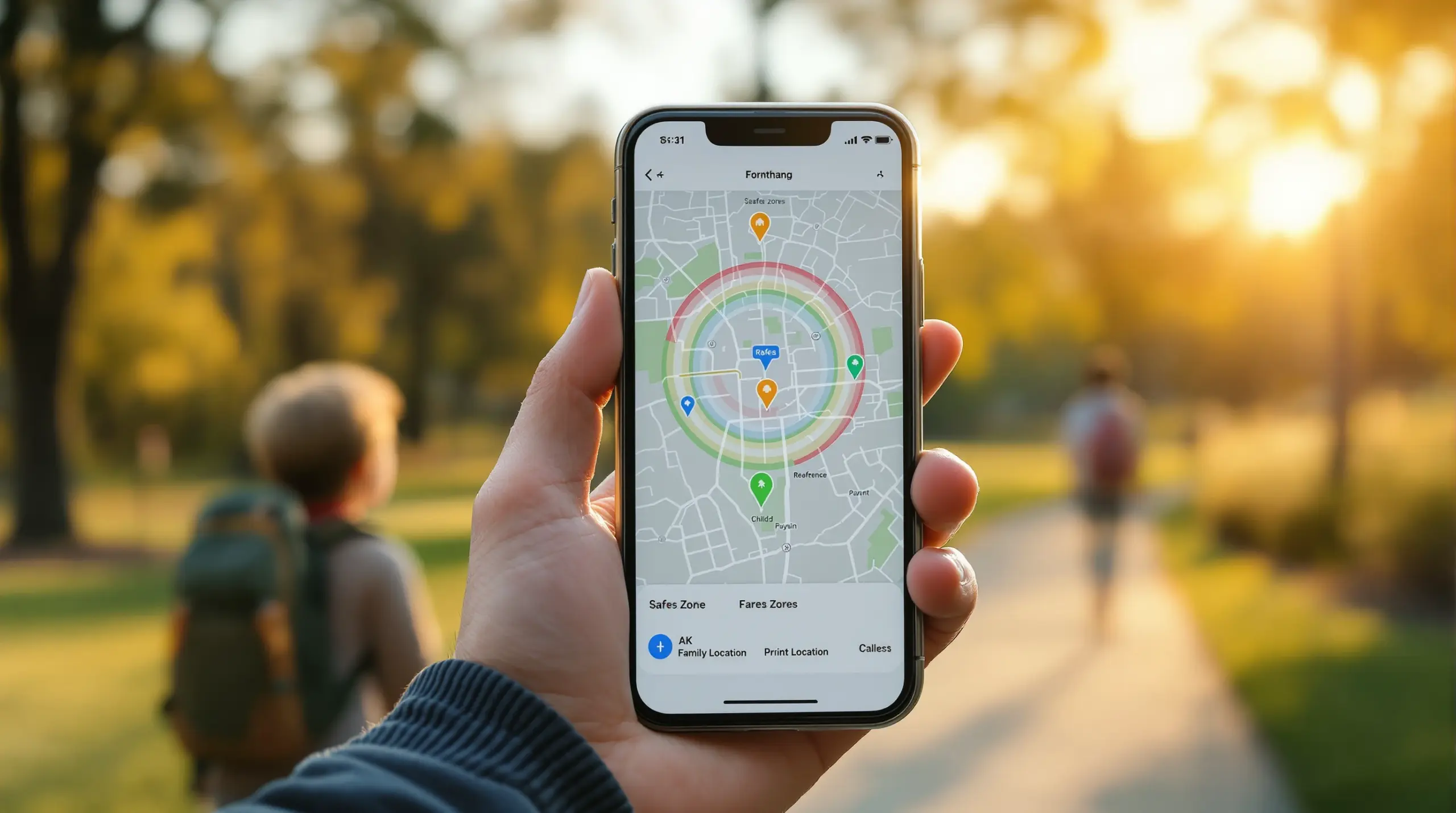
A family locator app for iPhone helps parents track their child’s real-time location, set geofence alerts, and stay connected to their kids’ safety without constant check-in calls – here’s what to look for and how the best options compare.
Table of Contents
- What Is a Family Locator App for iPhone?
- Key Features to Look for in iPhone Location Tracking Apps
- Understanding iOS Limitations for Parental Location Monitoring
- Why Android Delivers a Stronger Family Locator Experience
- Your Most Common Questions
- Comparing Family Location Tracking Approaches
- How Boomerang Parental Control Supports Family Location Safety
- Practical Tips for Setting Up Family Location Monitoring
- The Bottom Line
- Sources & Citations
Article Snapshot
A family locator app for iPhone is a mobile application that lets parents monitor a child’s real-time GPS position, receive geofence arrival and departure alerts, and review location history – all from a parent’s device. Choosing the right app means understanding both what iOS allows and where Android-based tools provide deeper parental oversight.
family locator app for iphone in Context
- Leading location-tracking apps update a child’s position every 5-10 minutes for near-real-time family monitoring (SafetyDetectives, 2026)[1]
- Top-rated apps store a child’s location history for up to 30 days, giving parents a full movement timeline (SafetyDetectives, 2026)[1]
- Apple’s Family Sharing location feature works across iPhone, iPad, and Mac – three device platforms – through a single account (Apple Support, 2024)[2]
- The best apps offer 24/7 location tracking coverage so parents are never without a current position update (SafetyDetectives, 2026)[1]
What Is a Family Locator App for iPhone?
A family locator app for iPhone is a dedicated mobile application that uses GPS and network data to share a child’s real-time device position with a parent’s phone. Unlike basic phone-finder tools, parental-grade location apps combine live map views with geofence boundaries, location history logs, and automatic alerts – giving families practical, passive safety oversight without requiring the child to remember to check in.
Boomerang Parental Control is one solution that addresses this need directly, combining location tracking and geofencing with broader digital safety tools for Android and, with limited features, iOS child devices. Understanding what a quality location app actually does helps parents choose the right level of protection for their family’s situation.
START YOUR FREE TRIAL
Take control of screen time—free for 14 days, cancel anytime.




At the core of every family GPS tracker is a location-sharing agreement between a parent device and a child device. On iPhone, this is managed through built-in Apple services or third-party apps installed on both phones. The parent opens a dashboard – a map – and sees where their child is right now, where they have been, and receives a push notification when their child crosses a geofence boundary like the perimeter of a school or sports field.
For parents of pre-teens getting their first device, this kind of child location monitoring creates an immediate safety net without requiring constant texting. For parents of teenagers, passive location confirmation reduces the need for intrusive check-in calls that damage trust. The technology handles the safety layer so the parent-child relationship can focus on communication rather than surveillance.
Real-time location sharing works differently depending on whether the child’s device is Android or iPhone. iOS places stricter permissions on background location access, which affects how frequently a third-party family locator app for iPhone updates a child’s position. Understanding those platform differences is important before choosing an app.
Key Features to Look for in iPhone Location Tracking Apps
The most effective iPhone location tracking apps share a consistent set of features that separate genuinely useful parental tools from basic phone-finding utilities. Knowing what to prioritize helps you avoid paying for an app that only does half the job.
Real-time GPS tracking is the foundation. The best apps update a child’s position frequently enough to be useful – leading solutions provide position updates every 5-10 minutes for near-real-time family monitoring (SafetyDetectives, 2026)[1]. That cadence means if your child takes an unexpected detour after school, you will see it within minutes rather than hours.
Geofencing and arrival alerts turn passive tracking into active safety notifications. You draw a digital boundary around a location – school, home, a friend’s house – and the app sends an alert automatically when your child arrives or leaves. This removes the need to watch the map constantly. You simply receive a notification that says your child arrived at school at 8:14 a.m. and left at 3:32 p.m.
Location history provides a timeline of everywhere the child’s device has been. Top-rated apps store this data for up to 30 days (SafetyDetectives, 2026)[1], which is genuinely useful if a concern surfaces later and you need to understand movement patterns over time rather than just the current position.
Cross-platform parent dashboard matters because many households are mixed-device families. You monitor your child’s iPhone from your own Android phone, or the reverse. An app that works cleanly on both operating systems ensures neither parent is locked out of safety information.
Additional Features Worth Evaluating
Beyond the core tracking functions, look for apps that integrate location safety with broader digital parenting tools. A child location monitoring solution that also handles screen time scheduling, app approval, and content filtering means you manage your child’s entire digital environment from one platform rather than juggling multiple apps and subscriptions. Apps that include 24/7 location tracking coverage ensure parents always have a current position update available (SafetyDetectives, 2026)[1].
Tamper protection is another important consideration. If your child can simply turn off location sharing or uninstall the app, the safety net disappears the moment they decide they want privacy from you. Look for apps that make it difficult for the child to disable tracking without a parental PIN.
Understanding iOS Limitations for Parental Location Monitoring
iPhone’s privacy architecture creates real constraints for third-party family safety apps, and parents deserve a clear picture of what those constraints mean before they commit to an iOS-based location tracking solution.
Apple’s own Family Sharing is the most straightforward location option for iPhone families. It works across iPhone, iPad, and Mac (Apple Support, 2024)[2] and allows parents to share their location with specific family members in the group. As Apple’s support documentation states, parents can choose “specific family members to share your location with” and can also “turn on Automatically Share Location so that your location is automatically shared with new family members that join later” (Apple Support, 2024)[2]. This is a useful starting point, but it is a mutual sharing model, not a parental oversight tool.
The key difference is consent and control. Apple’s built-in location sharing requires the child to agree and can be turned off by the child. It does not provide geofencing alerts, detailed location history, or tamper protection. For a young child or a teenager who has already bypassed simpler controls, this is a meaningful gap.
Third-party family locator apps on iPhone face a further structural challenge: iOS restricts how frequently apps access background location data. This is Apple’s privacy-by-design approach, and it is genuinely good for adult users. For parents trying to monitor a child’s position in near-real time, it means iOS location updates from third-party apps are less frequent or less reliable than the same app running on an Android device.
What iOS Does Well for Family Location Safety
Where iOS excels is in ecosystem integration. If your child uses an iPhone, Apple’s Find My network and Family Sharing provide a solid baseline that requires no additional app installation or subscription. For families where the primary concern is simply knowing a child arrived safely at school – not monitoring every movement – the built-in iPhone child GPS tracking tools are sufficient. For families who need more, particularly parents managing a teenager who has already defeated simpler controls, a dedicated third-party app with stronger enforcement is a better fit.
Why Android Delivers a Stronger Family Locator Experience
Android’s open architecture gives parental control apps significantly deeper access to device data, and that difference is directly relevant to families evaluating a family locator app for iPhone versus an Android-based alternative.
On Android, dedicated parental monitoring apps access background location data more consistently, integrate with device-level security frameworks, and provide features that iOS does not permit for third-party developers. This is not a minor technical footnote – it affects the reliability and completeness of the family GPS tracker experience in everyday use.
Boomerang Parental Control’s Android capabilities show this gap clearly. On Android child devices, Boomerang delivers real-time location tracking with up to 30 days of location history, geofencing with automatic arrival and departure alerts, and – critically – Uninstall Protection backed by Samsung Knox integration on supported Samsung devices. That last feature means a tech-savvy teenager cannot simply remove the app and disappear from the map. You can read more about how Boomerang Parental Control is the only parental control app to use Samsung’s Knox, an enterprise mobile security solution pre-installed in most of Samsung’s smartphones and tablets.
On iOS child devices, Boomerang’s location features are available but the depth of enforcement is reduced. iOS does not permit the same level of background process control or device-level lockdown that Samsung Knox provides on Android. Tamper alerts on iOS are notification-only rather than prevention-based. Parents using an iPhone to monitor their child’s iPhone should understand that the strongest parental control feature sets – per-app time limits, YouTube history monitoring, SMS keyword alerts, and uninstall prevention – are Android-only capabilities.
The Practical Implication for Families
If your household is already Android-based, or if you are buying your child their first device, the Android ecosystem provides a materially stronger parental safety platform. If your child already has an iPhone, the most practical approach is to combine Apple’s built-in Family Sharing location tools with a third-party app that adds geofencing, history logging, and the additional digital safety features iOS does permit – content filtering, screen time scheduling, and app management within Apple’s framework.
Independent reviewers have noted the strength of dedicated location apps in the parental control space. According to SafetyDetectives’ review of family locator apps, a leading solution “tracks your child’s location 24/7 and provides accurate location updates every 5-10 minutes, and you can manually check their location instantly if you’re worried about them being late” (SafetyDetectives, 2026)[1]. That kind of consistent coverage is the standard parents should measure any app against.
Your Most Common Questions
Can I use a family locator app for iPhone without my child knowing?
Most reputable family safety apps require installation on the child’s device, which means the child is aware an app is present. On iPhone, Apple’s own Family Sharing location tools require the child to consent to sharing. Third-party apps installed on the child’s phone are visible in their app library. Transparency is recommended for pre-teens and teenagers – research on digital parenting shows that children who understand the boundaries and reasons behind monitoring are more likely to respect them. Using location tracking as an open safety agreement, rather than hidden surveillance, builds trust and reduces the chance your child looks for ways to defeat the app. For families where the concern is a young child who simply does not manage their own device settings, standard app installation on a device you control is sufficient without requiring hidden operation.
Does a family locator app for iPhone work when the child’s phone has no cellular signal?
GPS location apps rely on a combination of GPS satellite data, cellular network triangulation, and Wi-Fi positioning. If a child’s iPhone is completely offline – no cellular signal and no Wi-Fi – most apps will show the last known position rather than a live update. Apple’s Find My network has an offline finding feature that uses Bluetooth signals from other Apple devices nearby to approximate a location, but this is a passive ping rather than active location sharing. For third-party family location apps, consistent cellular or Wi-Fi connectivity is needed for reliable real-time updates. Most children in urban and suburban North American environments maintain enough connectivity for apps to update regularly. If your child regularly visits areas with poor signal, look for an app that clearly displays when the last update was received so you know whether you are seeing a live position or a cached one.
What is the difference between Apple’s Find My and a dedicated family locator app for iPhone?
Apple’s Find My is a built-in service designed for device recovery and voluntary location sharing between adults and family members. It shows a family member’s current position on a map and notifies you when someone arrives or leaves a location, but it is a mutual, consent-based system. Either party can stop sharing at any time. A dedicated family locator app for iPhone goes further by adding structured parental oversight features: persistent geofencing with automatic alerts, location history logs covering weeks of movement, tamper detection if location sharing is disabled, and – in full-featured parental control apps – integration with screen time controls, content filtering, and app management. For parents of young children or teenagers who need firm boundaries rather than voluntary sharing, a dedicated parental control app provides the enforcement layer that Find My does not. Find My is a great starting point; a dedicated app is the next level when you need more than location pins on a map.
How does geofencing work in a family location safety app?
Geofencing lets you draw a virtual boundary around a real-world location – your child’s school, your home address, a grandparent’s house, or a sports field. When the child’s device enters or exits that boundary, the app sends you an automatic push notification. You do not need to watch the map; the alert comes to you. Setup is straightforward: you search for an address or drop a pin on a map, set the radius of the boundary (from a few hundred feet to a mile), and give it a name. The app then monitors the child’s GPS position continuously and triggers the alert when the device crosses the boundary line. For busy parents, geofencing is one of the most practically useful features in any child location monitoring app because it converts passive tracking into active safety alerts – you stay informed without having to check the app manually throughout the day.
Comparing Family Location Tracking Approaches
Parents choosing between location options face a meaningful difference in depth and reliability depending on the platform and approach they select. The table below compares the four main methods families use for iPhone child location monitoring, from built-in Apple tools to full parental control platforms.
| Approach | Real-Time Location | Geofencing Alerts | Location History | Tamper Protection | Additional Safety Features |
|---|---|---|---|---|---|
| Apple Family Sharing (built-in) | Yes – live map | Arrive/Leave alerts | Limited | None – child can disable | Screen Time (manual) |
| Apple Find My (built-in) | Yes – live map | Arrive/Leave alerts | None | None – mutual consent | Device finding only |
| Third-party family locator app for iPhone (iOS only) | Yes – varies by app | Yes – customizable | Up to 30 days (SafetyDetectives, 2026)[1] | Notification-only on iOS | Varies – content filtering, screen time |
| Full parental control app on Android (e.g., Boomerang) | Yes – consistent updates | Yes – automatic alerts | Up to 30 days | Strong – Knox-level on Samsung | App approval, YouTube history, SMS monitoring |
How Boomerang Parental Control Supports Family Location Safety
Boomerang Parental Control brings real-time location tracking and geofencing together with a full suite of digital safety tools – and it is designed for parents who want comprehensive oversight, not just a dot on a map. Boomerang Parental Control – Taking the battle out of screen time for Android and iOS delivers location features that work within the parent app regardless of whether you use an iPhone or Android device to monitor your child.
For families with Android child devices, Boomerang’s location capabilities are particularly strong. Real-time GPS tracking shows your child’s current position, geofencing sends automatic alerts when your child arrives at or leaves set locations like school or home, and up to 30 days of location history gives you a full movement timeline whenever you need it. These features sit alongside screen time scheduling, per-app limits, YouTube App History Monitoring, and Call and Text Safety – all managed from one parent dashboard.
For families with iPhone child devices, Boomerang supports location tracking and scheduled screen time within Apple’s framework. The geofencing and location history features are available, though – as with all third-party apps on iOS – the depth of enforcement is less than what is possible on Android. Content filtering through SPIN Safe Browser – Safe web browsing for Boomerang Parental Control works on both platforms without requiring a VPN or router configuration, making it one of the most practical cross-device safety tools available to families.
Two Boomerang users describe the real-world difference the app makes. “I have control back over my child’s phone and applications because she managed to circumvent family link. I have no idea how she did that but she managed to find a way, as did other kids. That was a major frustration for us. But now with Boomerang, I can manage her time, what applications she uses and what sites she visits.” – Joe Eagles, Google Play review
“Hey fellow parents, So far this the best parental control app .. hands down. So far the only app my 11 year old was not able to bypass. Big Shout out to developers for making such a great app.” – Jason H, Google Play review
Subscriptions are available annually for a single device or as a Family Pack covering up to 10 child devices – a practical option for households managing multiple phones and tablets. Explore the Boomerang Parental Control screen time features to see how scheduling and limits work alongside location safety in one platform.
Practical Tips for Setting Up Family Location Monitoring
Setting up a family locator app for iPhone or Android works best when you approach it as a structured process rather than a quick install. These steps help parents get consistent, reliable results from day one.
Have an honest conversation before installing. Children who understand why location sharing is in place – safety, not surveillance – are significantly less likely to look for ways to defeat it. Frame it as a safety agreement: you know where they are so you do not have to call constantly, and they gain independence because the app handles the check-in automatically.
Set up geofences for the locations that matter most first. Start with school, home, and any regular after-school destination. These three boundaries cover the majority of weekday movement and deliver the most immediately useful alerts. You can add more locations as your child’s schedule expands.
Enable location history from the start. Even if you do not check it daily, having a movement log available means you have a reference point if a concern comes up later. Many apps store up to 30 days, which covers a full month of after-school routines and weekend activities.
Test the geofence before relying on it. Walk the boundary yourself or have your child travel to the geofenced location the day you set it up. Confirm the alert arrives on your phone and the timing is what you expect. Testing once builds confidence that the system works before you need it to.
Check the tamper protection settings on Android devices. If your child uses a Samsung Android device, review whether Boomerang Parental Control’s Samsung Knox integration is active. Knox-level uninstall protection is one of the most important features for parents of teenagers who have previously bypassed simpler tools. On non-Samsung Android devices, use the sideload installation option available from the Boomerang Android sideload download page to access app removal protection.
Review location history weekly rather than hourly. Checking every hour creates anxiety and erodes trust with your child. A weekly review of movement patterns – combined with geofence alerts for unexpected departures – gives you the safety oversight you need without turning location tracking into constant monitoring. Use the data to start conversations, not to confront.
The Bottom Line
A family locator app for iPhone gives parents a reliable, passive safety layer – real-time positioning, geofence alerts, and location history – without requiring constant phone calls or check-ins. Apple’s built-in Family Sharing tools provide a useful starting point for many families, but parents who need stronger enforcement, tamper protection, or deeper digital oversight will benefit from a dedicated parental control platform.
Android child devices consistently enable more comprehensive parental safety features than iOS, including Knox-level uninstall protection on Samsung devices and a full set of monitoring tools that go well beyond location tracking. If your family is choosing a first device for a child, the Android ecosystem gives you significantly more safety tools to work with.
Boomerang Parental Control combines family GPS tracking, geofencing, screen time scheduling, content filtering, and app management in one platform built specifically for parents. To get started or learn more, reach out at [email protected] or visit the Boomerang help portal at https://community.useboomerang.com/hc/en-us/requests/new.
Sources & Citations
- 5 Best Family Locator Apps for iPhone and Android in 2026. SafetyDetectives.
https://www.safetydetectives.com/blog/best-family-locator-apps-for-iphone-and-android/ - Share your location with your Family Sharing group. Apple Support.
https://support.apple.com/en-us/105107
START YOUR FREE TRIAL
Take control of screen time—free for 14 days, cancel anytime.
