
22
Apr
2026
Best Location Sharing App for Family Safety
April 22, 2026
Choosing the right location sharing app for family use helps parents stay connected to their children’s whereabouts, reduce daily safety anxiety, and build trust through transparent, age-appropriate oversight.
Table of Contents
- What Is a Location Sharing App for Family?
- How Family Location Sharing Works
- Key Features to Look For
- Limitations and Privacy Considerations
- Frequently Asked Questions
- Comparison: Family Location Sharing Options
- How Boomerang Parental Control Supports Family Safety
- Practical Tips for Families
- The Bottom Line
- Sources & Citations
Article Snapshot
A location sharing app for family is a mobile tool that lets parents and children see each other’s real-time GPS position within a private group. It supports physical safety, reduces check-in calls, and works best alongside broader parental controls for a complete digital safety strategy.
location sharing app for family in Context
- 70% of households using location-sharing apps prioritize security as their primary reason for adoption (Gigabit IQ, 2025)[1]
- About two-thirds (66.67%) of parents using parental controls have discussed digital security with their children (Gigabit IQ, 2025)[1]
- Life360, founded in 2008, is one of the most widely used family location platforms, with paid tiers starting at $4.99 per month (Family1st.io, 2025)[2]
- Glympse allows temporary real-time location sharing in sessions ranging from 5 minutes to 12 hours (Gigabit IQ, 2025)[1]
What Is a Location Sharing App for Family?
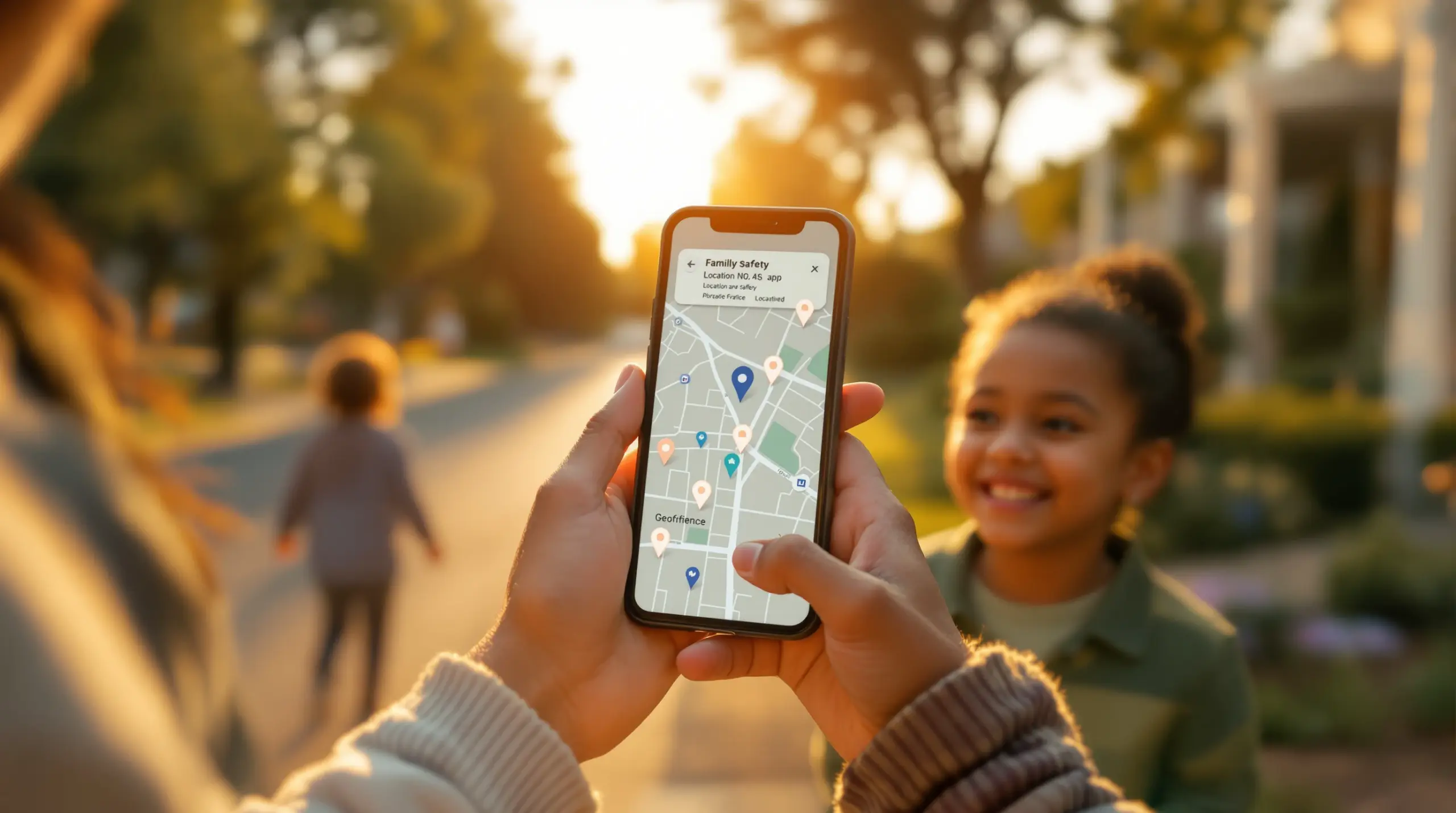
A location sharing app for family is a dedicated mobile application that displays the real-time GPS position of each family member within a closed, private group – giving parents instant visibility into where their children are without needing to call or text. Unlike general mapping tools, these apps are built specifically for ongoing family use, with features like arrival alerts, location history, and geofenced zones tied to meaningful places like school or home.
Boomerang Parental Control includes built-in Location Tracking and Geofencing as part of its broader suite of child safety tools, making it a strong choice for families who want location awareness alongside screen time management and content filtering on Android devices.
START YOUR FREE TRIAL
Take control of screen time—free for 14 days, cancel anytime.




The core value of a dedicated family location app is passive safety confirmation. Parents receive automatic alerts when a child arrives at or leaves a set location, removing the need for repeated check-in calls that feel intrusive to older children. This passive approach also supports trust-building: children know their location is visible, which encourages accountability without constant parent-child friction.
The distinction between a family location tool and a parental control app matters. Location apps focus on where a child physically is. Parental control apps – like Boomerang – address what a child is doing on their device: which apps they use, what websites they visit, how much screen time they consume, and who they communicate with. Many families benefit most from using both together.
Families in the United States and Canada increasingly rely on GPS family tracking as a standard safety practice, particularly for children who are old enough to travel independently but not yet ready for unrestricted freedom. This guide walks through how these apps work, what features matter most, what their limitations are, and how to choose the right solution for your household.
How Family Location Sharing Works
Family location sharing apps use a combination of GPS, cellular network data, and Wi-Fi signals to determine and transmit a device’s position to authorized family members in real time. The child installs the app on their device, joins a shared family group, and their location is continuously updated on a map visible to the parent – typically on a companion parent app or web dashboard.
Most apps update location at regular intervals rather than continuously streaming live data, which balances accuracy with battery impact. Premium tiers offer more frequent refresh rates. Some apps – like Glympse – work on a temporary timer model, sharing location for a set session between 5 minutes and 12 hours (Gigabit IQ, 2025)[1] rather than maintaining an always-on connection. This suits specific situations, such as when a teenager is heading to a friend’s house, without requiring permanent ongoing tracking.
Geofencing is one of the most practical features in GPS family tracking tools. Parents draw a virtual boundary on the map around a specific address – a school, a sports field, a grandparent’s house – and receive a push notification the moment the child’s device enters or exits that zone. This eliminates the need for children to remember to send a “just arrived” text, which is something that often gets forgotten.
Location history is another commonly offered feature. Rather than only seeing where a child is right now, parents review the route their child traveled throughout the day – useful for spotting patterns, confirming regular routines, or investigating a concern after the fact.
Location Sharing vs. Full Device Monitoring
Pure family location apps show you where your child is physically located. They do not show you what apps your child is using, what websites they are visiting, or who is messaging them. Boomerang Parental Control goes beyond simple location tracking by combining geofencing and real-time location history with call and text safety monitoring, YouTube App History Monitoring, and app-level controls – features available on Android devices that address the full picture of a child’s digital safety, not just their physical whereabouts.
For families who have handed a child their first Android smartphone, pairing a location app with a full parental control solution covers both the physical and digital dimensions of safety in a single daily routine.
Key Features to Look For in a location sharing app for family
Selecting the right family location sharing solution means evaluating features against your family’s specific needs, your children’s ages, and the devices in your household. Not all apps offer the same depth of control, and the differences matter when your child is a tech-savvy teenager rather than a young child just starting out with a first phone.
The most important features to assess include the following areas.
Real-time GPS tracking is the foundation of any family locator app. Look for how frequently the location refreshes and whether that refresh rate is adjustable. A 5-minute update interval is sufficient for routine use, but parents who want tighter confirmation during active travel will want a shorter cycle.
Geofencing with automatic alerts is where location apps deliver their biggest practical value. The ability to set digital boundaries around school, home, and after-school activity locations – and receive an instant notification when a child arrives or departs – removes the dependency on children remembering to check in. Boomerang’s Geofencing feature operates this way, sending automatic alerts based on real device location.
Location history allows parents to review where a child traveled throughout the day, not just where they are at this moment. This is especially useful for families with older children who travel independently, giving parents a record of routine patterns without requiring constant monitoring of a live map.
SOS and emergency alerts are offered by several apps, including dedicated family locators. As the Family Locator Development Team describes it: “In case your kid gets lost, tapping an SOS button will immediately send you its exact GPS location. Set safe and unsafe zones on the map and get notifications when your kid leaves or enters park, playground, school.” (Family Locator, 2026)[3]
Privacy and consent transparency is a factor families often overlook until it becomes a point of conflict. Apps that are transparent about what is tracked and by whom – and that require mutual consent from all users – produce healthier parent-child dynamics than covert monitoring tools. The Find my Phone Family Locator team states their approach clearly: “Family Locator supports only mutual, informed, and transparent usage of location sharing between consenting parties – such as family members and close contacts.” (Find my Phone – Family Locator, 2026)[4]
Cross-platform support matters for families with a mix of Android and iOS devices. Some apps work more reliably or offer deeper features on one platform than the other. Boomerang Parental Control is built Android-first, with richer controls available on Android devices; location tracking and geofencing are available on both platforms.
Limitations and Privacy Considerations
Family location sharing apps are useful tools, but they come with real limitations that parents should understand before relying on them as their sole safety strategy. Knowing where your child is does not tell you what they are doing online, who they are communicating with, or what content they are consuming. For complete digital safety, location tracking needs to work alongside content filtering, screen time management, and communication monitoring.
Battery drain is a practical concern. Always-on GPS tracking consumes meaningful battery power on child devices. Some apps address this with adaptive refresh rates or Wi-Fi-based location approximation when GPS is unavailable, but parents should expect that continuous location tracking will require regular device charging.
Privacy is a legitimate consideration from both directions. Children – particularly teenagers – resist location sharing as an invasion of their privacy. Research from the SpyDetections Community highlights this tension, noting that built-in tools like Apple’s Find My or Google Maps location sharing are “most recommended for privacy since they’re built-in, free, and don’t add another data collector” (SpyDetections Community, 2025)[5]. Parents using third-party apps should review each app’s data privacy policy carefully and understand what location data is collected, stored, and potentially shared with advertisers.
Location spoofing is a known bypass method among tech-savvy teenagers. Some children use third-party apps to fake their GPS location, making it appear they are at school while they are somewhere else entirely. This is a limitation of any GPS-based location system. Apps with strong uninstall protection – like Boomerang on Android – reduce the risk of children tampering with the monitoring tool itself, but they cannot prevent a determined teenager from using a separate device to spoof location on a basic location app.
Location Sharing Does Not Replace Parental Controls
The most common mistake families make is treating a location app as a complete safety solution. Knowing where your child physically is says nothing about whether they are being cyberbullied, what they are watching on YouTube, whether they are downloading risky apps, or whether a stranger is messaging them. A Boomerang Parental Control – Taking the battle out of screen time for Android and iOS approach addresses all of those concerns together, with location tracking as one component of a broader, integrated safety strategy.
Your Most Common Questions
What is the best free location sharing app for family use?
The best free options depend on your devices. Apple’s Find My app works well for all-iPhone families, offering real-time location sharing within a family group at no cost with no third-party data collection. Google Maps location sharing is a comparable free option for Android households. Both are built-in tools that do not require installing a separate app and are widely trusted for privacy because they do not monetize family data.
For families who want more features – like geofencing alerts, location history, and SOS buttons – dedicated apps like Life360 offer a free tier with basic tracking, with paid upgrades for deeper features starting at $4.99 per month (Family1st.io, 2025)[2]. However, free tiers on third-party apps often come with data sharing practices tied to advertising revenue, so reading the privacy policy before installing is important. For families who want location tracking as part of a broader parental control suite – including screen time and content filtering – Boomerang Parental Control includes geofencing and location history alongside its full range of Android-focused child safety features.
Can my child see that I am tracking their location?
In most family location sharing apps, location sharing is transparent and mutual – both the parent and the child see each other’s location within the shared group. This is by design. Apps built for family use, as opposed to covert monitoring tools, operate on a consent model where all participants are aware they are in a shared location circle. This transparency is recommended by child safety experts because it builds trust and accountability rather than creating a secretive monitoring dynamic that damages the parent-child relationship.
Boomerang Parental Control takes a transparent approach as well. Your child knows the app is installed on their device, and they know rules are being enforced. The key differentiator is that Boomerang’s Uninstall Protection on Android ensures the child cannot simply delete the app and remove visibility – the rules and the monitoring stay in place even when the child would prefer otherwise. This combination of transparency and tamper resistance creates accountability without secrecy, which produces better long-term behavior outcomes.
Does a family location app work on both Android and iPhone?
Most major family location sharing apps support both Android and iOS, but the depth of features varies significantly between platforms. Life360, Google Maps sharing, and Apple’s Find My all offer cross-platform location visibility, though Find My is primarily designed for Apple devices. Dedicated parental control apps tend to have stronger feature sets on one platform or the other.
Boomerang Parental Control supports both Android and iOS child devices, but it is built Android-first. On Android, you get the full feature set: real-time location tracking with up to 30 days of location history, geofencing with automatic arrival and departure alerts, plus deeper controls like YouTube App History Monitoring, Call and Text Safety, Per-App Limits, and strong Uninstall Protection including Samsung Knox integration on supported Samsung devices. On iOS, location tracking and geofencing are available, but several Android-exclusive features are not supported. If your child uses an Android device, Boomerang delivers a significantly richer safety experience.
How do I stop my child from turning off location sharing?
This is one of the most common frustrations parents face with basic location apps and built-in tools like Google Family Link or Apple Screen Time. A determined child disables location permissions, turns on airplane mode, or simply deletes the app to cut off location visibility. With basic tools, there is little a parent can do to prevent this.
Boomerang Parental Control directly addresses this problem on Android devices. Its Uninstall Protection feature makes it exceptionally difficult for a child to remove or tamper with the app without the parent’s PIN. On Samsung devices, Boomerang Parental Control is the only parental control app to utilize Samsung’s Knox, an enterprise mobile security solution pre-installed in most of Samsung’s smartphones and tablets – giving the app a level of tamper resistance that far exceeds consumer-grade alternatives. As one parent noted in a Google Play review: “Hey fellow parents, So far this the best parental control app .. hands down. So far the only app my 11 year old was not able to bypass.” – Jason H, Google Play review. For iOS, Boomerang sends a notification alert if the app is removed, but full uninstall prevention is an Android-specific capability.
Comparison: Family Location Sharing Options
Different approaches to family location tracking suit different household needs. The table below compares the main options families consider – from built-in free tools to dedicated parental control apps – across the dimensions that matter most to parents making this decision.
| Option | Real-Time GPS | Geofencing Alerts | Uninstall Protection | Screen Time & App Controls | Platform |
|---|---|---|---|---|---|
| Apple Find My | Yes | Yes (basic) | None | No | iOS-primary |
| Google Maps Sharing | Yes | No | None | No | Android & iOS |
| Life360 (paid tiers from $4.99/mo)[2] | Yes | Yes | Limited | No | Android & iOS |
| Boomerang Parental Control | Yes (30-day history on Android) | Yes (automatic alerts) | Strong (Samsung Knox on Android) | Yes – full suite on Android | Android-first; iOS limited |
How Boomerang Parental Control Supports Family Safety
Boomerang Parental Control is a comprehensive child safety platform that treats location awareness as one piece of a broader parental toolkit, rather than a standalone feature. We built Boomerang specifically for Android devices – the platform where families get the deepest control – with location tracking and geofencing included alongside screen time management, content filtering, app approval, and communication monitoring.
Our Location Tracking feature provides real-time device position updates and stores up to 30 days of location history, so you see not just where your child is now, but where they have been. Geofencing lets you draw boundaries around meaningful locations – school, home, a sports field – and receive automatic push alerts the moment your child arrives or leaves. No more waiting for a “just got here” text that never comes.
What sets Boomerang apart from a standalone location app is everything that runs alongside it. On Android, you also gain visibility into your child’s YouTube viewing history, alerts for inappropriate keywords in text messages, call monitoring, per-app screen time limits, and the ability to designate educational apps as always-accessible even when daily screen time is used up. You can learn more about our Boomerang Parental Control – screen time features and how they complement location safety.
Our Uninstall Protection – reinforced by Samsung Knox integration on supported Samsung devices – ensures your safety settings stay active even when a tech-savvy child would prefer they didn’t. This is a consistent point of difference that parents notice: “I have control back over my child’s phone and applications because she managed to circumvent family link. I have no idea how she did that but she managed to find a way, as did other kids. That was a major frustration for us. But now with Boomerang, I can manage her time, what applications she uses and what sites she visits.” – Joe Eagles, Google Play review.
Independent reviewers have also recognized Boomerang’s value. You can read a detailed Boomerang Parental Control software review on TechRadar for a third-party perspective on the platform’s capabilities. Boomerang is available for Android via Google Play or by sideload download for Android devices, with subscriptions available for single devices or a Family Pack covering up to 10 child devices.
Practical Tips for Families Using Location Sharing
Getting the most from a family location app requires a thoughtful approach – both in setup and in how you talk to your children about why you are using it. Here are the practices that produce the best outcomes for families.
Have the conversation before you enable tracking. Children who understand why location sharing is in place – safety, not surveillance – are more likely to cooperate with it and less likely to try to circumvent it. Frame it as a two-way safety tool: just as you can see where they are, they can see where you are. Research supports this: about two-thirds of parents using parental controls have discussed digital security with their children (Gigabit IQ, 2025)[1].
Set up geofences before your child travels independently. Don’t wait until a concern arises. Configure boundaries around school, home, and regular activity locations as part of your initial setup. Automatic arrival alerts will immediately start reducing the number of check-in calls your child needs to make.
Pair location tracking with a full parental control app on Android. Location tells you where your child is. A parental control app tells you what they are doing. For complete visibility, both tools working together – as they do within Boomerang Parental Control – give you the full picture without requiring you to monitor multiple dashboards. You can also add SPIN Safe Browser – Safe web browsing for Boomerang Parental Control for automatic content filtering that works on any network without VPN configuration.
Review location history as a conversation starter, not as evidence. If your child went somewhere unexpected, use the location history to open a calm discussion rather than leading with an accusation. This approach builds trust over time and makes the monitoring relationship feel less adversarial.
Revisit your settings as your child gets older. A setup appropriate for a 10-year-old with their first phone is too restrictive for a 15-year-old building independence. Gradually relaxing controls as your child demonstrates responsibility is a healthy way to use these tools. Boomerang’s Encouraged Apps feature supports this philosophy – you can designate certain apps as always-accessible while maintaining boundaries on entertainment and social media use. An independent review on SafeWise also covers how Boomerang Parental Control balances control with trust-building for families at different stages.
Keep security features active. On Android, ensure Uninstall Protection is enabled from day one, especially for tech-savvy children who may have already bypassed simpler tools. Samsung Knox integration on supported devices provides enterprise-grade tamper resistance that consumer-grade free alternatives cannot match.
The Bottom Line
A location sharing app for family is a practical starting point for keeping children safe – but it is only one layer of a complete digital safety strategy. Knowing where your child is physically located gives you peace of mind about their whereabouts. It tells you nothing about what they are viewing online, who is contacting them, or how much time they are spending on their devices.
For families with Android devices, Boomerang Parental Control brings location tracking and geofencing together with the full set of tools parents actually need: screen time scheduling, app approval, YouTube history monitoring, call and text safety, and tamper-resistant uninstall protection. It is designed to end the daily screen time battles, not just show you a dot on a map.
If you are ready to move beyond basic GPS tracking and give your family a complete safety solution, visit Boomerang Parental Control – Taking the battle out of screen time for Android and iOS or reach out to our team at [email protected] to learn more about how Boomerang fits your family’s needs.
Sources & Citations
- 10 Free Family Locator Apps for Parents’ Peace of Mind. Gigabit IQ, 2025.
https://www.gigabitiq.com/10-free-family-locator-apps-for-parents-peace-of-mind/ - Best Family Tracking Apps for iPhone & Android. Family1st.io, 2025.
https://family1st.io/best-family-tracking-apps-for-iphone-android/ - Family Locator: Homepage. Family Locator, 2026.
https://family-locator.com/index.html - Find my Phone – Family Locator. Google Play, 2026.
https://play.google.com/store/apps/details?id=com.sygic.familywhere.android&hl=en_US - Best apps for family location tracking? SpyDetections Community, 2025.
https://community.spydetections.com/t/best-apps-for-family-location-tracking/91
START YOUR FREE TRIAL
Take control of screen time—free for 14 days, cancel anytime.
