Boomerang Parental Control
Taking the battle out of screen time




The most unique flexible screen time features. Period.
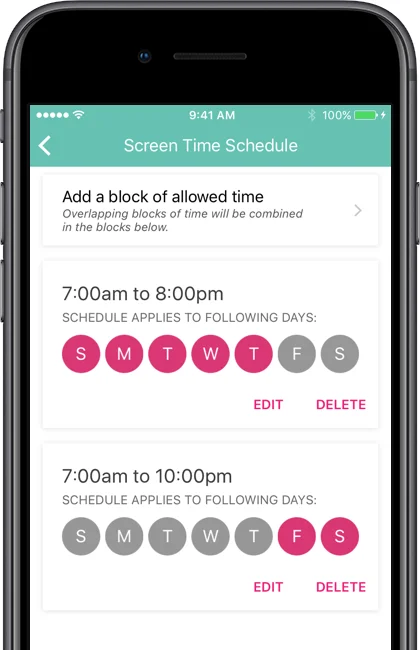
Set it and forget it – weekday and weekend schedules limiting your child’s smartphone access from your parent mobile device.
Bedtimes. Reinforced.
Establish healthy sleep habits for your children. Schedule shutdown times to give you peace of mind that your child is getting uninterrupted sleep.
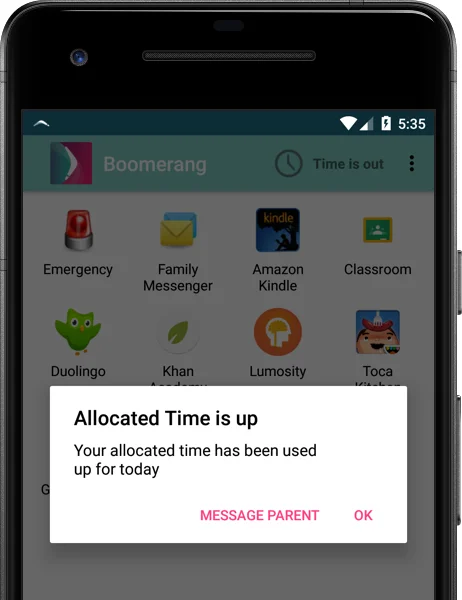
Time Limits. Daily. Per App.
Allocate time limits on your Android device so as to teach children how to prioritize ‘free time” on their phones. Apps will shut down under your authority. Phone remains accessible for emergencies.
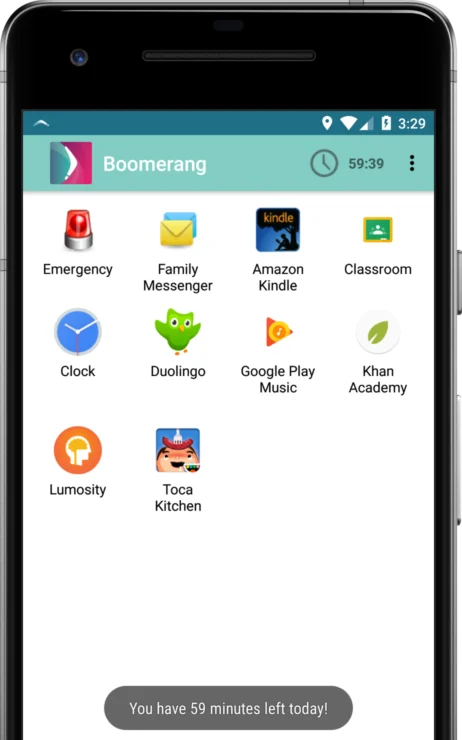
Encourage Good Apps. Anytime.
Encouraged Apps are exempted from time limits. Great for education, reading, podcast or health and safety apps. Parents choose which apps are added to their child’s list.
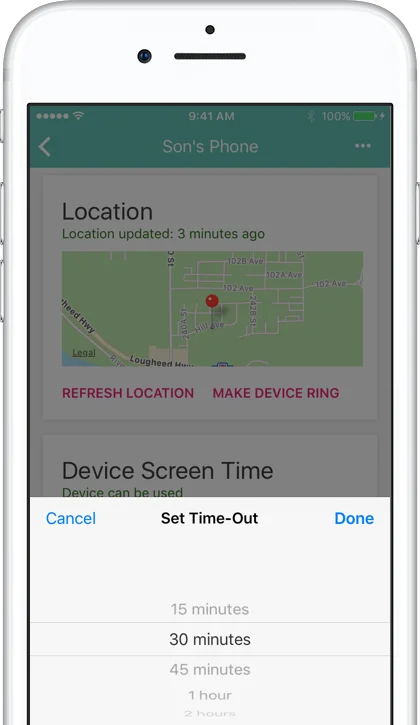
Time-Outs and Time Extensions.
Our Parent Mode provides an easy Time-Out setting. When needed, parents can pause a child’s Android device use or even extend access time.
Learn screen time tips for your family >
Compare Android vs. iOS device features >
13 year olds. With smartphones.
Smartphones have opened up a new world in how our kids communicate – expressing themselves via text, images and video opens challenges for inappropriate content and cyberbullying.
❗️Our Call and Text monitoring safety features are only available for Android smartphones. Downloaded here.
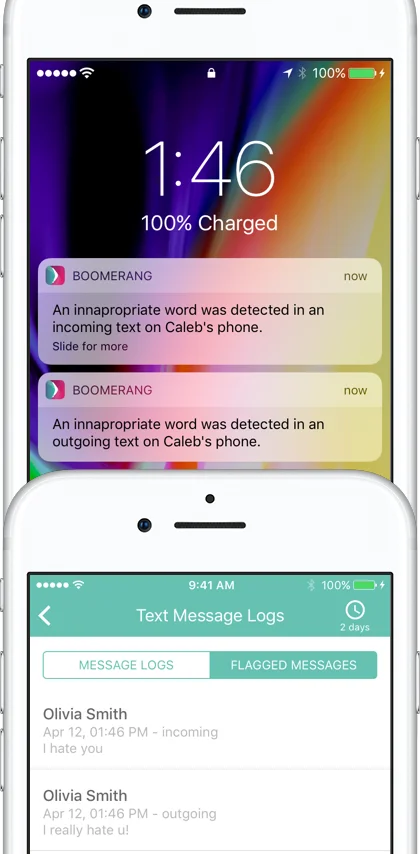
Text Messages. Monitoring the important words
Android only. Get detailed text logs from your child’s Android phone. Get notified when inappropriate words (keyword detection can be customized) or unknown numbers are detected. Optionally, enable the collection of all text message content. Available here.
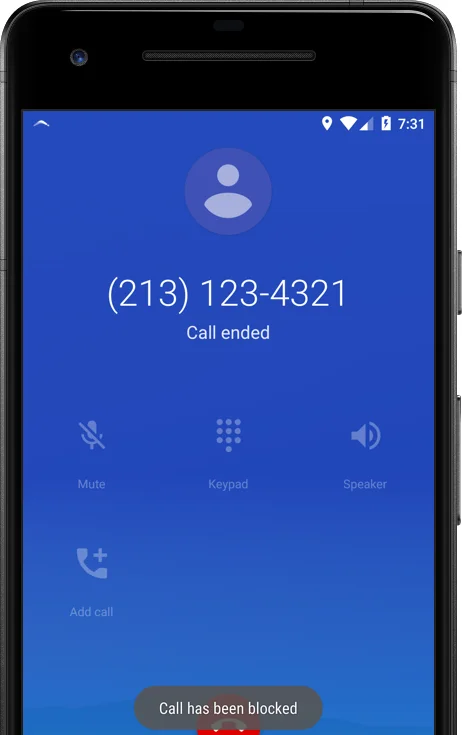
You choose who calls and can be called.
Android only. Allow calls only from their saved contacts. All other numbers get blocked instantly and sent to voicemail, including those marketing calls. Parents can also review their child’s Android phone logs anytime from their Android or iOS device via our Parent Mode reports.
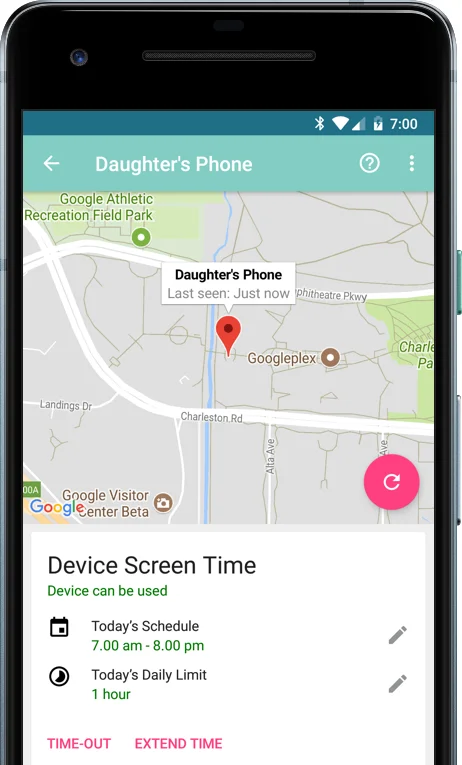
24/7 location tracking.
Your child’s device travels with them. You depend on it for communication. So why not leverage it to get alerts and updates on your child’s whereabouts via their mobile device. Set to report in automatically but you can make it faster or ask for a manual refresh. An active internet connection is required.
Pair family devices with your email.
Creating a group to pair all family devices is simple. Just use one of your parent emails and that is now your group name. No need to create a new email account for your child in order to monitor their activities. Follow our setup steps and pair all devices with your email and password.
App Discovery, Approval & Control.
Get notified when new apps are installed on your child’s Android device and approve or block them from your parent mobile device. Great opportunity to start conversations about your child’s app interests and how they heard about them.
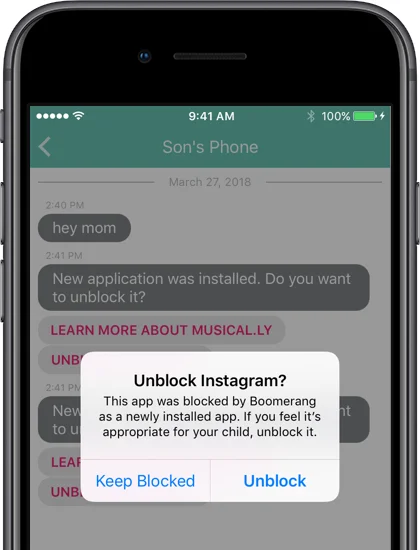
New App Approvals. Be informed.
Android only. Boomerang Parental Control blocks new app installs on your child’s device. You get notified of the new app installs and can keep them blocked or approve them from your iPhone or Android parent device.
Block or Allow any app. On demand too.
Android only. With our Parent Mode app for Android and iOS, parents can block any apps, set daily time limits or allow educational / health apps to work outside of device screen time limits on their child’s Android device.
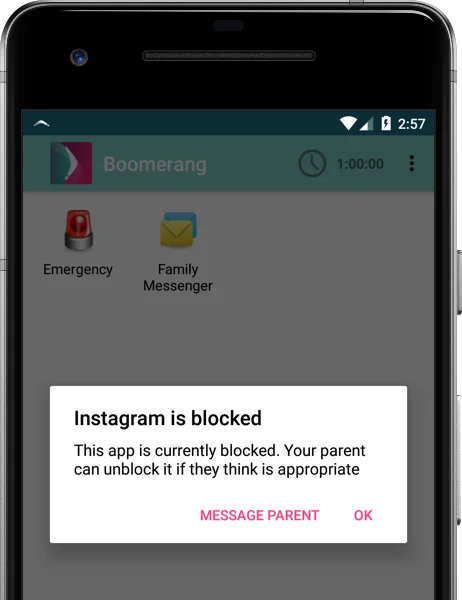
Exclusive monitoring and security.
Boomerang brings unique features that no other parental control apps offer today. Samsung devices that support Knox receive additional controls.
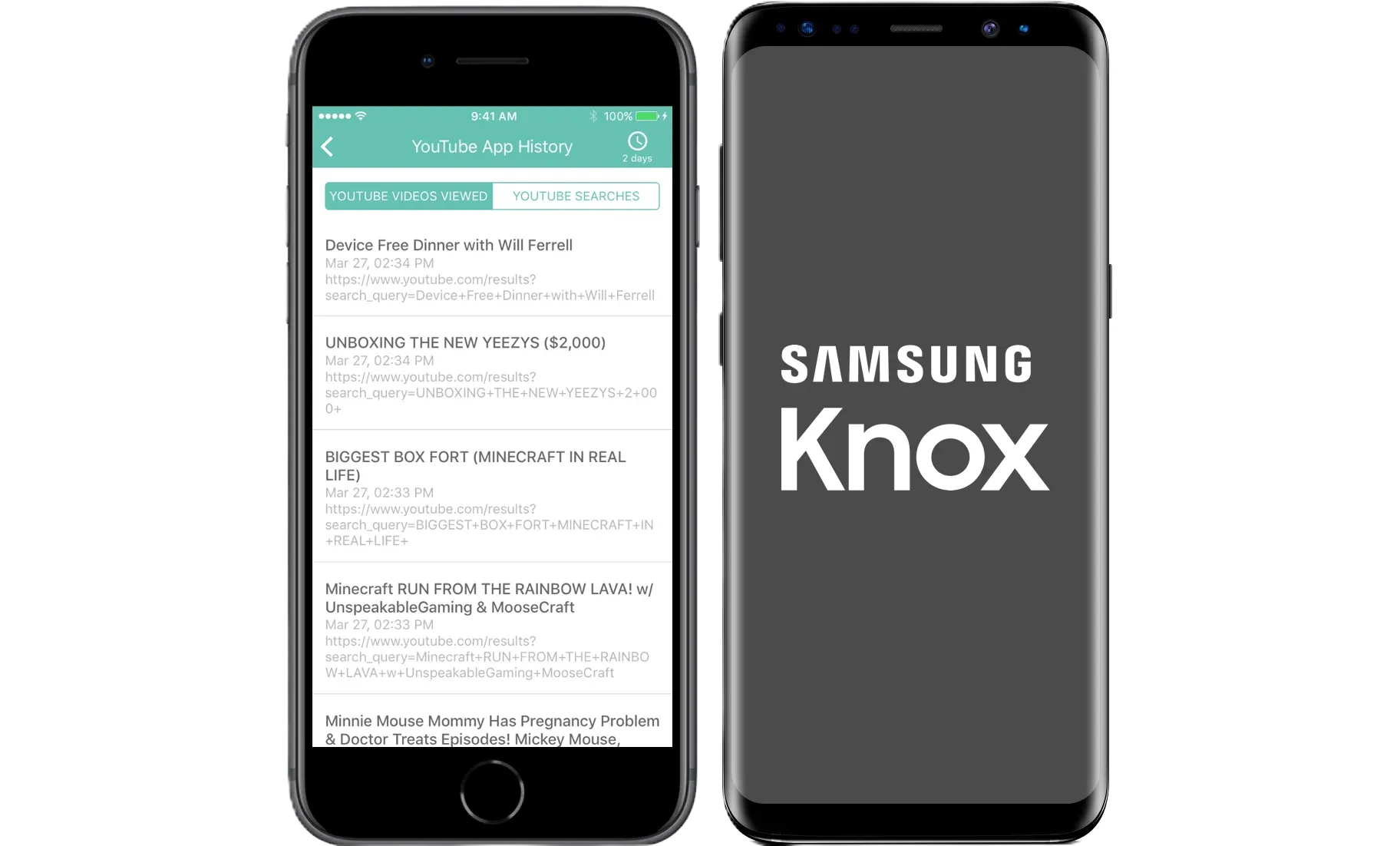
YouTube History & Searches. Included.
Android only. Review your child’s viewing history and searches made in the Android YouTube app (YouTube Kids not required). Tip: Enable restricted mode and block access to the YouTube app’s Settings. Reports can be viewed on an Android or iOS parent device.
Samsung Knox. Built-in.
Boomerang is the only parental control app to utilize Samsung’s Knox, an enterprise mobile security solution pre-installed in most of Samsung devices. It provides security magic!
Safe Browsing is Included for Free.
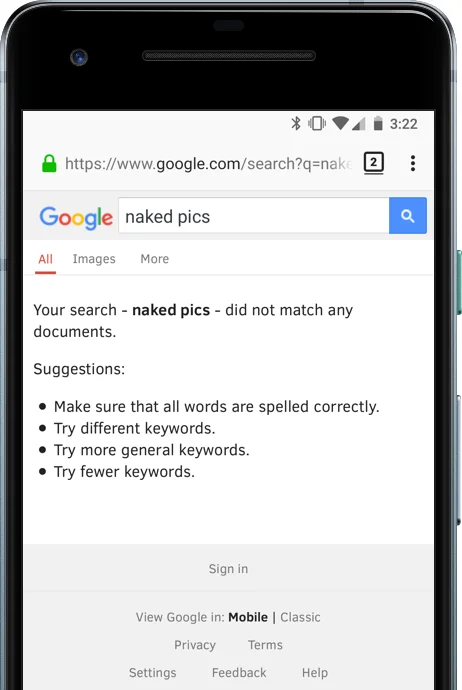
Manage and review your child’s browsing experience with our SPIN Safe Browser. Built-in filtering of millions of inappropriate websites with content ranging from pornography and nudity to the grey areas like many social media platforms, blogging sites and unfiltered search engines. Android users, we filter the Chrome browser too!
Safe Searching.
Search results in leading search engines like Bing, Google and Yahoo are automatically enforced in the strictest setting available. This means your child will see more more appropriate search result and images vs. using Safari or Chrome.
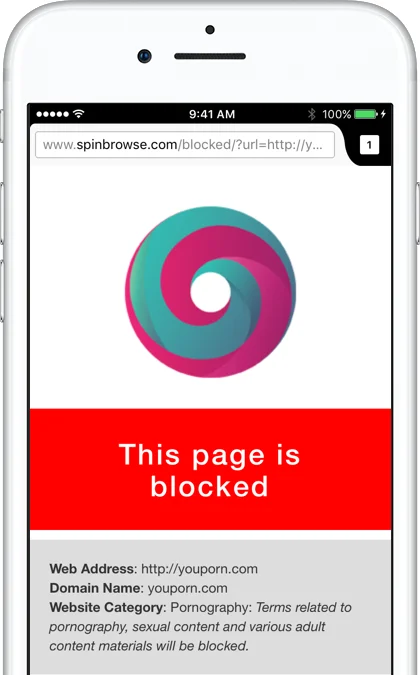
Surf the web. Safely.
With our free SPIN Safe Browser, kids (and adults) can browse the web with a built-in filter for inappropriate websites. Categories such as Pornographic, Nudity, Hate, Violence and other inappropriately flagged websites are blocked, automatically, anywhere on mobile or wifi.
Pricing
Pricing is per child device, per year and can be renewed annually. Parent devices do not require a license. You can purchase via an in-app purchase available via Google Play or App Store. We do not auto-renew your license, we will notify you via email prior to your renewal time.
14-DAY FREE TRIAL
FREE
TRY FOR 14-DAYS
Try all premium features
Android & iOS child devices
Full support during trial
FAMILY PACK *BEST VALUE*
$39.99
USD/10 device licenses/per year
Up to 10 family device licenses
Android smartphones & tablets
Does not auto-renew
SINGLE DEVICE LICENSE
$19.99
USD/per device/per year
Provides one Child Mode License
Available for Android child devices
Does not auto-renew
What Parents (and Kids) Are Saying
Thousands of 5-star reviews from parents—and plenty of 1-star reviews from kids. We’ll let you decide which ones matter more.
Parenting in the Digital Age
From setting healthy boundaries to having tough conversations about online safety—explore articles written by parents, for parents.
7 reasons Android is best as your child’s first smartphone
Customer Stories: Monitoring without overshadowing

How to enable YouTube’s Restricted Mode filter
START YOUR FREE TRIAL
Take control of screen time—free for 14 days, cancel anytime.